Boris FX Mocha Pro is a tracking and rotoscoping tool for editors and VFX artists who need to attach masks or visual elements to moving footage. It fits workflows built around a supported editing or compositing host, with modules for tracking, inserts, removal, stabilization, lens work and 3D camera solving.
Track surfaces and place elements
The planar tracker follows a surface through translation, rotation, scale, shear and perspective changes. Its tracking data can drive corner pins and roto splines. For a screen replacement, import a still or image sequence, or use a clip from the host timeline, then render the insert as a composite or cutout. The Insert module includes controls for blending, color, masks and motion blur.
When a surface bends or deforms, PowerMesh adds sub-planar tracking. It can drive warped inserts, roto shapes and stabilization. In version 2026.5, Point Track ML helps place mesh points when surfaces turn, become obscured, or change under light and shadow. AdjustTrack also has an Auto Nudge option for correcting drifting points.
Roto, cleanup and camera work
Mocha Pro's tracked splines help keep masks attached to moving objects. The Remove module replaces a masked foreground object with background pixels from other frames. A good removal needs a correctly masked foreground and adequate tracked background; a static, locked scene is the exception to the tracked-background requirement.
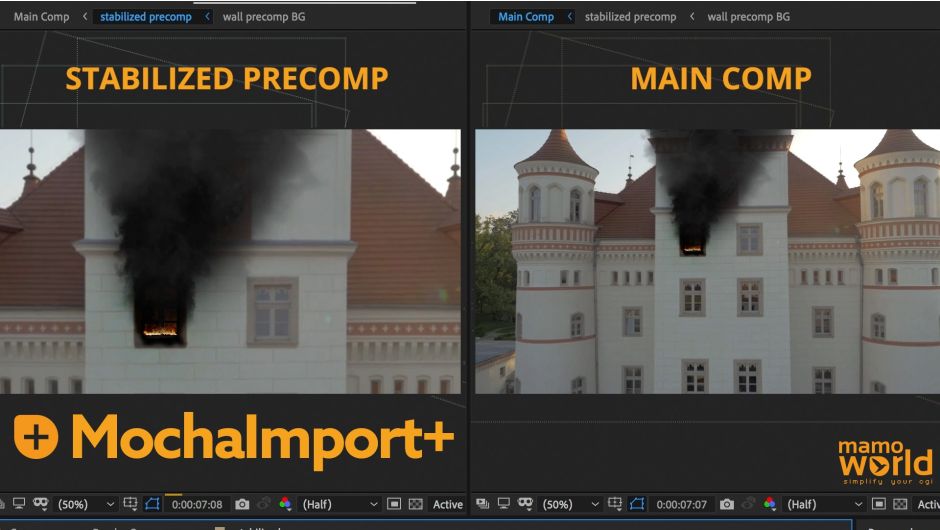
The Stabilize module can lock a tracked area in place to reduce camera jitter or hold a shot steady for cleanup. In VR Mode, the Stabilize module does not support 360 equirectangular footage; use Reorient to stabilize 360 footage. Lens tools calibrate distortion for tracking and compositing. Camera Solve combines planar and PowerMesh tracks with SynthEyes technology, but solves only rigid objects, not deforming meshes.
Check host and subscription fit
Mocha Pro plug-ins support hosts such as After Effects, Premiere Pro, DaVinci Resolve, Nuke, Fusion, Avid Media Composer, Flame and VEGAS Pro. Supported host and operating system versions vary, so check the current compatibility list for your setup. Boris FX groups plug-in licenses by Adobe, Avid and OFX hosts, with a multi-host option for use across those groups. A plug-in session is modal: you work in Mocha and close its interface to return to the host. Boris FX also offers a standalone license option for workflows that need the separate application.
An annual subscription is time-limited, not a perpetual license. Boris FX includes available upgrades during the active subscription term; continued use after the term ends requires renewal. Check the order details for the host entitlement and renewal terms that apply to this purchase.