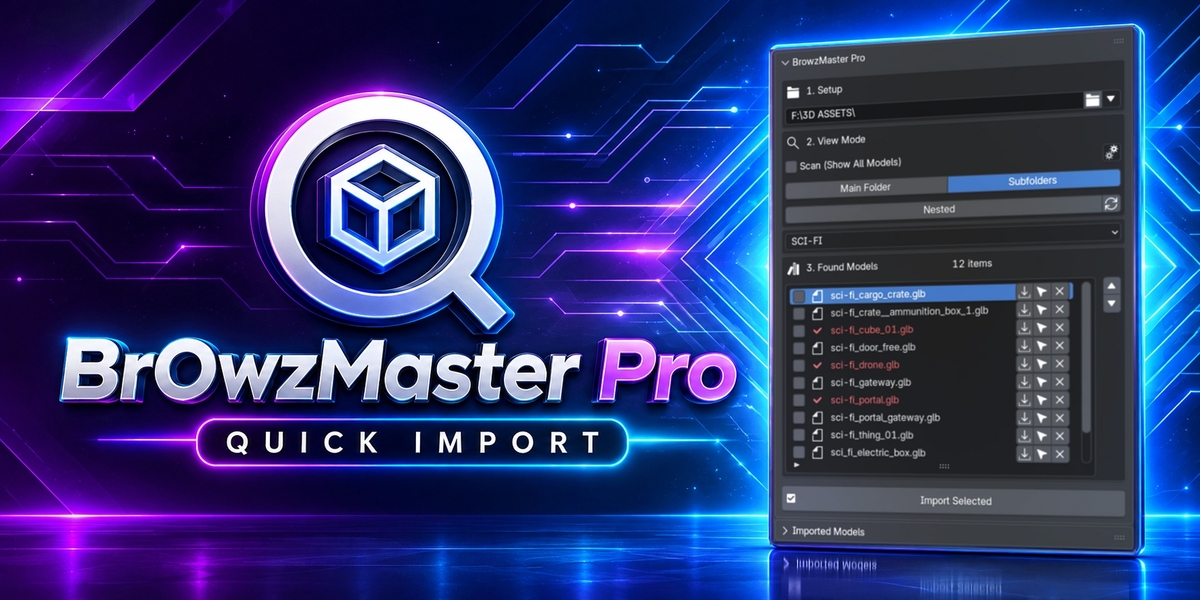
Browzmaster Pro is a Blender add-on for browsing and importing 3D models stored on your hard drive. Its offline browser can scan asset folders, import one model or several at once, and keep imported items available for selection or deletion in the scene.
Formats and importing
The product listing names support for common formats including .obj, .fbx, .abc, .glb, .gltf, .stl, .svg, .bvh, .ply, and .usd. It can display and import different model types in the same workflow.
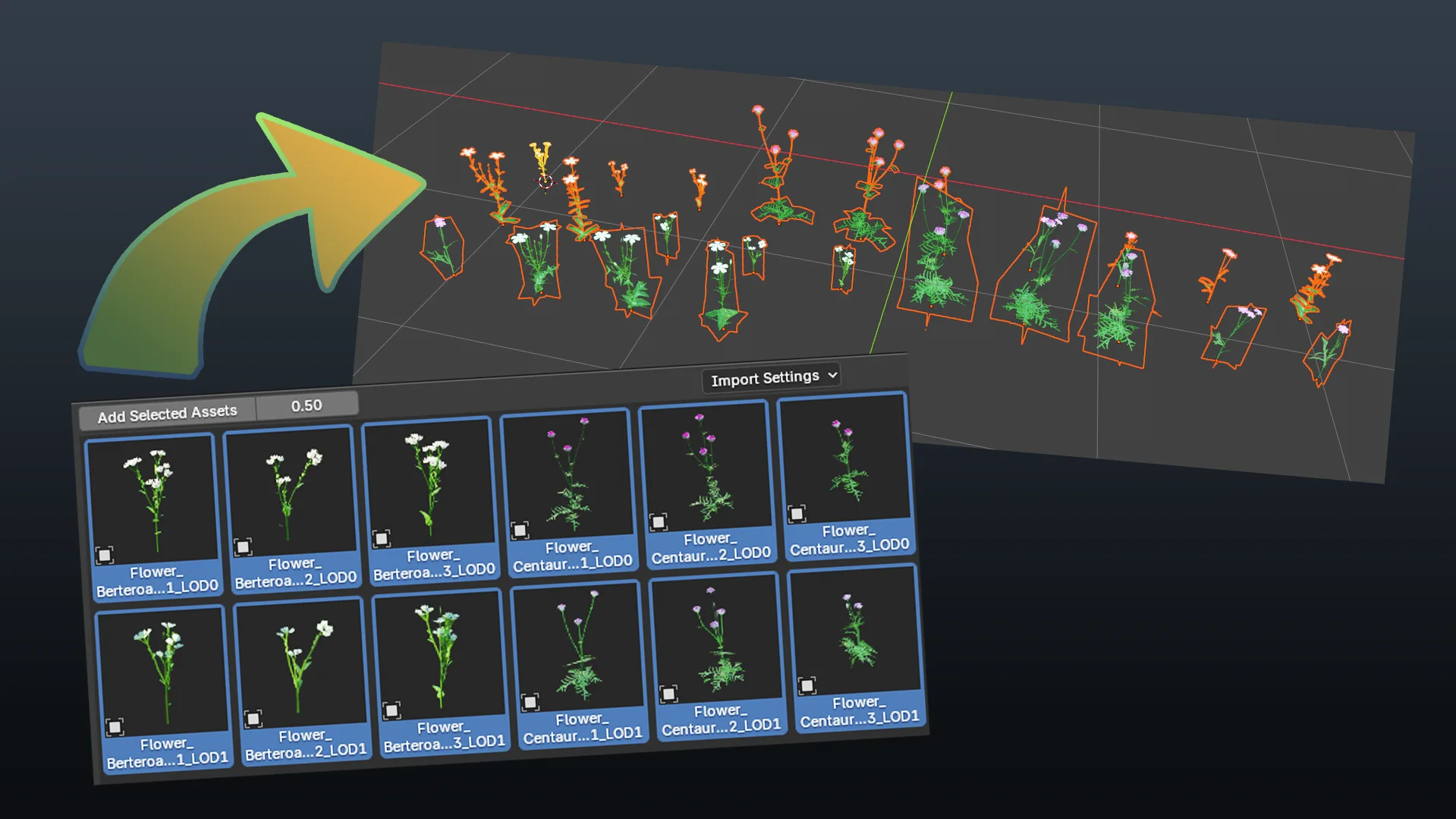
For a single model, click the arrow beside its name. To import several, select them with the checkboxes and click Import. The add-on's documentation describes these steps and the available folder views.
Choose how folders are scanned
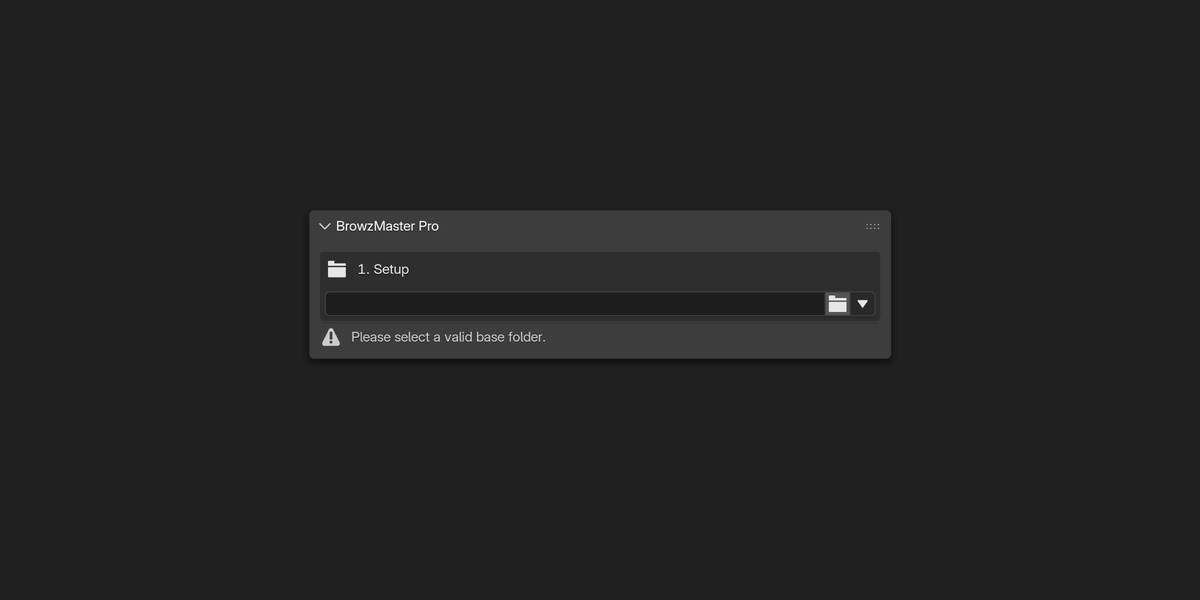
After installing the add-on, choose a base folder containing your asset folders. In Subfolders view, Browzmaster Pro displays the folders beneath that base folder. Other views let you adjust how much of the folder tree it searches:
- Show All Models scans the main folder and includes models inside subfolders.
- Main Folder shows models located directly in the main folder and ignores subfolders.
- Nested Folders includes subfolders and their nested folders.
Scan time depends on the folder's size and the speed of the drive. The documentation says a scan can take from a few seconds to several minutes and can be canceled. Scanning many nested folders may take longer.
Manage models after import
After importing, the Imported Models panel lists the models brought into the scene. Use it to select an imported model or delete it. This suits Blender workflows where assets are stored in local folders and need to be brought into a scene as required.
Compatibility and license
The Superhive listing names Migo pro as the creator, lists Blender versions 3.6 through 5.2, and identifies the license as GPL. Check the listing and documentation for the details that apply to your Blender setup.