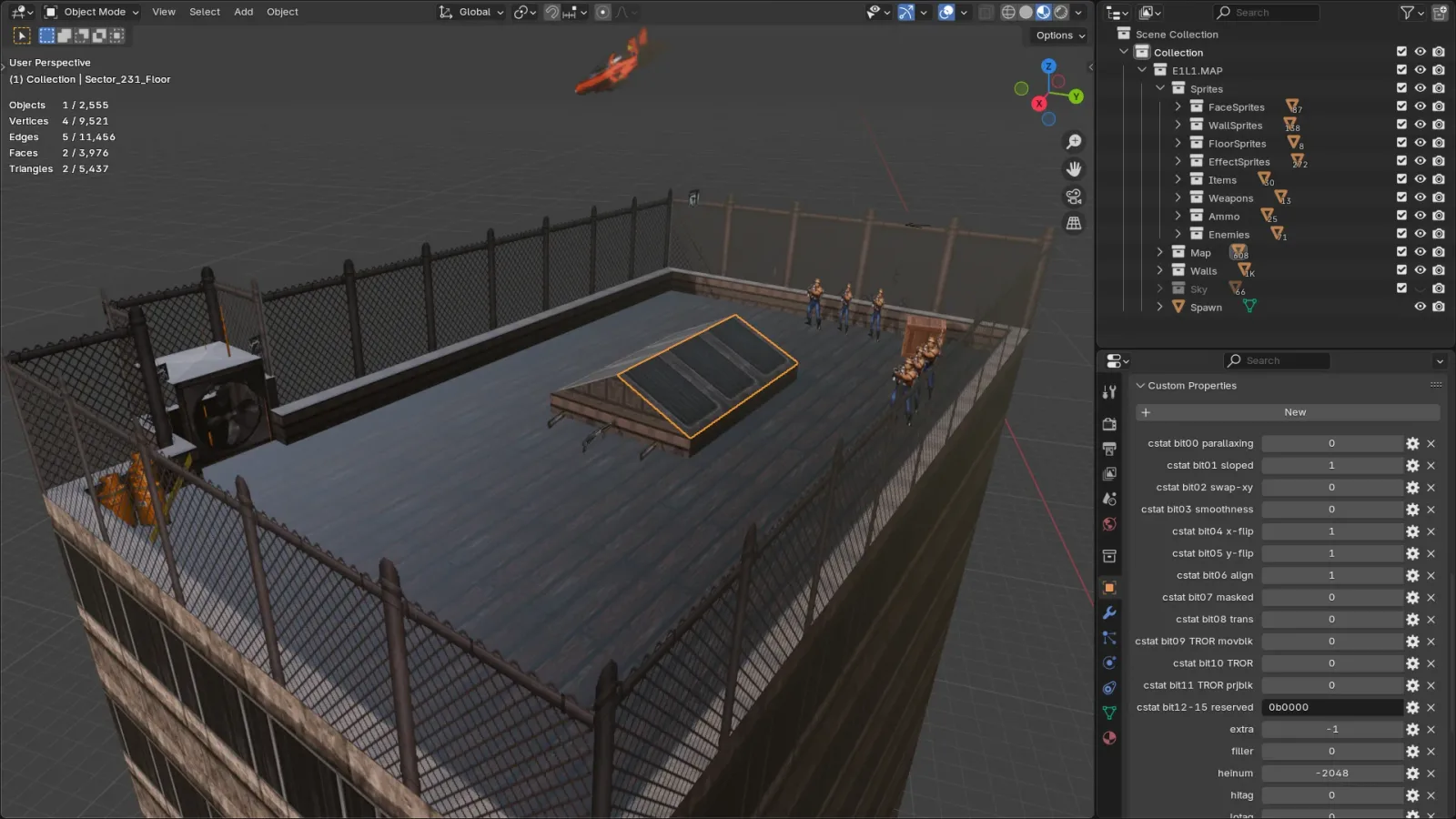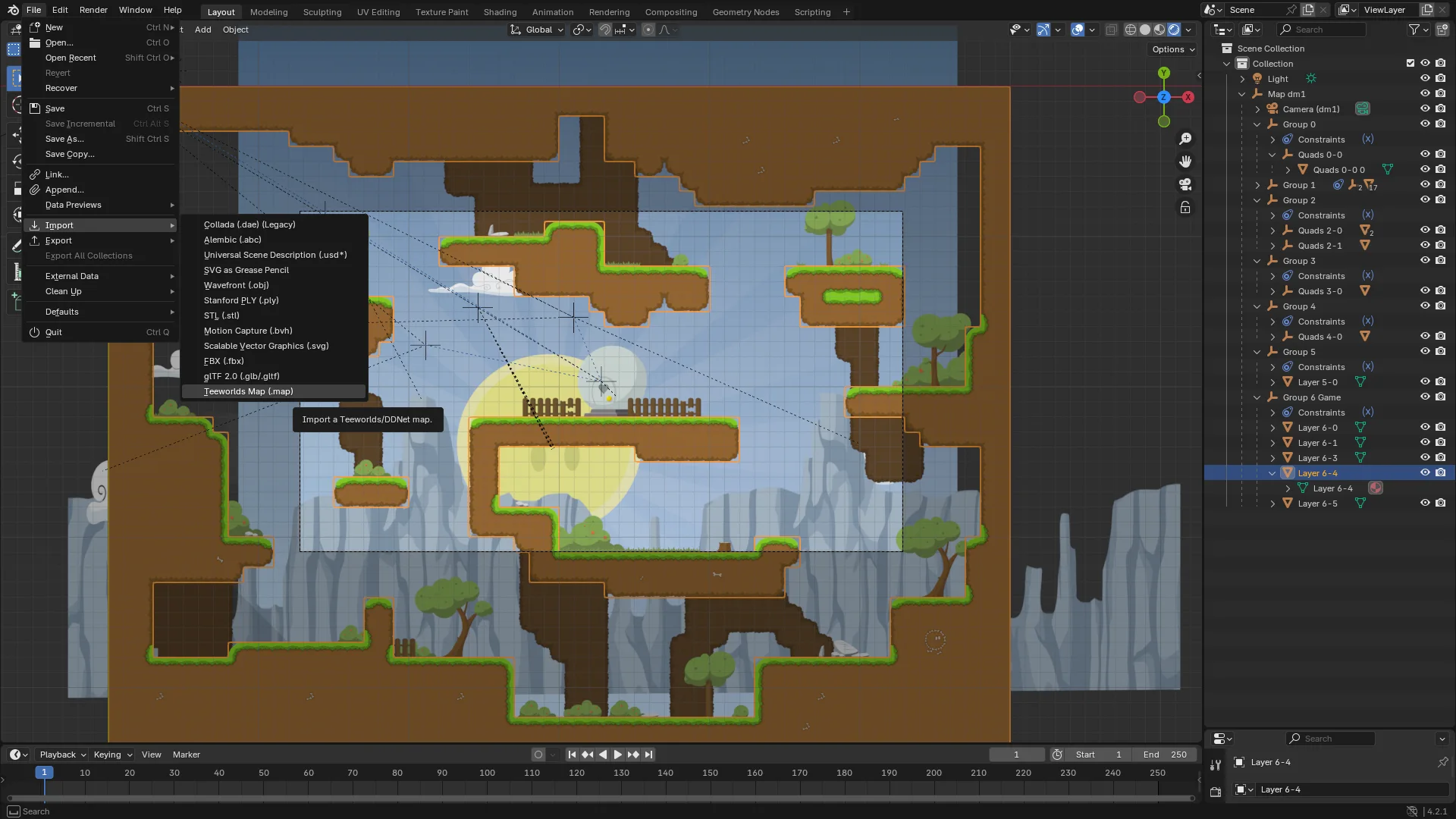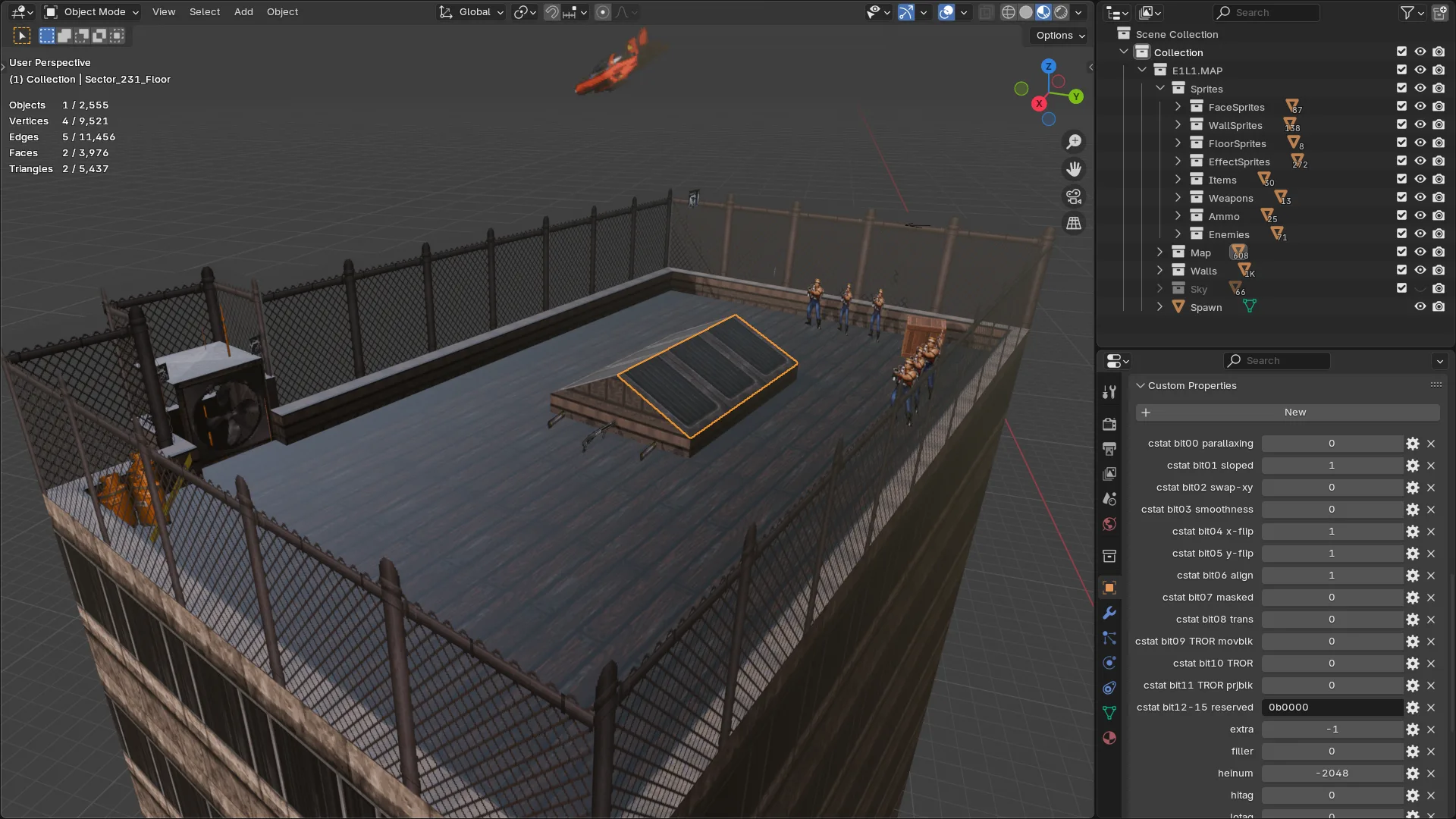
BUILD Map Importer is a Blender add-on by Jens.Ne for importing maps in the BUILD format used by games such as Duke Nukem 3D and Blood. It brings map geometry, sprites, and associated textures into Blender, where you can inspect or work with those parts of a level.
Set up a map and its textures
The extension supports Blender 4.2.0 and newer. Its package can be dragged into Blender or downloaded and installed from disk through the extension preferences; see Blender's Install from Disk instructions.
In the add-on preferences, set a texture folder. Since version 1.4.0, you can point this setting at a game installation folder, and the importer extracts textures from its .ART, .GRP, and .RFF files. PNG and JPG texture files are also supported. Their names need to follow a recognized tile-number pattern, such as 056-002.png from Xtract or 0568.png and tile0568.png; the latter formats allow up to eight leading zeros.
The developer's latest release includes an example map and texture archive. Its small free texture set is for the example map SHOCK.MAP. Textures extracted from original games are copyrighted and must not be redistributed; use them only from a legitimate copy of the game.
Choose how map geometry is imported
Import options control the objects created from the map. An object prefix can be added to imported object names. Split Sectors separates each sector's floor and ceiling, while Split Walls creates separate wall objects. Both options are required if you want the importer to save the original sector or wall data as custom properties.
- Split Sky separates parallax floors and ceilings, along with their associated walls, into objects in a collection named “Sky.”
- Scale Sprites as in Game attempts to match the in-game scale of special sprites, such as weapons and ammunition.
- Wall Sprite Offset moves wall sprites away from walls to help avoid Z-fighting. The documentation says a small offset, such as 0.01 m, is enough in many cases.
- Heuristic Wall Search looks for neighboring walls between sectors by position. It may fix map errors, but it can also introduce errors.
Set material and texture behavior
If you specify a Priority/Mod texture folder, the matching option lets those textures take priority over the normal texture folder. You can also tell the importer to search for PNG and JPG files before native .ART files. The documentation does not encourage that choice: native .ART files contain extra metadata, including information used for correct sprite offsets.
Reuse Materials reuses existing materials in the Blender file when their names match ones the add-on would create. Otherwise, the importer creates new materials with a suffix. Shade to Vertex Colors stores ceiling, floor, wall, and sprite shade values as vertex color attributes and uses them in created materials. Pixel Shading keeps texture edges hard; Procedural Material Effects adds shader nodes for extra detail and works best with Pixel Shading turned off. Use Back Face Culling enables back-face culling in the created materials.
Keep map data and handle errors
The importer can store original map data for sectors, walls, and sprites in the imported objects' custom properties. Enable Split Sectors and Split Walls to retain sector and wall properties. This data can help when debugging a map or reusing its properties in Blender.
For a corrupted map, Ignore Map Errors tells the importer to try skipping damaged parts. The developer notes that this may not succeed. Version 1.4.1 also reduces how often the progress indicator updates, a change intended to prevent Blender from crashing in some cases. Check the Blender Extensions listing and the developer's release notes for the current package details.