Importing a Teeworlds or DDNet map
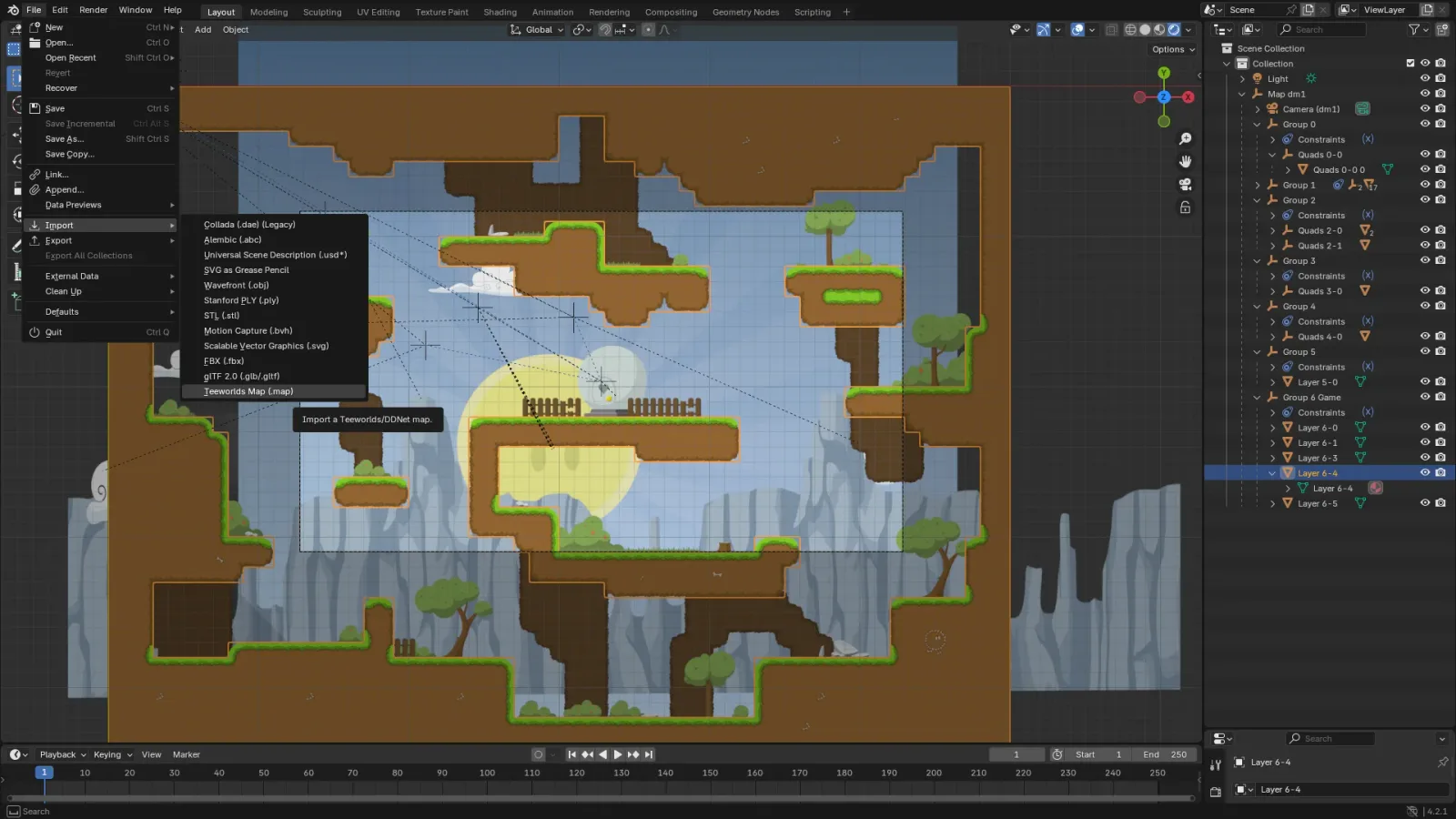
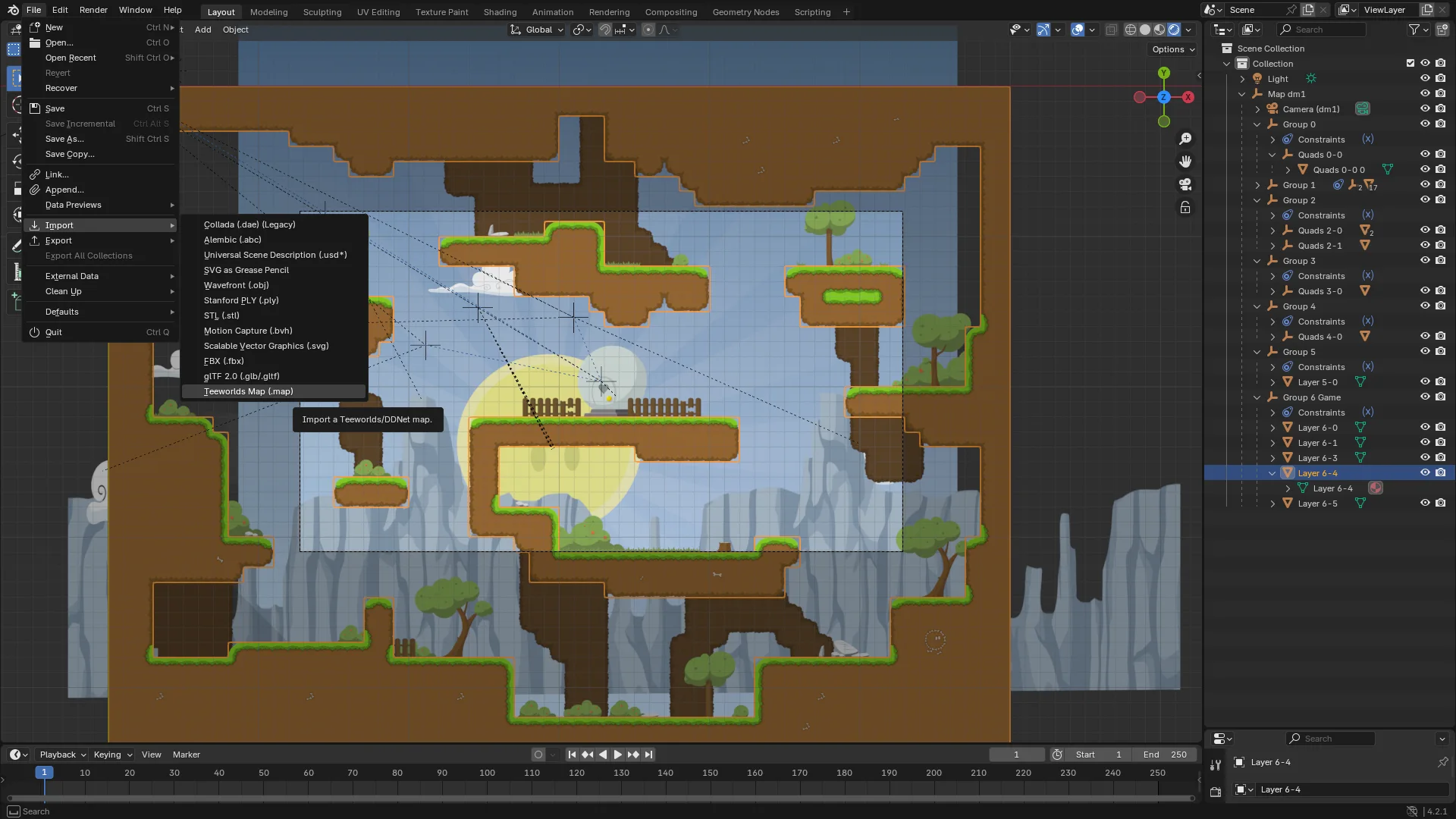
Teeworlds and DDNet Map import is a Blender add-on by Patiga for bringing map files from Teeworlds and DDNet into Blender. It adds the .map format to Blender’s import options. After installing it, choose File > Import > Teeworlds Map (.map) and select a map file. Version 0.4.1 is listed as compatible with Blender 4.2 LTS and newer on Windows and Linux.
Material setup
Version 0.4.1 uses Node Groups to simplify materials.
Installation and project details
The add-on can be installed by dragging and dropping it into Blender, or by downloading it and using Install from Disk. Blender’s extension installation instructions cover the latter route. The add-on declares Files permission for importing and exporting files to and from disk.
The extension is released under the GNU General Public License v3.0 or later. The Blender Extensions listing has the release and compatibility details. Patiga’s GitLab project contains the source, and the issue tracker is available for reporting problems.