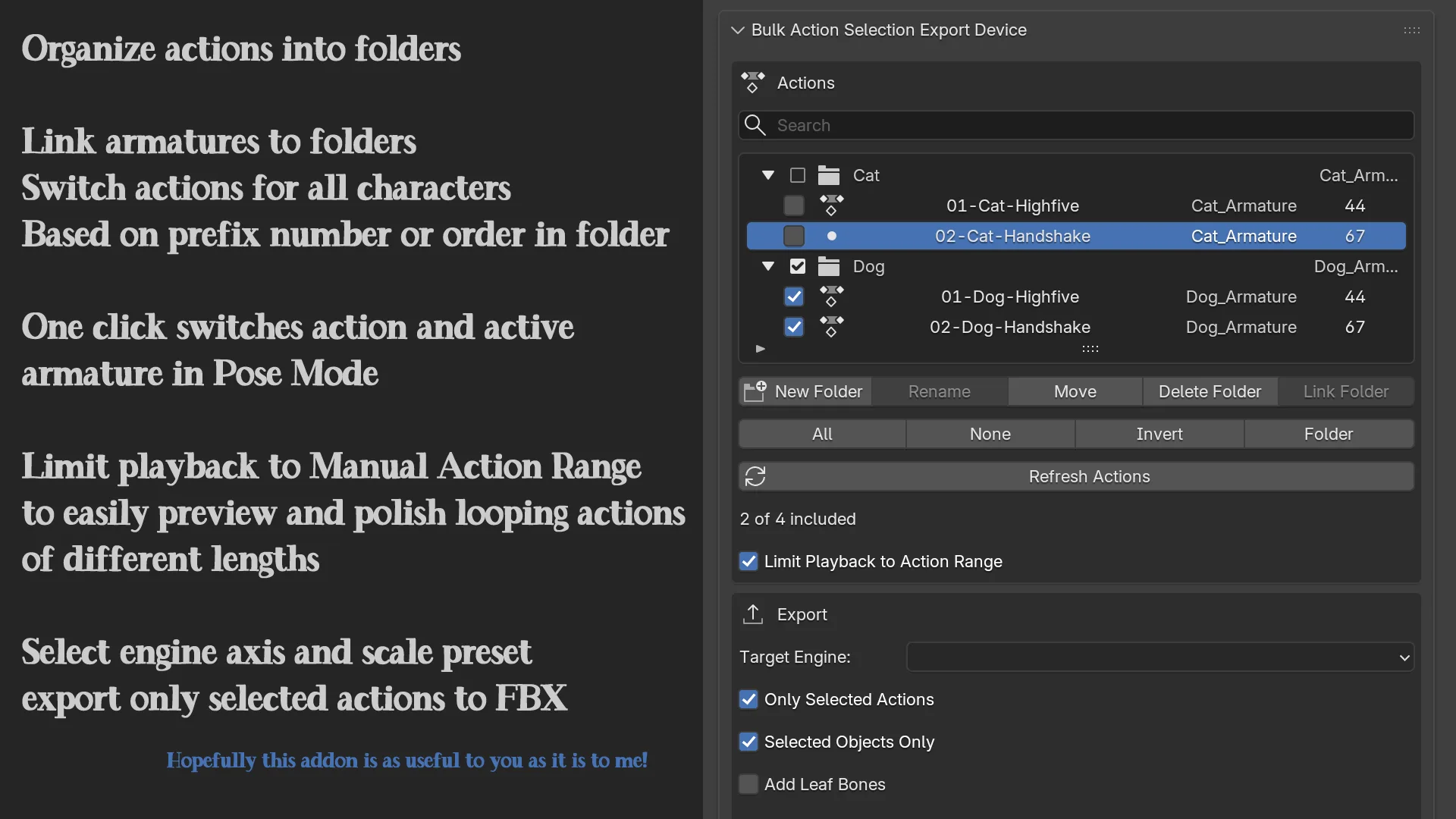
Bulk Action Selection Export Device organizes Blender actions into editor-only folders, links clips between armatures, and exports picked actions as FBX. Its controls are in the Bulk Action Select N-panel tab. Its tags are Animation and Import-Export.
Organize actions and link clips
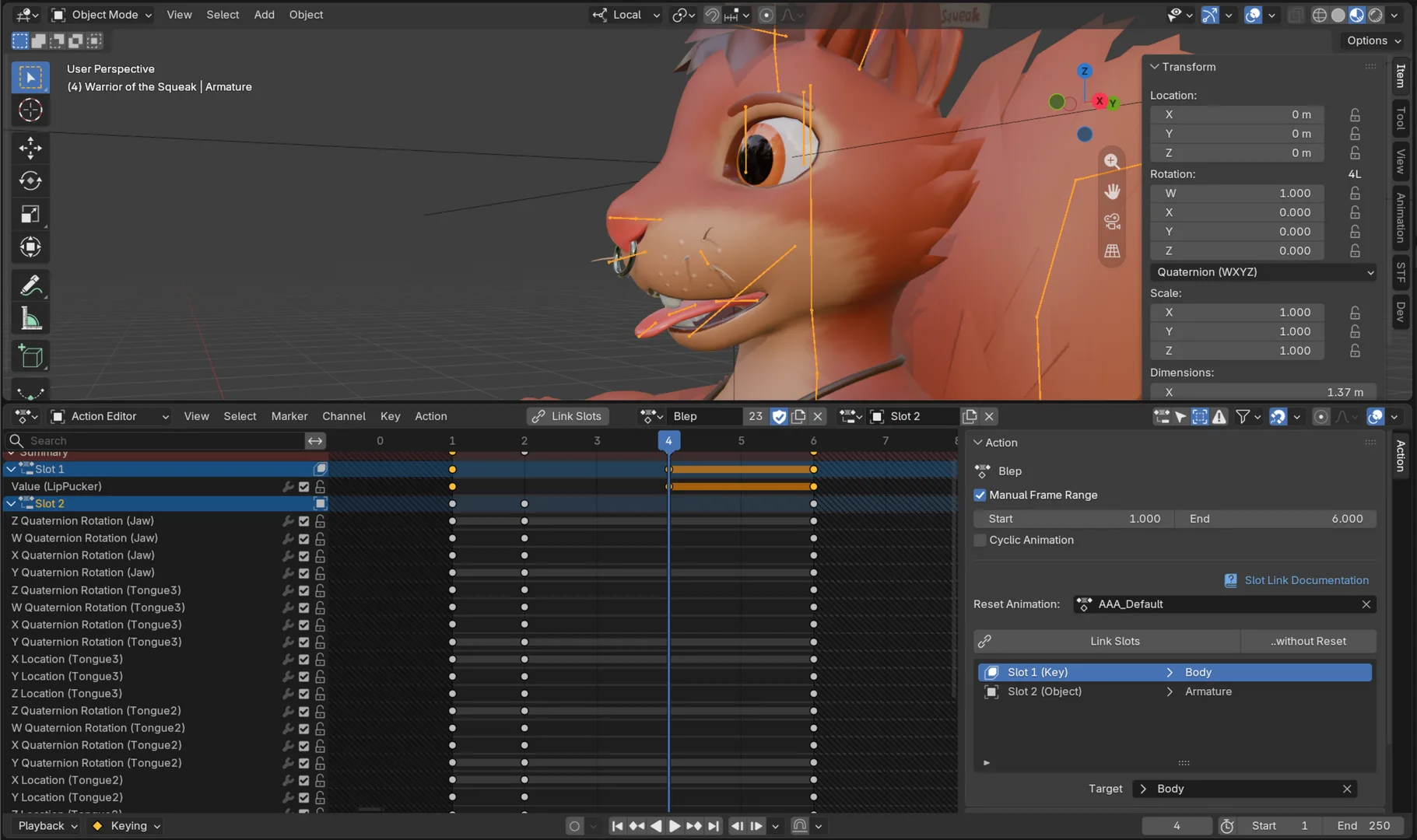
Folders let you group actions in the add-on’s interface without changing the project’s file structure. For a multi-character clip, select an armature, highlight its folder, and choose Link Folder to connect it with another armature’s folder.
When you click a clip, its armature poses that action. The other linked folders select actions with the same number, or use the same list position when an action has no number. For example, 02-Cat-Handshake matches 02-Dog-Handshake.
Set playback range and export picked actions
Limit Playback to Action Range sets the scene’s start and end from the action’s Manual Frame Range. For export, set Target Engine, then choose Export FBX (Picked Actions) in the add-on or use File > Export > FBX (Picked Actions). The add-on requests the Files permission to export picked actions as FBX files.
Compatibility, installation and license
The extension listing specifies Blender 4.2.0 or later. It separately notes that the legacy add-on works with Blender 3.4 or later. Install it by dragging the add-on into Blender or downloading it and choosing Install from Disk.
The listing identifies the license as GNU GPL version 3 or later. Its disclaimer says the code was generated with artificial intelligence and carries no warranty. See the extension listing for its current version details and the project issue tracker for reporting problems.