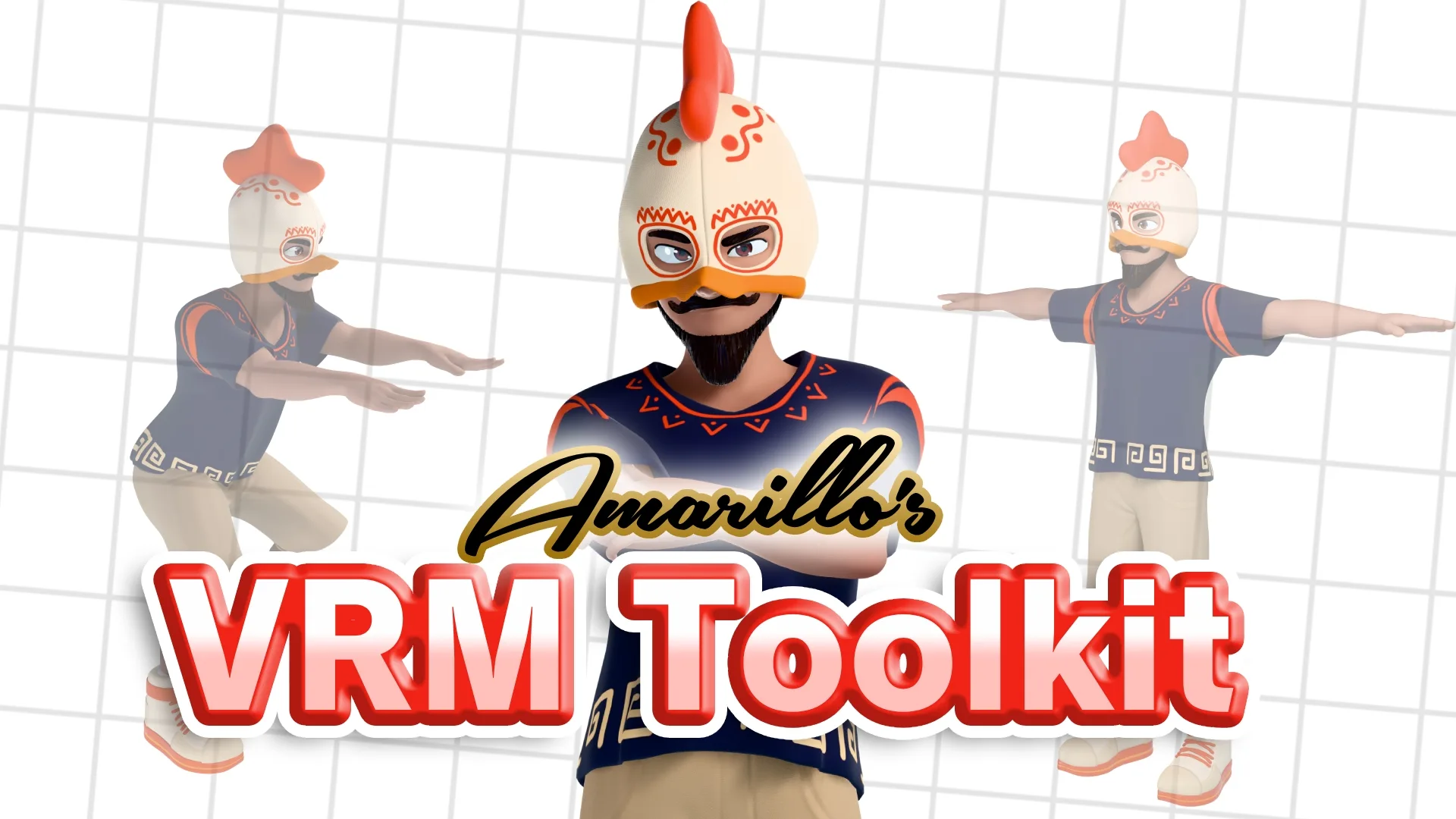
Amarillo's VRM Toolkit exports Blender characters as VRM 0.x avatars without a Unity step. It can also export .amaCharacter files with optional outfit and clothing metadata, for artists making VTubing models or bringing characters into games that support those formats.
Rigging and avatar features
The add-on maps humanoid rigs automatically, with manual correction available for the mapping, including fingers. It supports Auto-Rig Pro and custom or additional bones; Rigify support still needs testing. The non-destructive VRM T-pose tool currently supports Auto-Rig Pro rigs only.
For avatar setup, the toolkit supports VRM expressions from Blender shape keys, spring bones and sphere colliders. It can create basic MToon materials using base colors or textures, with tiling and offsets taken from Blender materials. The developer recommends simplifying materials to colors or textures without other nodes before export.
Export workflow and compatibility
The listed workflow is to add an armature, optionally simplify materials, apply a T-pose, enter VRM metadata, then validate and export. The add-on creates temporary armature and mesh copies for export, so the source character, rig, pose, materials and shape keys are not permanently changed.
Version 1.0.19 requires Blender 4.2 or later. Its release notes list Mixamo and Mesh2Motion humanoid mappings, user presets for custom mappings and more detailed VRM validation results. VRM 1.0 export and animation export are not currently supported.
The permission list covers importing images, exporting VRM files and saving custom rig presets. Clipboard access is listed for importing a thumbnail from the Windows clipboard. See the Blender Extensions listing for the current version and the developer's WIP user guide for usage details.