What Cam-Fx changes
Cam-Fx is Bproduction's Blender add-on for shaping depth-of-field highlights and adding lens dirt to Cycles renders. It includes 120 bokeh textures and custom aperture maps for artists who want more control over out-of-focus highlights and lens imperfections.
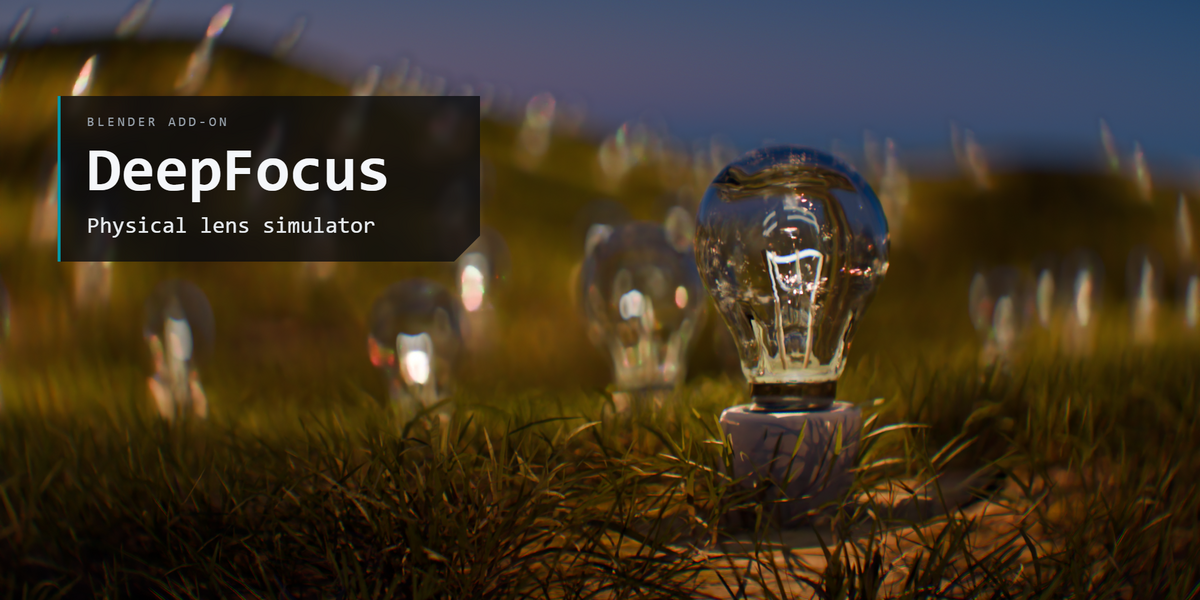
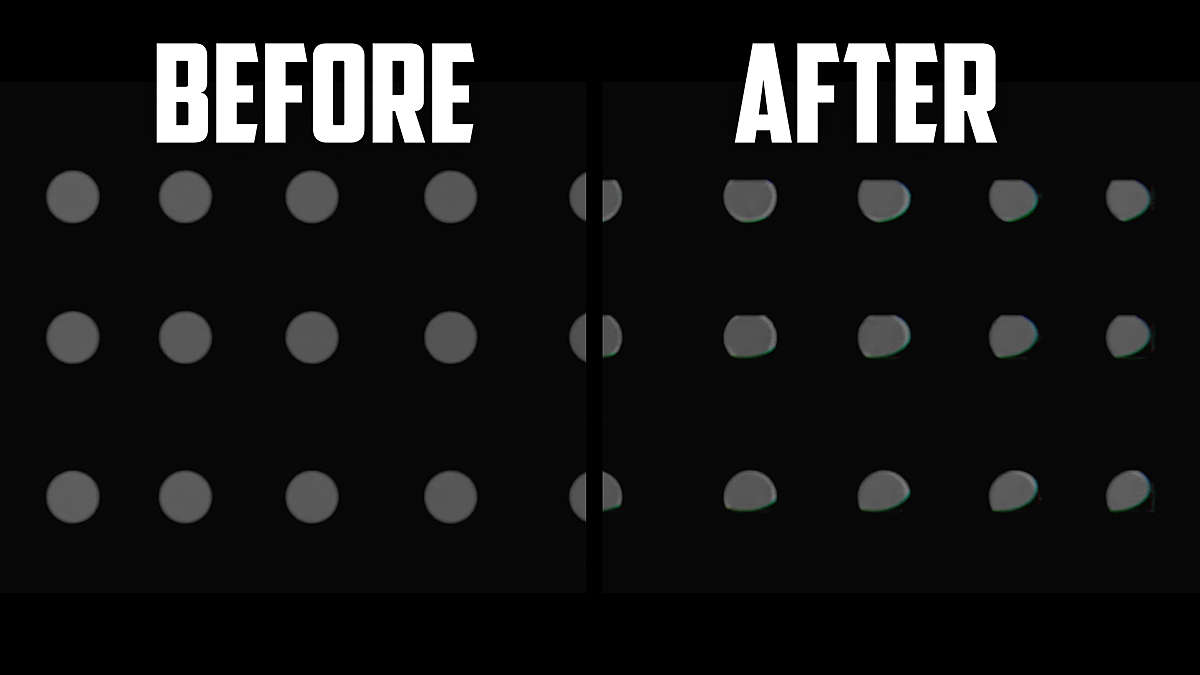
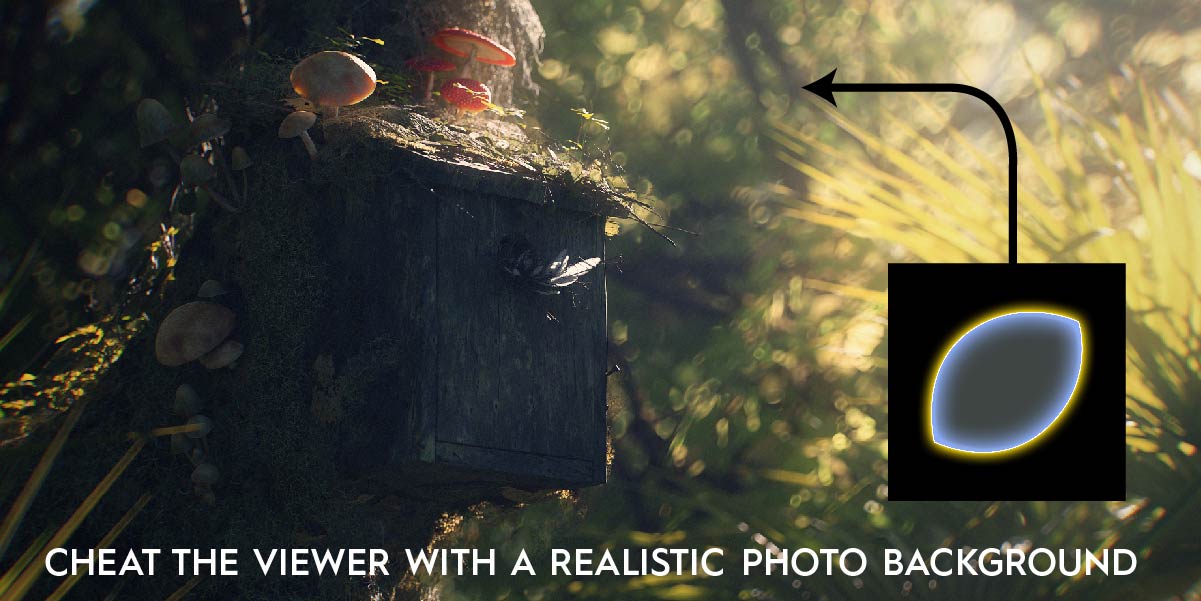
Bokeh describes the appearance of blurred points of light. Its shape follows the camera lens aperture. Cam-Fx's maps let highlights take forms such as hearts, musical notes, or snowflakes. Its custom bokeh textures contrast with Blender's more uniform standard bokeh and provide controls for adjusting the effect.
The Lens Dirt function adds imperfections around light sources to suggest dust on a camera lens. Together, the bokeh and dirt controls change the look of highlights and bright areas in a rendered scene.
Camera setup and compatibility
For pronounced foreground and background blur, Bproduction's guidance recommends a focal length of 80 mm or longer and a low f-stop between 0.1 and 2 in Blender. Wide-angle lenses produce less background blur, and the diaphragm shape determines the form of the bokeh highlights.
Superhive lists Blender 4.0 to 5.2 and Cycles as the render engine; Bproduction's FAQ says Cam-Fx's custom bokeh is not compatible with Eevee. Cam-Fx is described as a tool for experienced Blender users, with no automatic mode. Users need to configure the effect themselves and understand Blender camera settings, depth of field, and aperture.
Lens dirt and compositing limits
Cam-Fx's Lens Dirt option creates a mask in front of the camera. Bproduction warns that this can interfere with ID and Z-depth maps and says there is no direct fix at present. When those passes are needed, the documented workaround is to render lens dirt on a separate layer, then manually recompose it with the other passes in the compositor.
Documentation and license
The package includes a video tutorial, PDF documentation, and two test files. The PDF documentation is linked from the product's documentation page. Superhive lists the license as GPL.