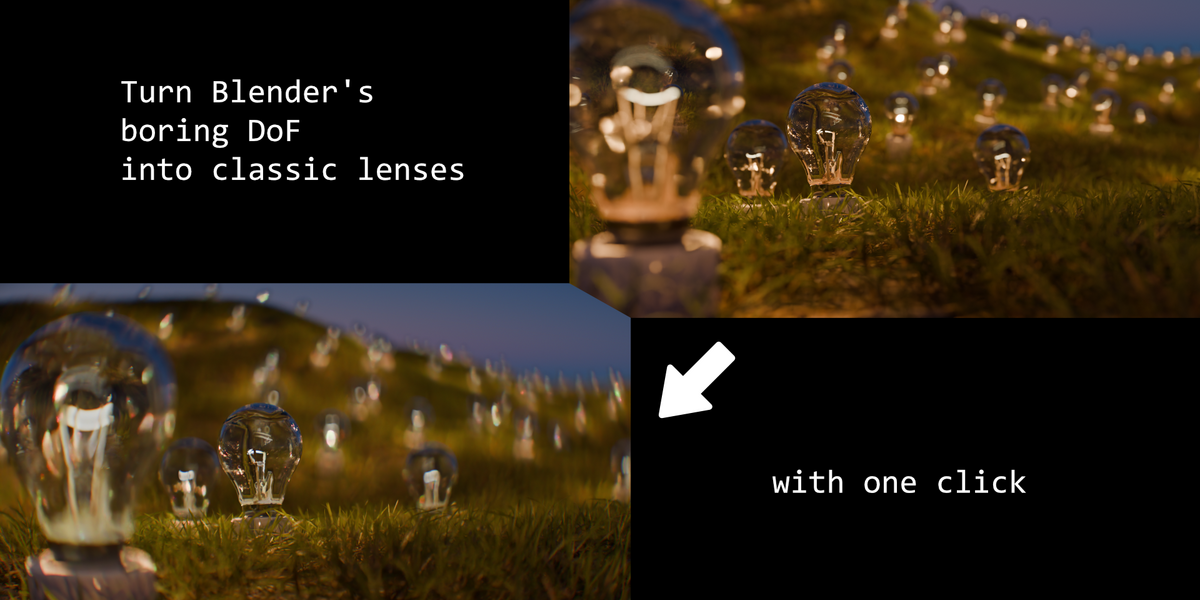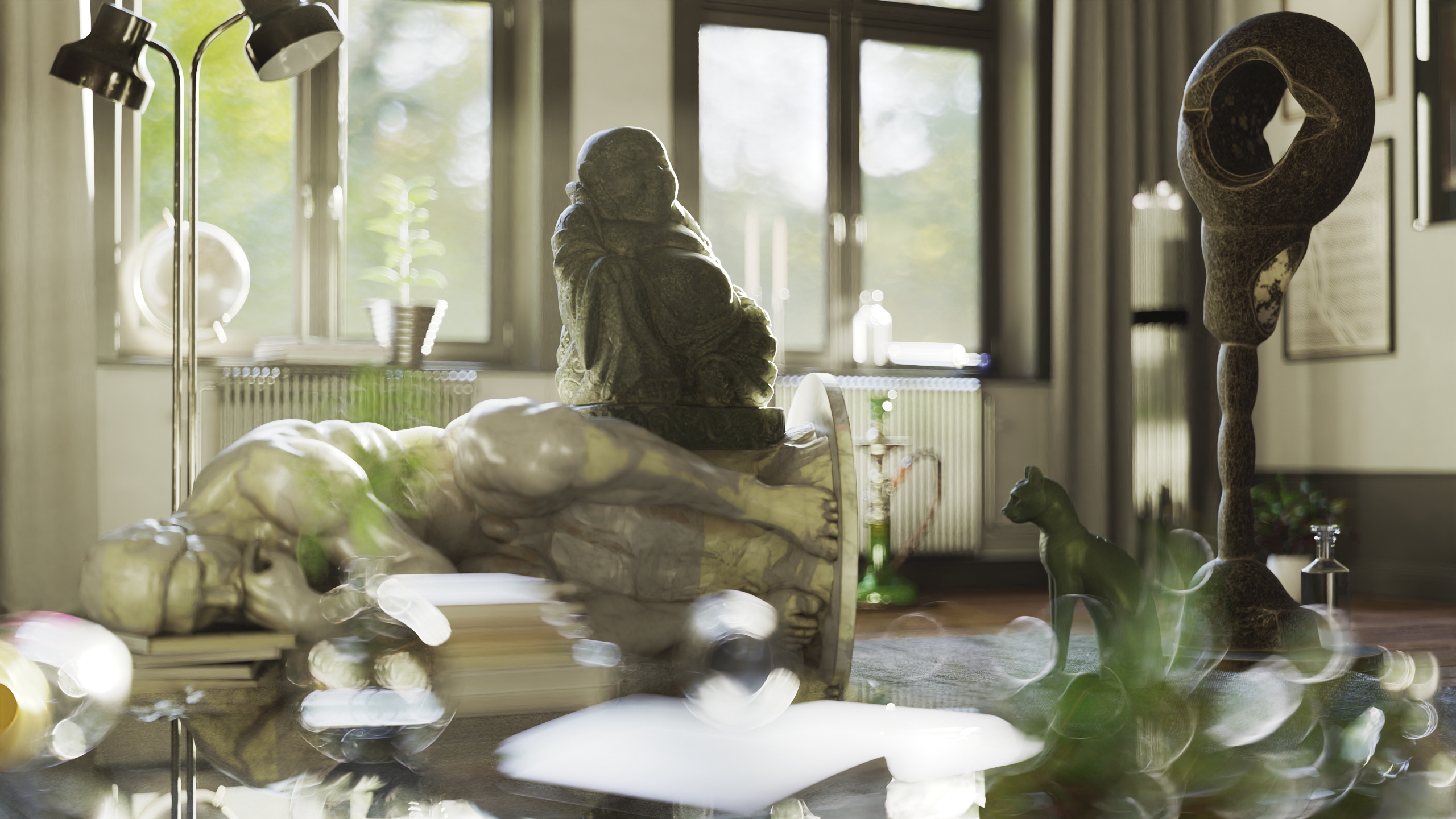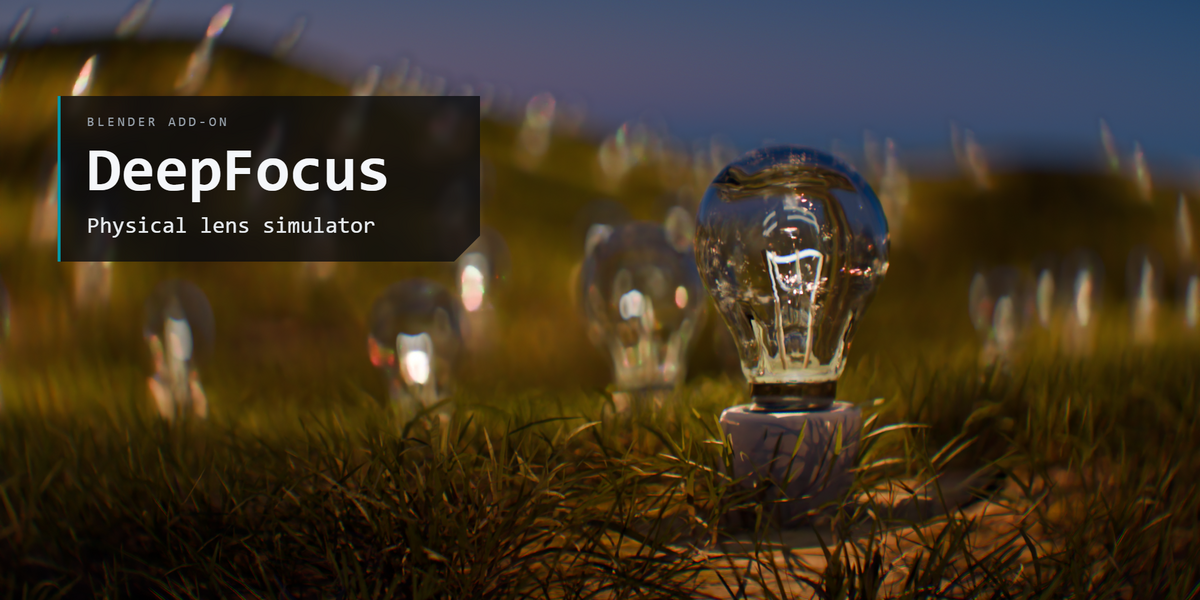
Deepfocus is a Blender add-on that simulates a physical camera lens with an Open Shading Language (OSL) camera for Cycles. It gives artists controls for focus, depth of field, bokeh, and lens character. The lens feature listing covers product controls; the setup documentation explains installation and camera setup.
Set focus and animate the camera
Set the focal length and sensor size, then choose a focus object or enter a focus distance. The viewport eyedropper can pick a focus distance, and With a focus object, the bounding box control sets focus at its near side, origin, or far side. Focus peaking marks the focused area in green, with red behind it and blue in front. F-stop controls blur intensity, while Max Blur Size limits the defocus radius.
You can keyframe focal length and focus distance or animate the focus object. The documentation says each frame renders with its corresponding focus settings, including on render farms.
Shape bokeh and lens character
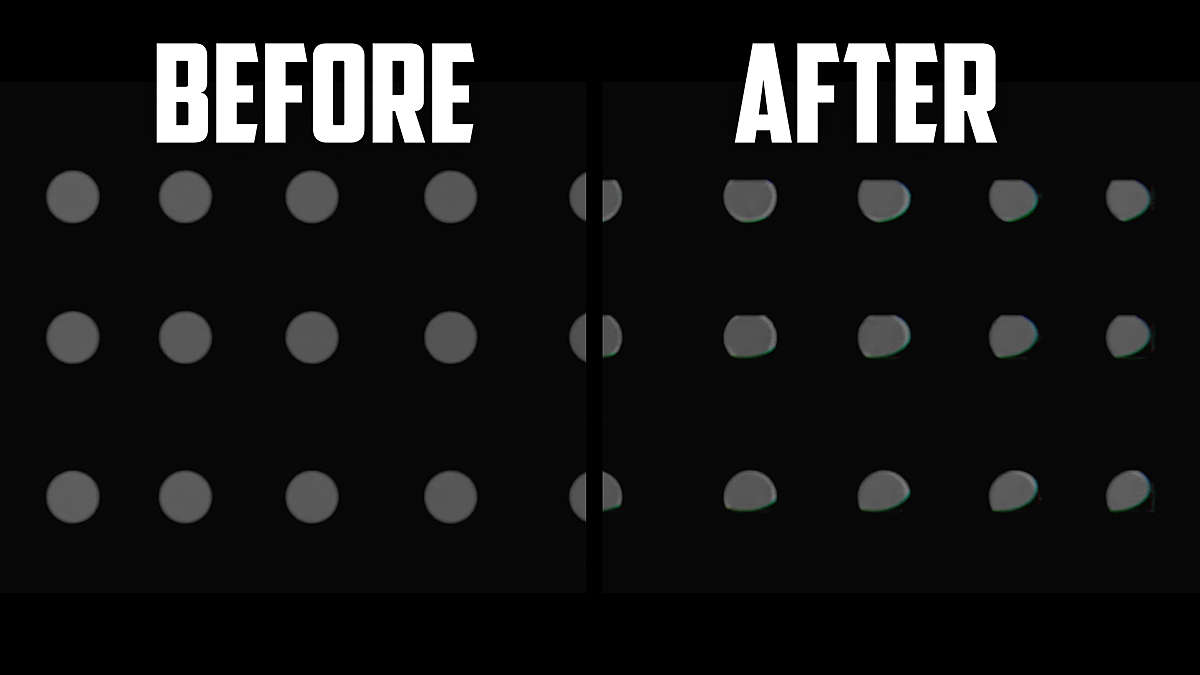
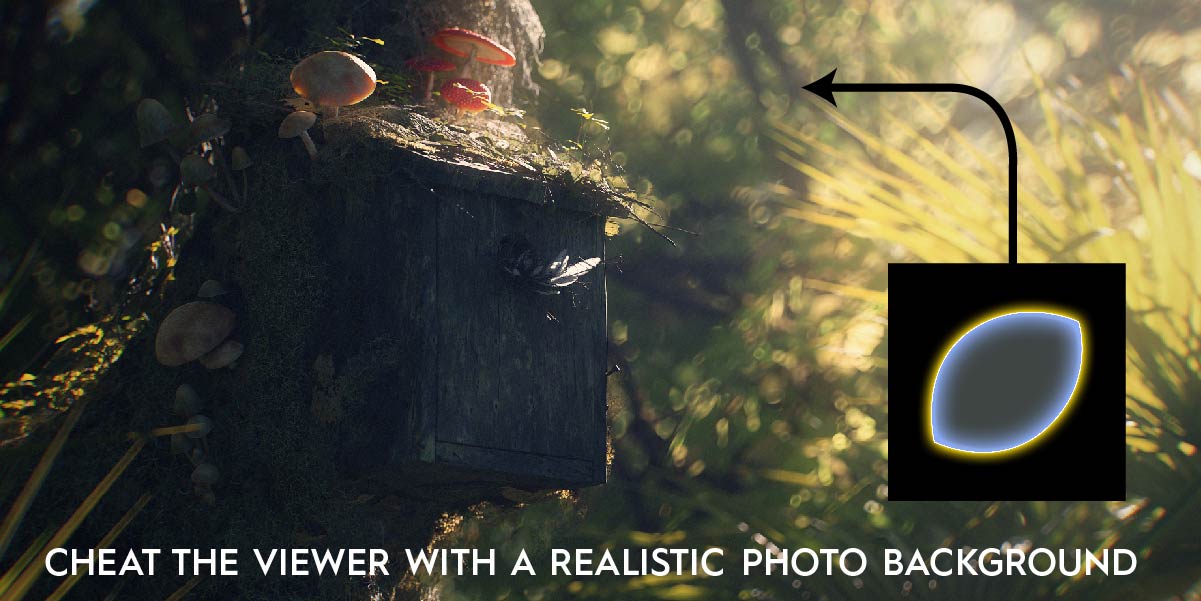
Choose disc, bladed, or image-based bokeh. Bladed options include blade count, roundness, an inner ring, and diffraction spikes; an anamorphic ratio stretches the bokeh vertically. Load an image for custom bokeh or a grunge map for lens dirt. The product listing says the package includes 10+ texture assets.
One-click presets include Cinema Prime, Anamorphic, Vintage Petzval, Tilt-Shift, and Newtonian Telescope. You can save your own lens presets, including their texture paths. Additional controls cover lens distortion, field curvature, chromatic aberration, optical vignetting, astigmatism, and lens breathing.
Compatibility and setup
Deepfocus's OSL camera is supported by Cycles, not EEVEE; EEVEE uses Blender's own depth-of-field controls. The requirements specify Blender 4.5 or newer and an NVIDIA GPU with OptiX for GPU rendering; the compatibility field lists Blender versions 4.5 to 5.2, so the listing does not establish support beyond 5.2. Systems without OptiX can use CPU mode only.
Install the downloaded ZIP from Blender's Preferences under Get Extensions and Install from Disk. Then select a camera and choose Set to Selected Camera in the DeepFocus tab of the 3D View sidebar. The add-on switches the renderer to Cycles; Revert Selected Camera restores Blender's standard camera.