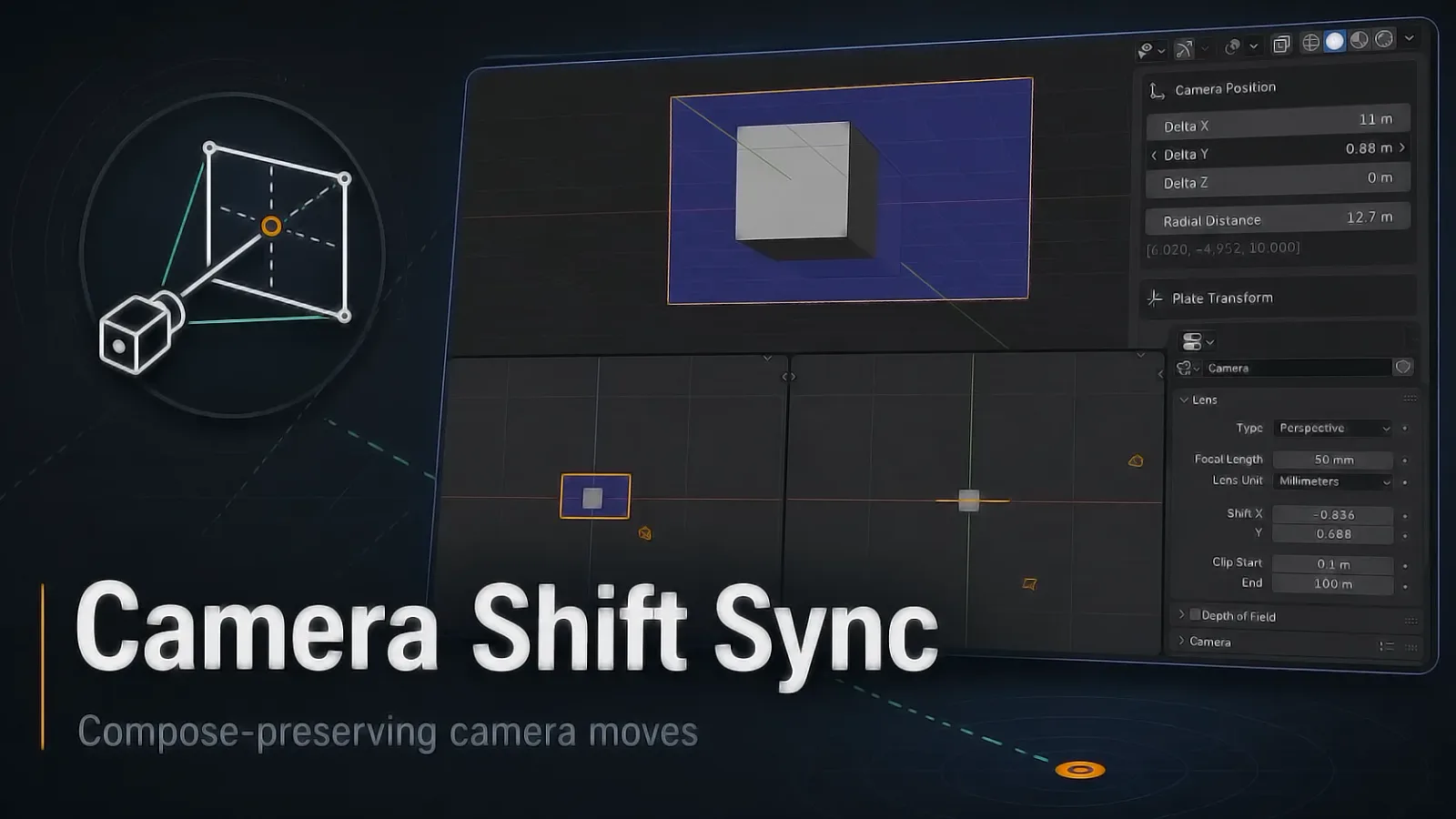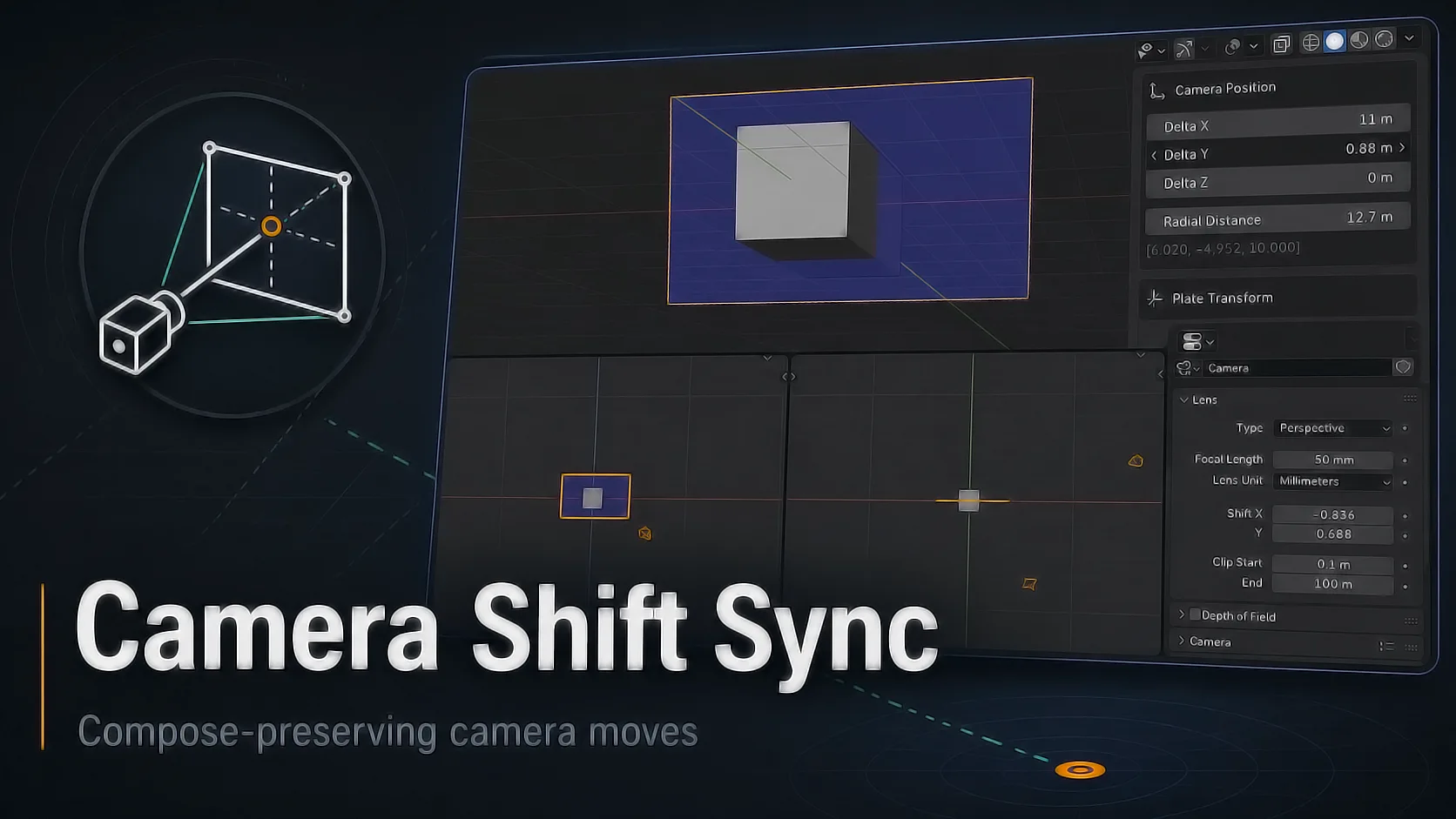
Camera Shift Sync is a Blender add-on for moving a perspective camera while keeping the center of the frame locked on a world-fixed target plane. It recalculates shift_x and shift_y as the camera moves, so you can adjust the camera position without re-aiming it at the target.
Set a world-fixed target
Select a camera, open the Camera Shift Sync tab in the 3D Viewport sidebar (the N-Panel), then set the target distance. You can enter the distance to your subject or use Get Distance from Click to pick a point in the viewport. Enable Initialize to fix the target plane in world space.
With the camera initialized, use the panel controls to move it along the target plane's local axes with Delta X, Y, and Z, or toward and away from the target with Radial Distance. The two movement views stay in sync, and the lens shift updates as you move.
Adjust the target plane and lens
Plate Transform lets you edit the target plane's location and rotation. The camera follows the plane rigidly while shift_x and shift_y remain unchanged. Changes to focal length or field of view recalculate the shift; editing either shift value moves the target accordingly.
The optional translucent plate overlay shows the target plane in the viewport. Its fill and edge colors, edge width, and depth test can be configured per camera.
What happens when you save
In version 0.2.2, Initialize is a session-only state stored outside the .blend file. Editing the initialized camera's transform externally, deactivating that camera, or saving the file automatically de-initializes the add-on. The camera keeps its current position, shift, and lens, leaving the result effectively baked into the camera. Show Plate is also session-only and resets to off when a file is reopened.
The same release changes when the add-on registers monitoring and drawing: it does not register application handlers, message-bus subscriptions, or a draw handler at enable time. The dependency-graph watch and message-bus subscriptions exist while a camera is initialized, and the overlay draw handler runs only while Show Plate is on.
Compatibility and installation
Camera Shift Sync supports perspective cameras only. The panel is grayed out for orthographic and panoramic cameras. The Blender Extensions listing shows version 0.2.2, published June 12, 2026, with compatibility for Blender 4.2.0 and newer. Install the extension by dragging its downloaded file into Blender or by using Install from Disk. Check the Blender Extensions listing for the current release and compatibility details.