Camera Undo adds a separate transform history for each camera in Blender. You can step back through saved camera moves without using Blender’s regular undo history to reverse intervening animation or edits to other objects.
Undo and redo camera transforms
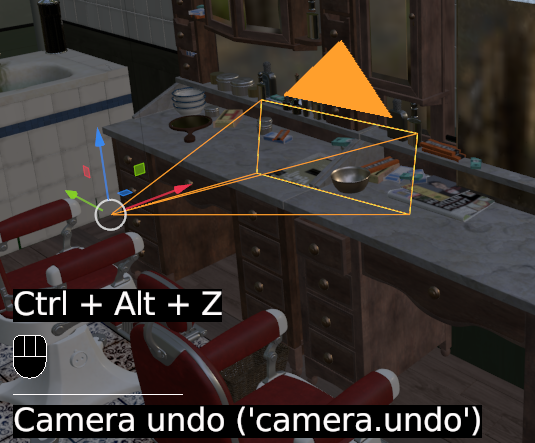
Select the camera whose history you want to change, then press Ctrl+Alt+Z to undo a camera transform. Use Ctrl+Alt+Shift+Z to redo it. Each camera has its own list, so the add-on is useful when camera positioning is mixed with other scene work.
When a camera move is saved
Blender does not tell the add-on whether you are still dragging a camera or have finished placing it. Camera Undo works around this by saving a transform after it has stayed unchanged for a set interval. The default is 1.5 seconds, and you can change the interval in the add-on preferences.
This delay affects which positions enter the history. If you move the camera again before the interval passes, the earlier position is not saved. If you pause for the full interval while still dragging, that position can be saved even though you have not finished the move. Choose an interval that gives the add-on time to record completed moves without saving pauses during a drag.
Listed Blender versions and license
The product listing names Blender versions from 2.8 through 3.4, including the releases in between. It identifies the add-on as GPL-licensed. The available listing does not confirm compatibility with Blender versions newer than 3.4, so check the Camera Undo product page for current details before installing.