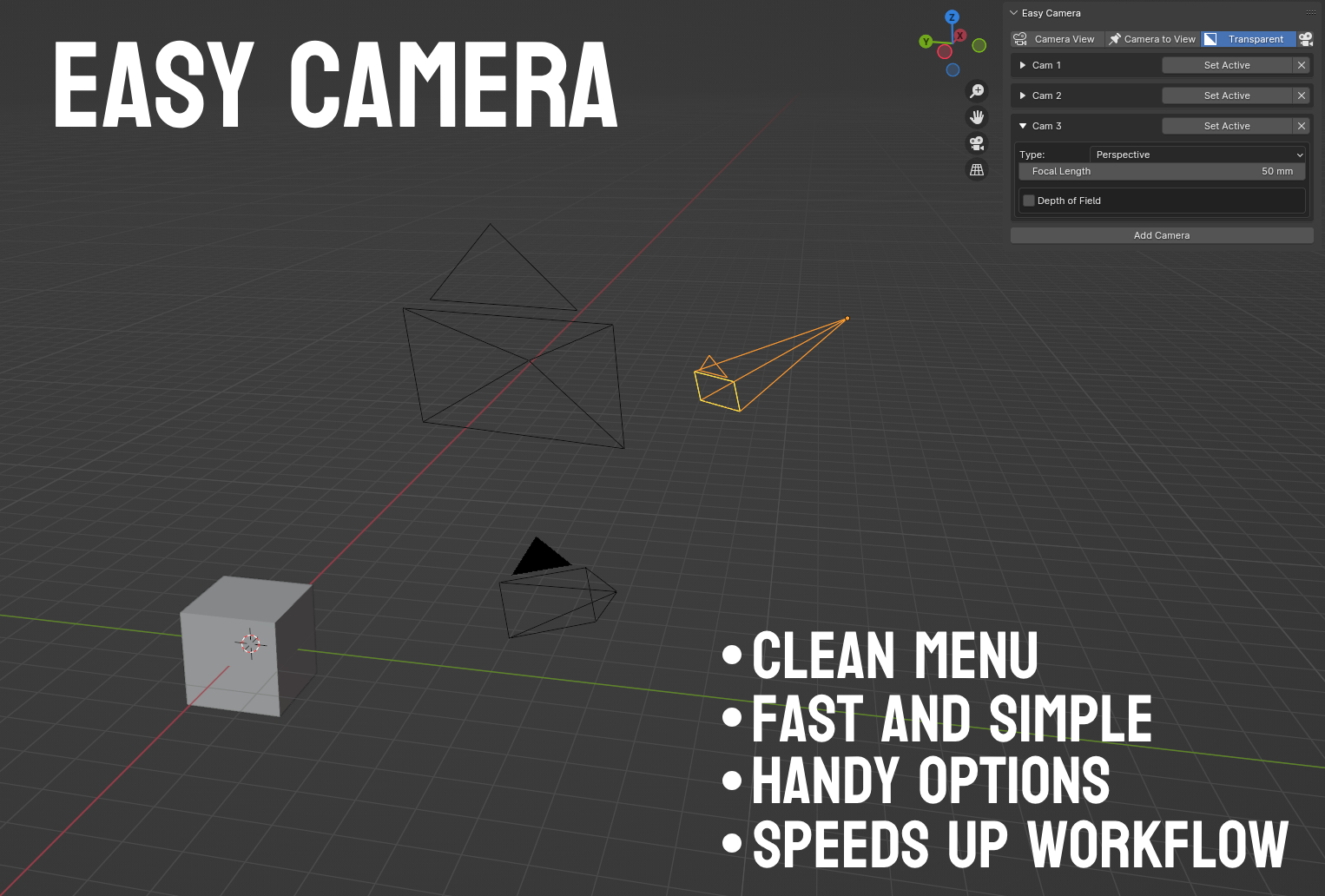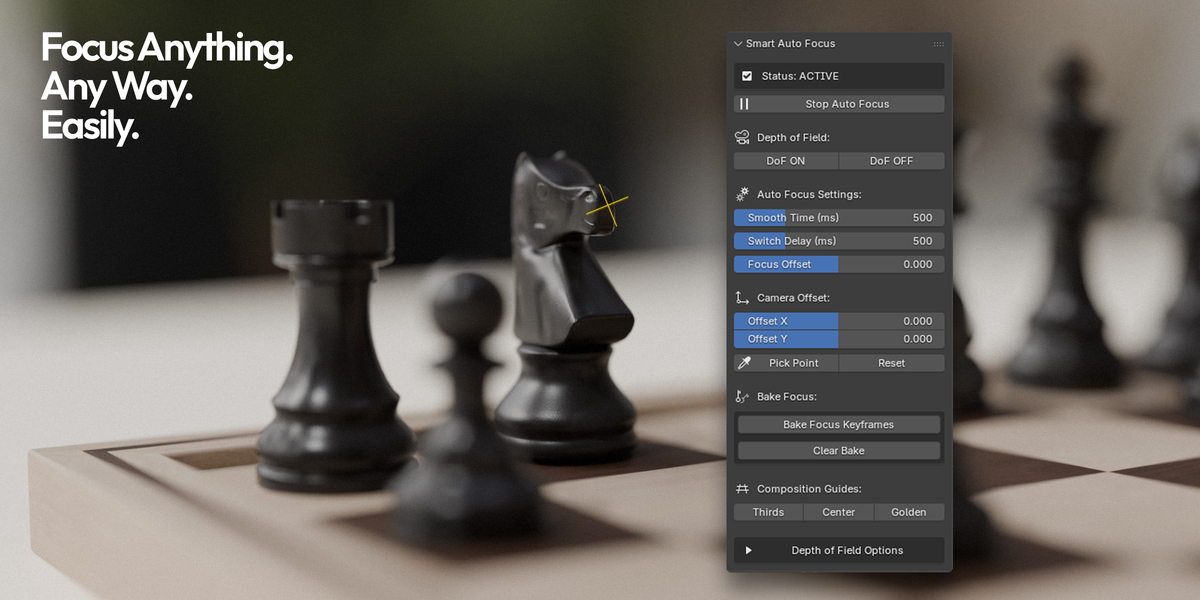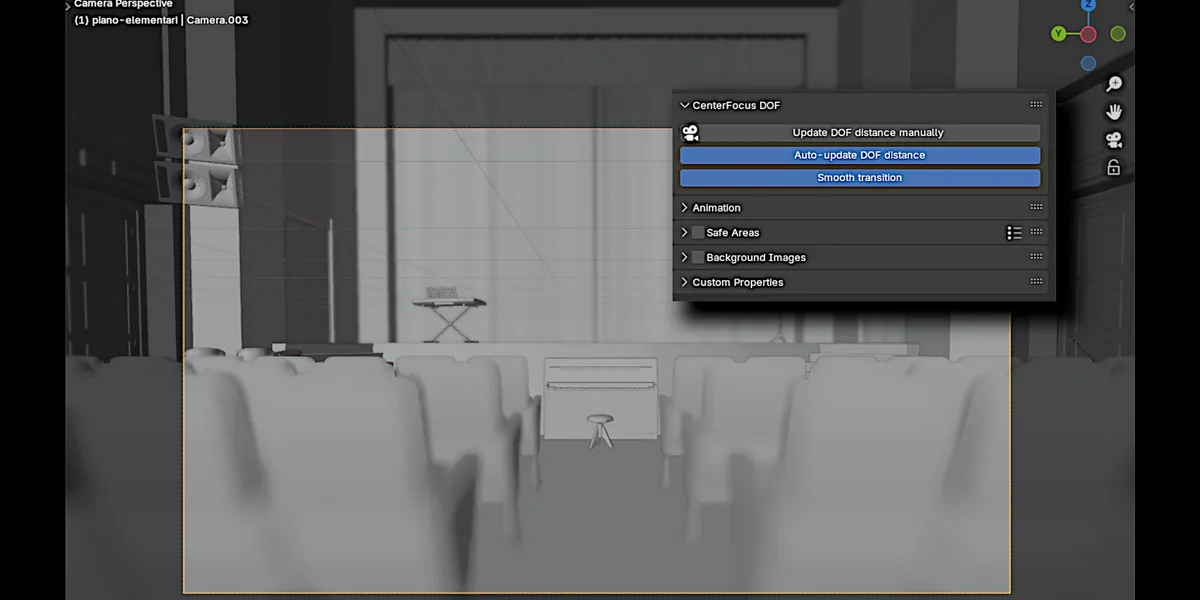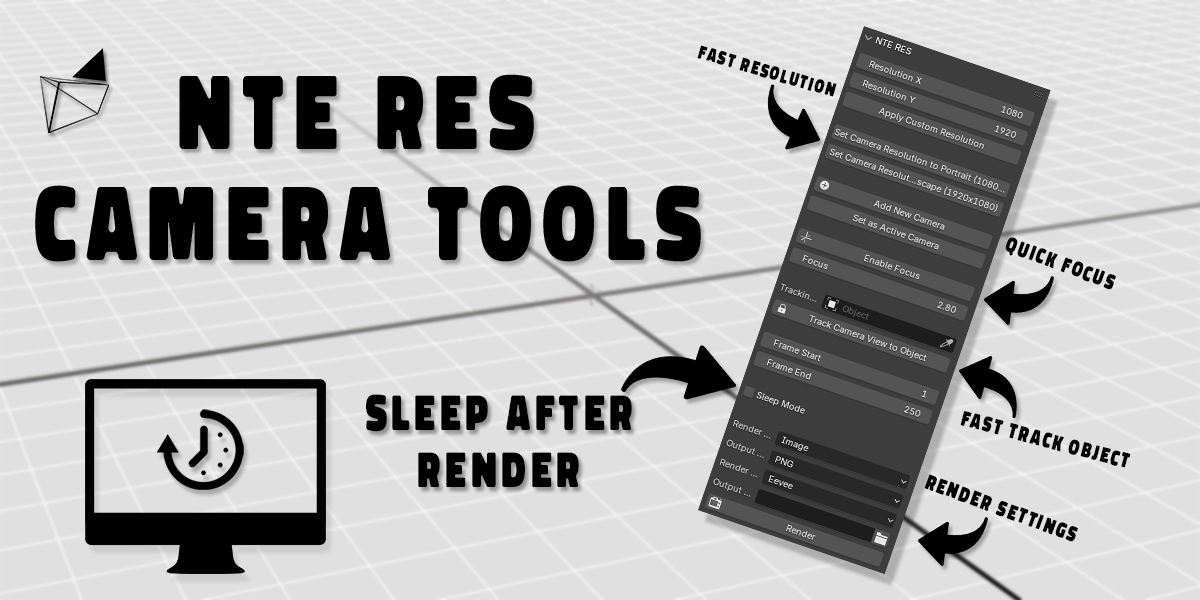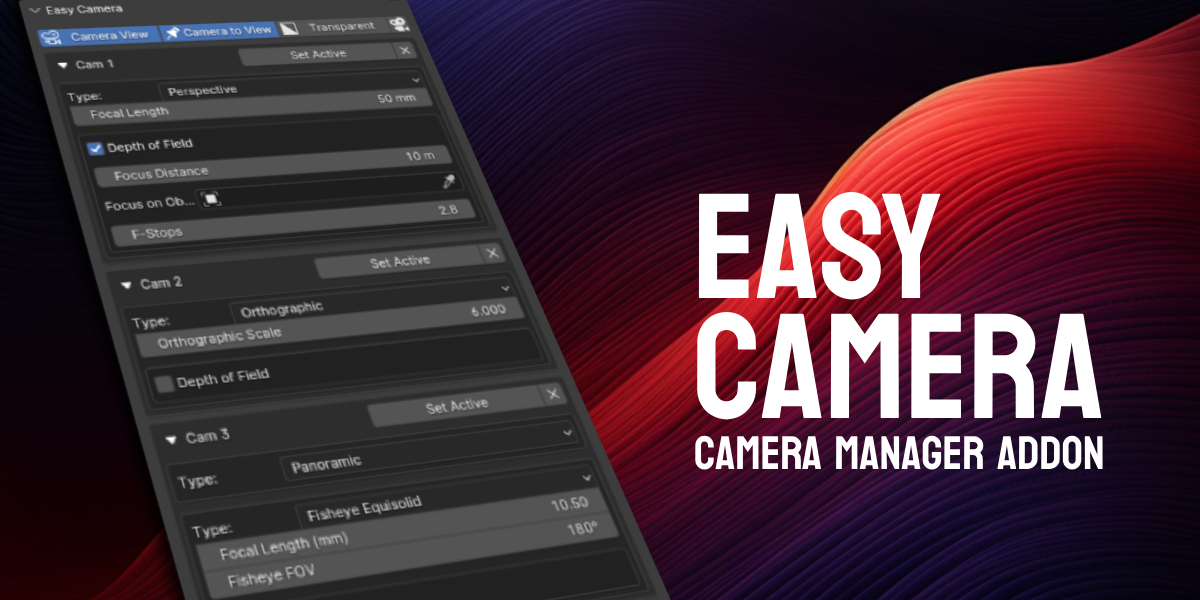
Easy Camera Addon - Camera Manager groups common camera controls in a section of Blender's N-Panel. Add a camera where you are looking, switch between cameras, and adjust settings without moving through multiple menus.
Camera controls in the N-Panel
- Add and manage cameras: Add Camera creates a camera where you are looking and switches to Camera View. Set Active selects the active camera, an icon marks it in the panel, and the delete control removes a camera.
- Move and change views: Camera to View lets you move the camera in Camera View as you move the viewport. A camera icon toggles between Camera View and the viewport.
- Adjust camera settings: Change the camera type between Perspective, Orthographic, and Panoramic, adjust basic parameters and depth of field, and set the passepartout alpha. The Transparent toggle controls the background transparency setting at Render Settings > Film > Transparency.
- Bring in existing cameras: Convert to Easy Camera lets existing cameras work with the add-on.
Install and check compatibility
The package is listed as EasyCamera.zip. Extract it, then in Blender go to Edit > Preferences > Add-ons > Install..., choose the extracted file, and install it. The Easy Camera panel is in a section of the N-Panel.
The Superhive listing identifies version 1.3.1 and Blender 4.0–5.3. Its 1.3.1 notes mention bug fixes, a passepartout visibility control, and an icon for the active camera. The listing identifies the license as GPL. Check the current package, compatibility, and license details .
Who may find it useful
This add-on suits Blender users who create multiple shot cameras or switch camera views while composing a scene.