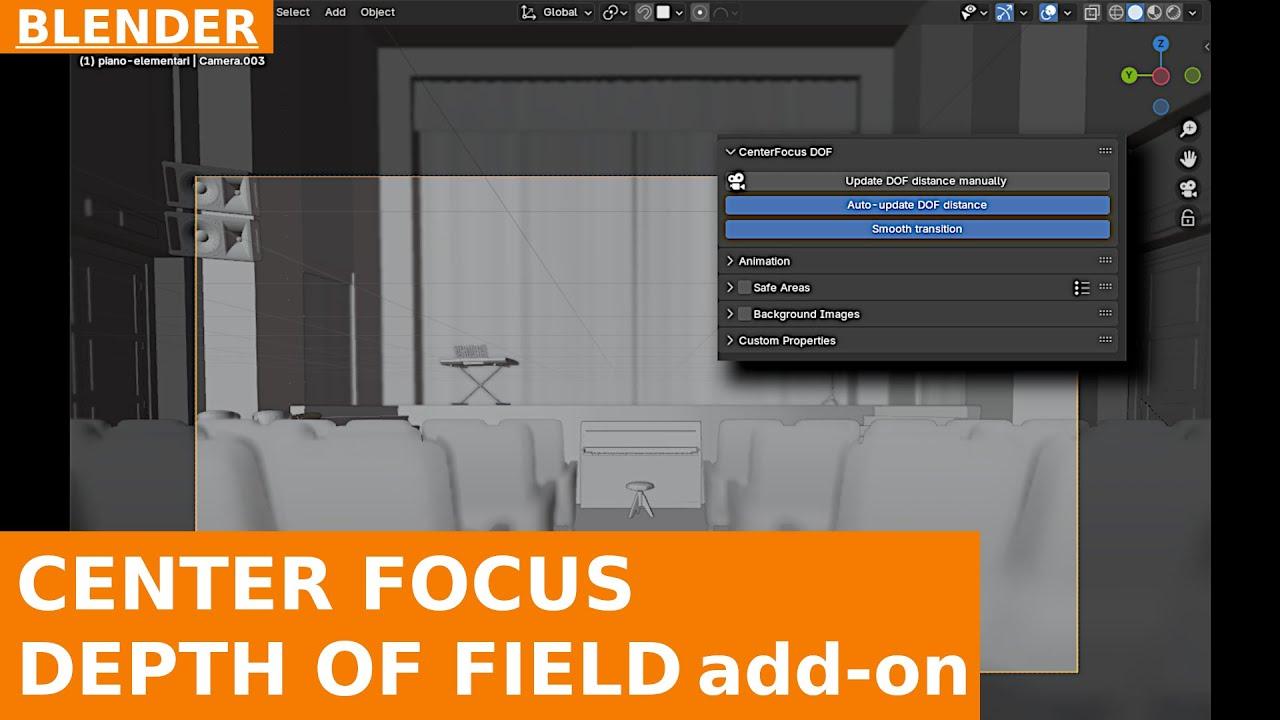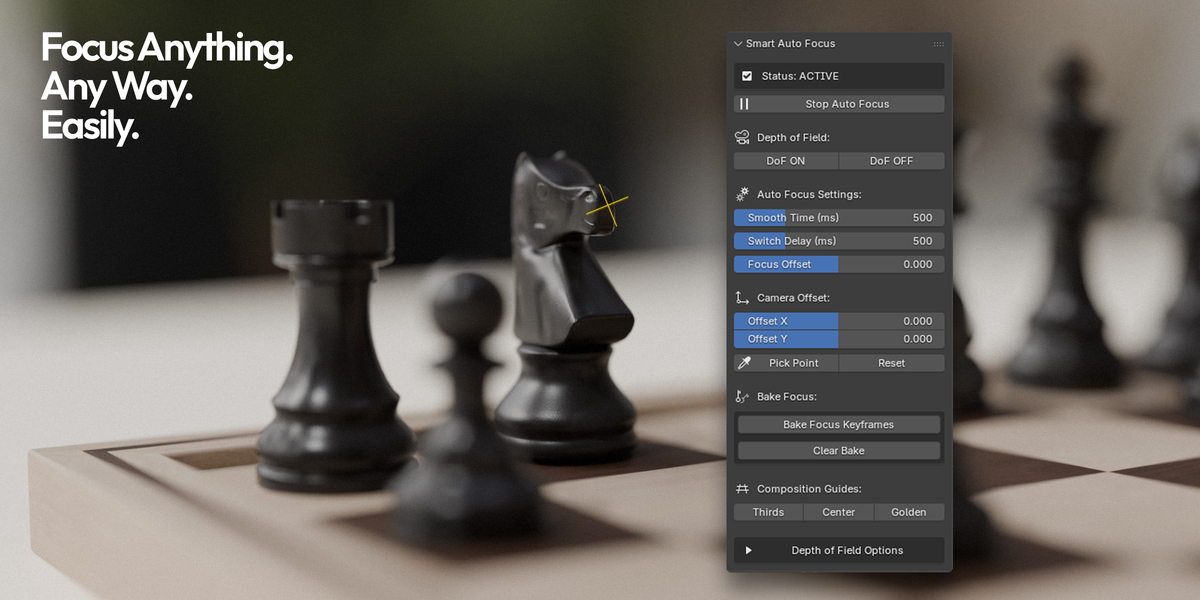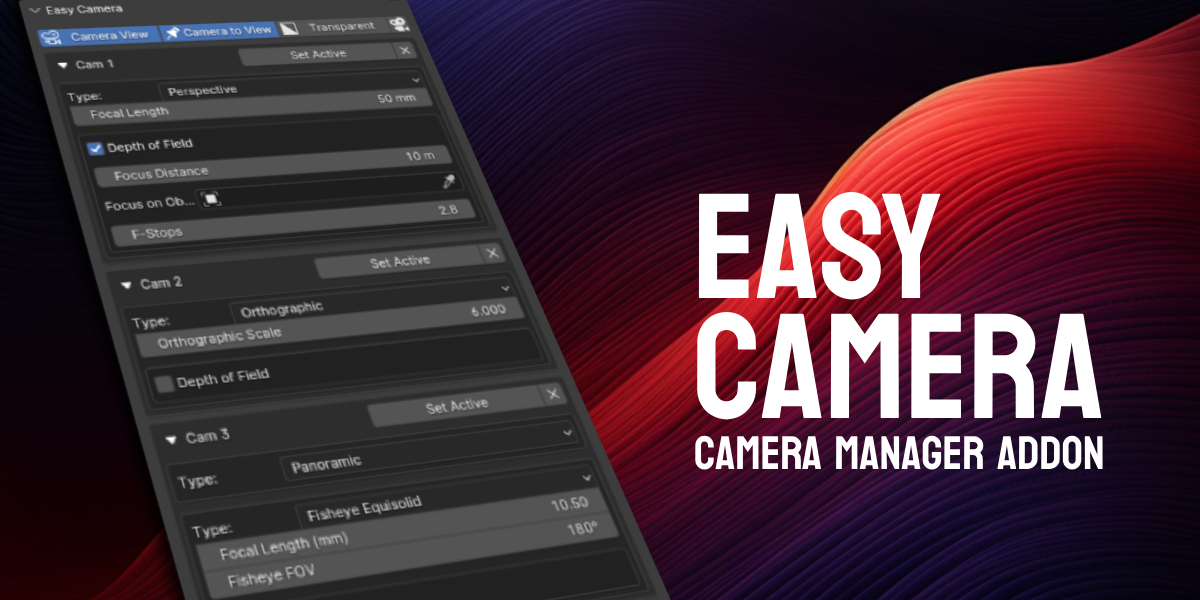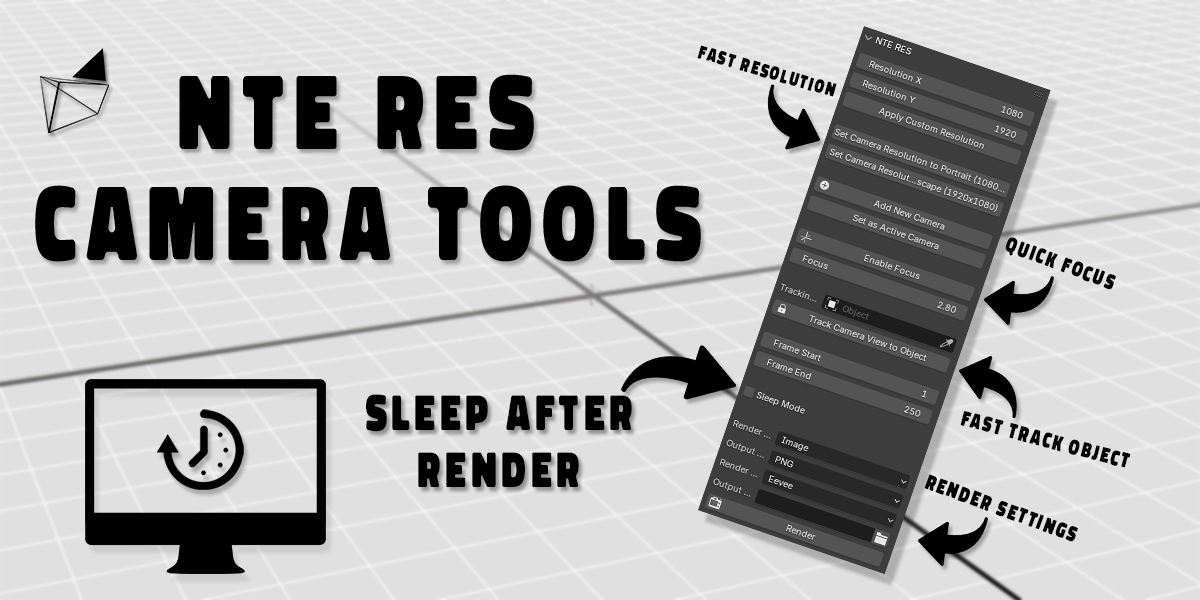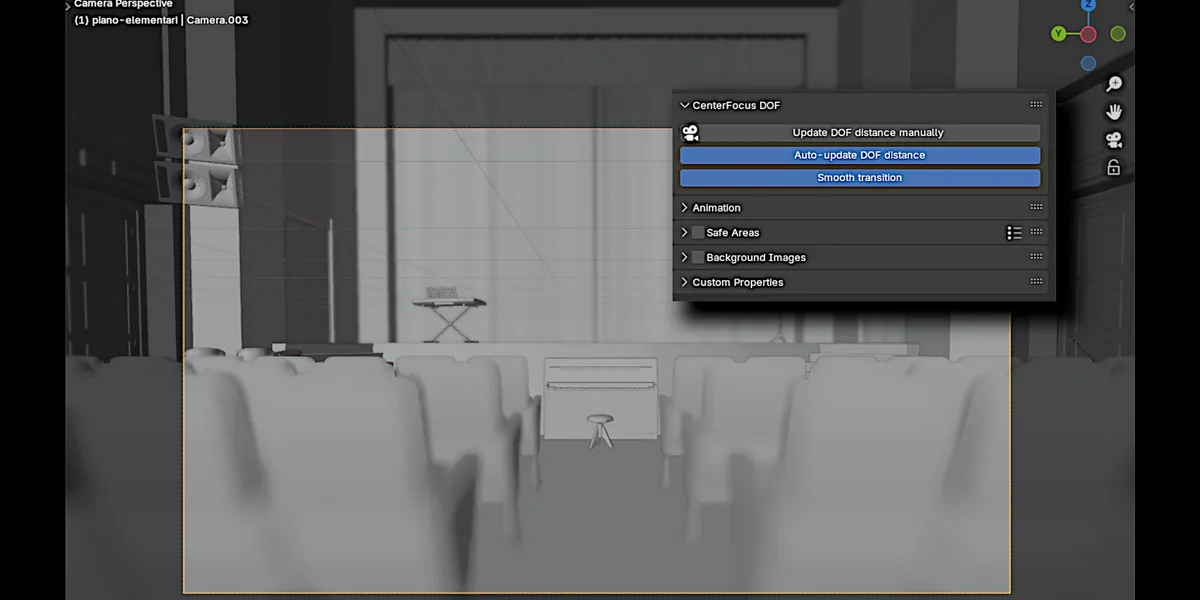
Center Focus Depth Of Field Add-On updates the active Blender camera's Focus Distance to match the point at the center of the frame. When automatic updating is enabled, the value stays synchronized in real time with what is in front of the camera.
How the focus point is determined
The add-on calculates focus distance from the frame center. To identify that point in the viewport, enable Center under the camera object's Viewport Display > Composition Guides. This makes it easier to see which part of the composition is driving the focus update.
Automatic updates and smooth transitions
After installing and enabling the add-on or extension, open the dedicated panel in the camera's Object Data tab to control its options. The Smooth Transition option changes Focus Distance more gradually, which can make focus changes less abrupt.
The product listing identifies Blender 4.3 and marks the add-on as Blender Extension compatible. It also lists Cycles as the render engine used. See the product listing, its documentation, or the video tutorial for details.