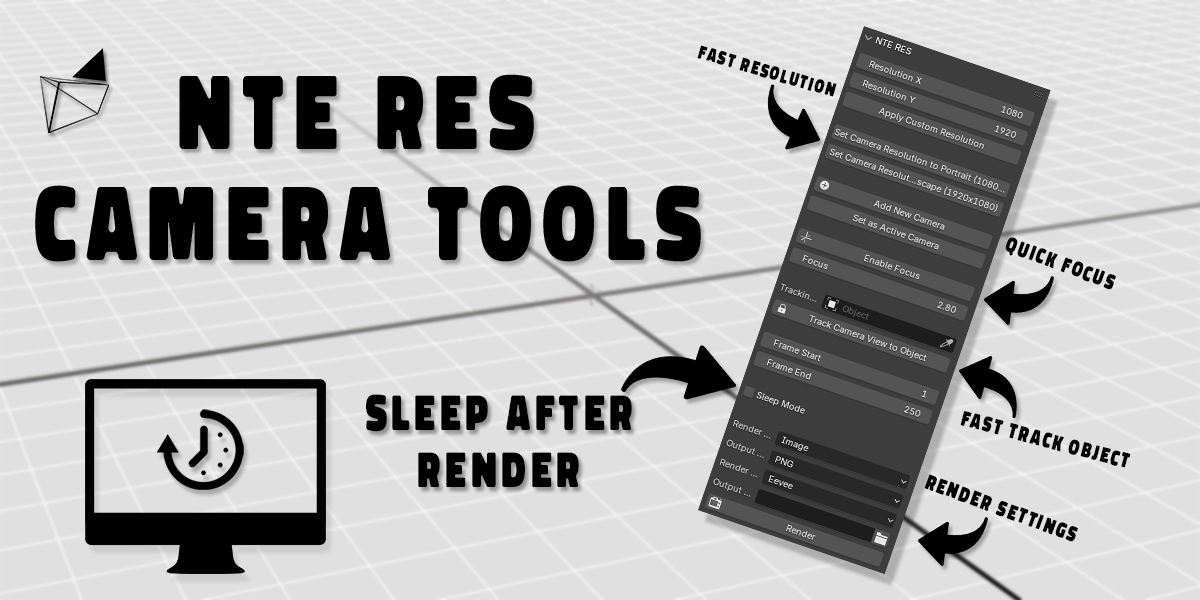
NTE RES Tools is a Blender add-on from NTE Studio that groups camera and render controls in one menu. Its controls cover resolution, camera selection, focus, object tracking, frame range and output settings.
Camera setup
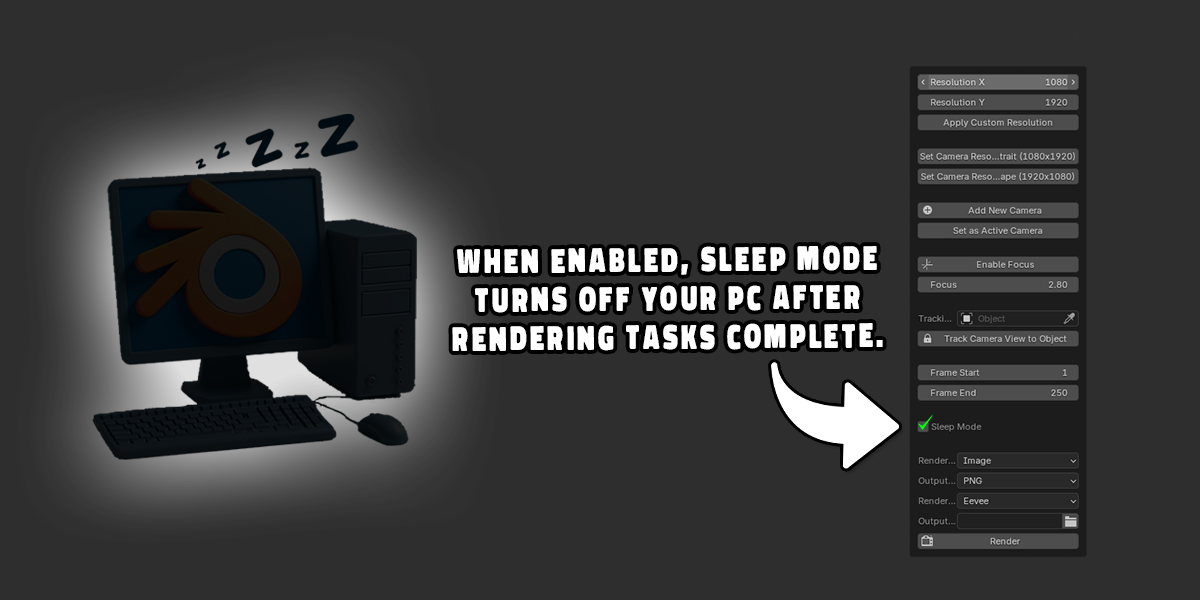
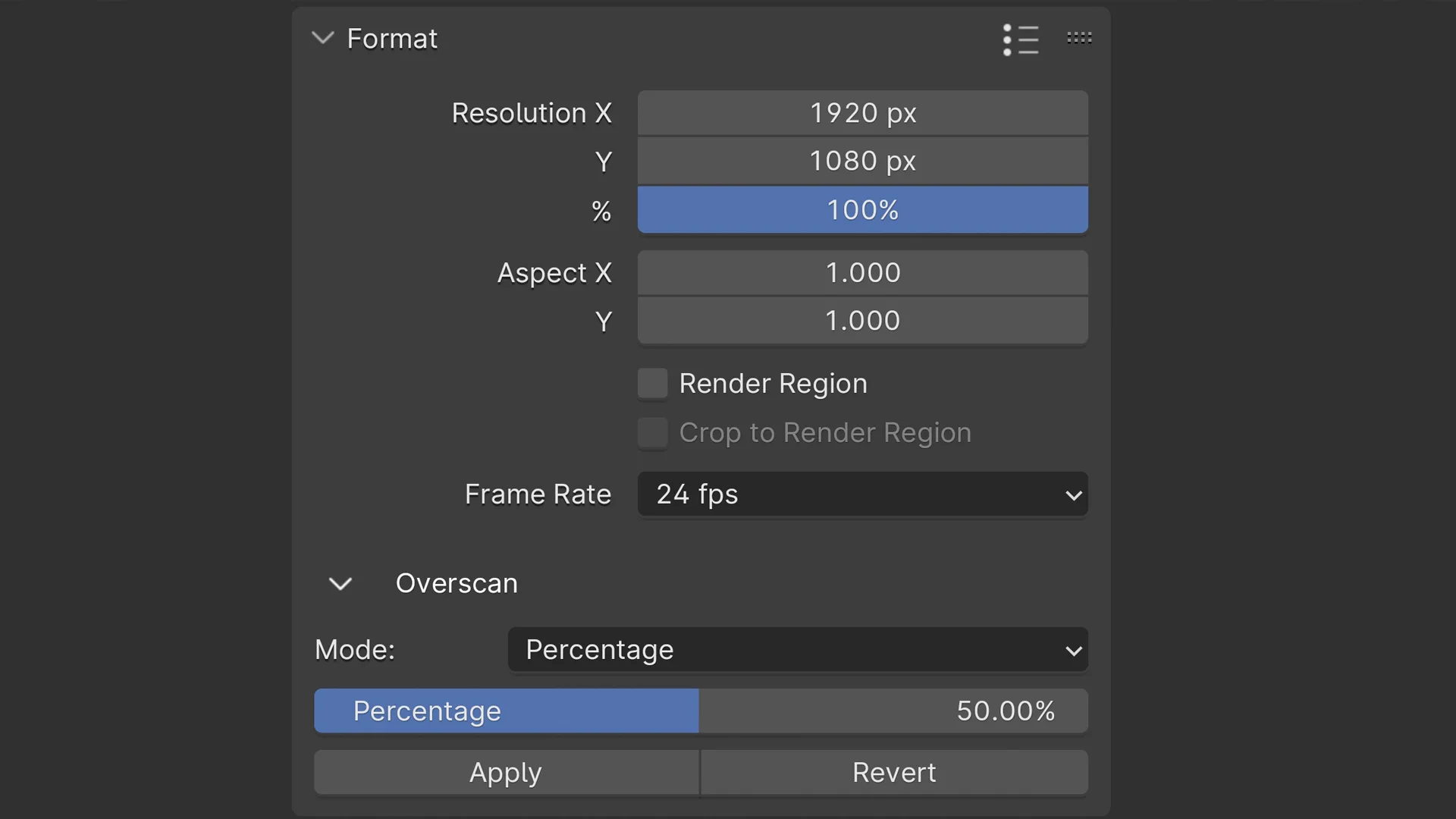
Enter Resolution X and Resolution Y values, then apply the custom resolution, or choose the portrait or landscape preset. The add-on can add a camera and set a selected camera as active. Select a camera and click Enable Focus to turn on depth of field and set a standard empty object as the focus object. To track an object, select it with the tracking-object eyedropper and choose Track Camera View to Object; the camera rotates to follow the selected object.
Render controls
Frame Start and Frame End update in real time. Choose an output format and render engine, then select image or animation as the render type. The Render button starts the job from the same menu. For an animation, set the scene's frame range before rendering.
Sleep Mode
When enabled, Sleep Mode shuts down the computer after rendering finishes and the renders have been saved.
Version and license
The Superhive product listing identifies NTE Studio as the creator, lists Blender version 4.2 and specifies a Royalty Free license. Compatibility with other Blender releases is not stated in the available listing, so check its documentation or contact the creator before relying on a different version.