Cameraide is a Blender add-on that stores resolution, frame range, output path and format per camera, so those settings follow the selected camera. The Blender Extensions listing identifies version 1.1.0 and Blender 4.3.0 as the minimum supported version.
To enable Cameraide, select a camera in the 3D View, open the Camera tab in the sidebar and click the camera name button. You can turn Cameraide on or off for each camera.
Set resolution, frame range and output
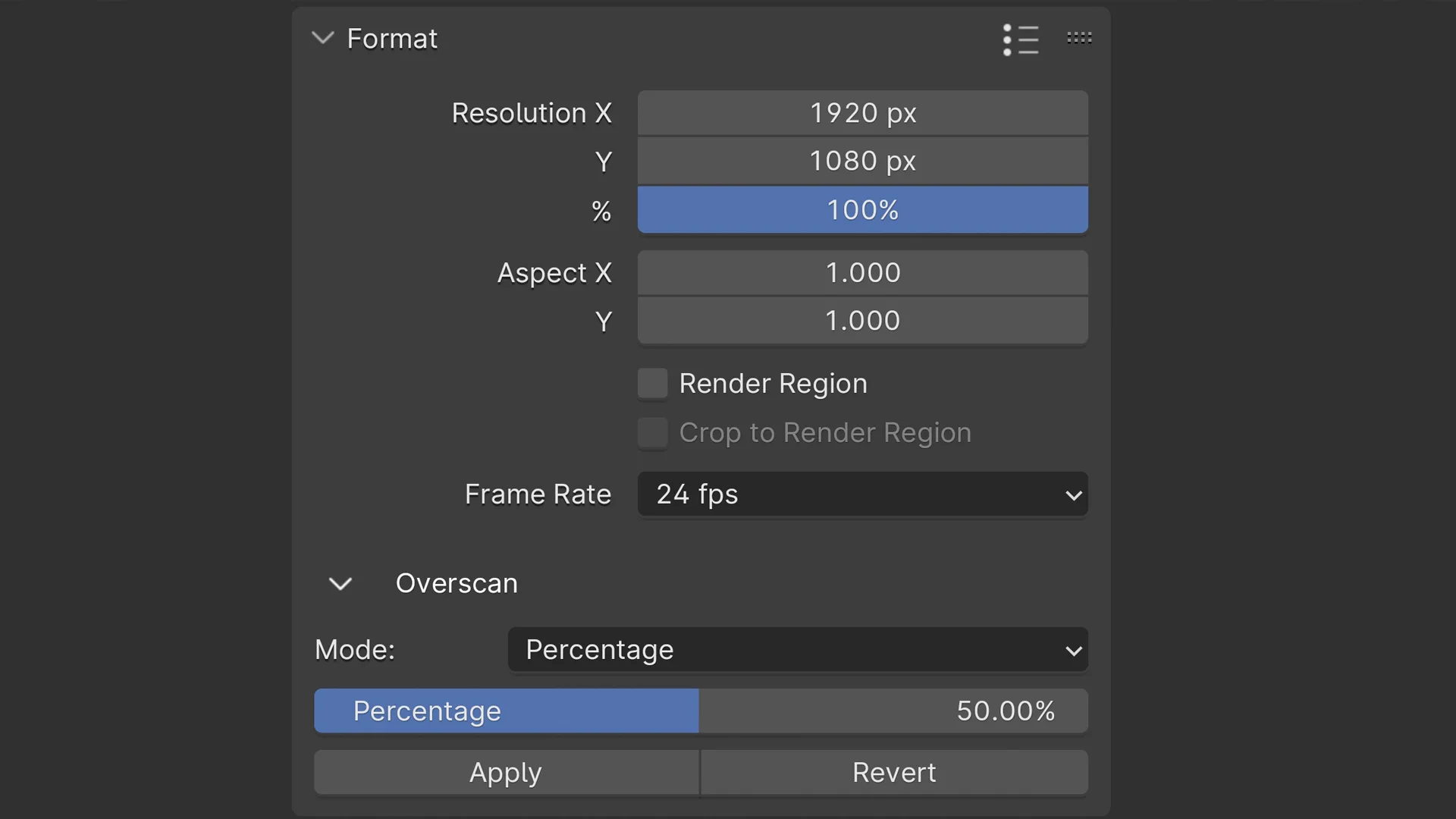
Resolution can use custom width, height and percentage values, or presets for HD, 4K, Square and Anamorphic formats. A landscape and portrait swap changes orientation in one step.
Set a custom start, end and step for the frame range, sync it to the scene timeline, or use Timeline Markers mode to read ranges from markers assigned to the camera. Output controls include a custom path, subfolder and filename. You can append the camera name to the filename and skip frames that are already on disk.
Render stills, previews and camera batches
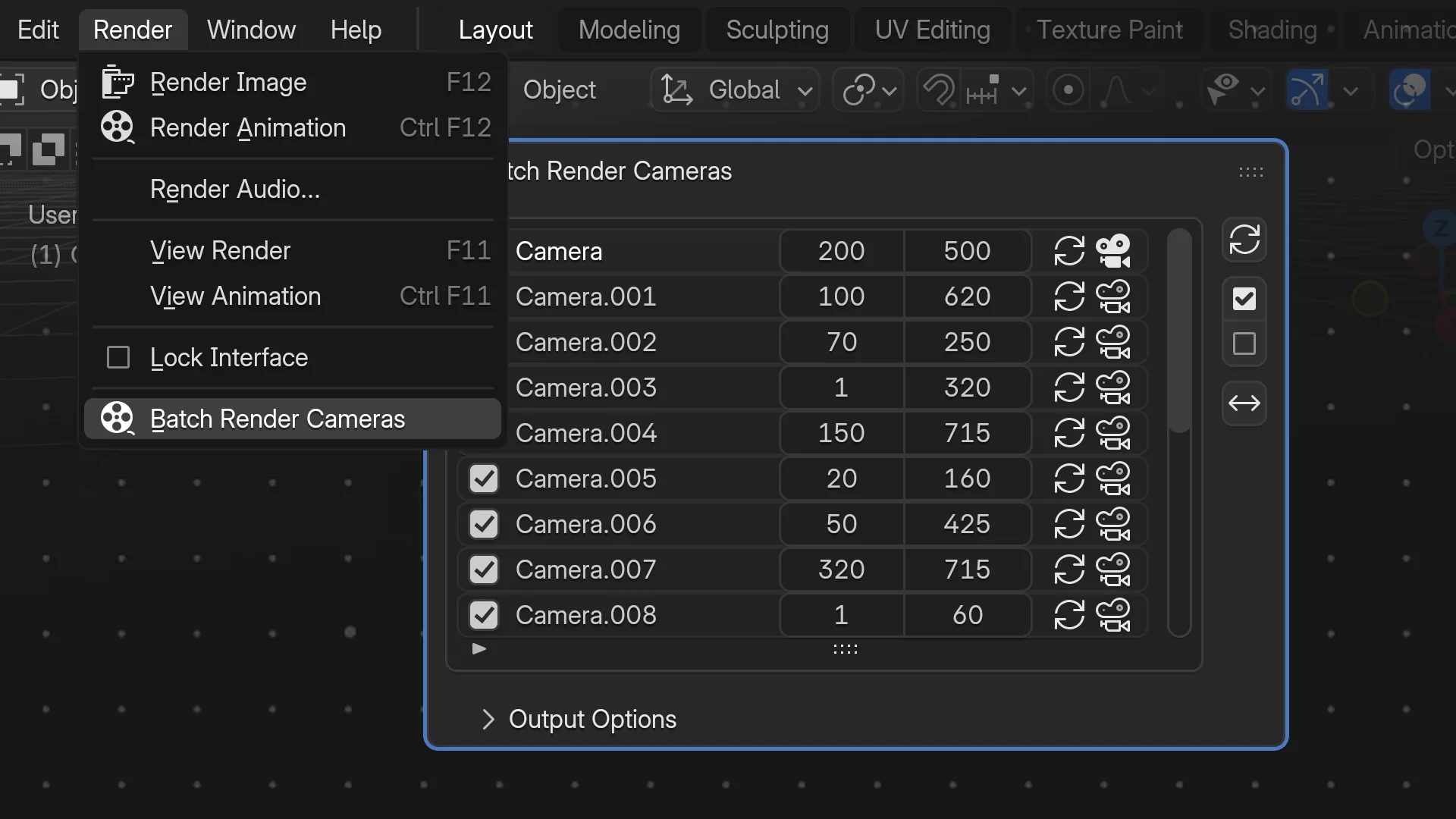
Snapshot renders one frame. Playblast renders a full animation with the viewport or the normal renderer. All Cameras processes enabled Cameraide cameras in sequence, one render job at a time. Blender's native render settings are restored after each render in the batch.
For images, Cameraide lists PNG, JPEG and OpenEXR output. Video options include MP4, MKV and MOV (ProRes). Per-format controls cover quality settings; video also has audio codec and bitrate options. Transparency is configured separately for each format, and Burn Metadata embeds render information into image pixels.
Version and installation
The Blender Extensions manifest for version 1.1.0 sets Blender 4.3.0 as the minimum; the developer's README for version 1.1.0 says Blender 4.2 or later. Install the downloaded add-on file using Blender's Install from Disk option.