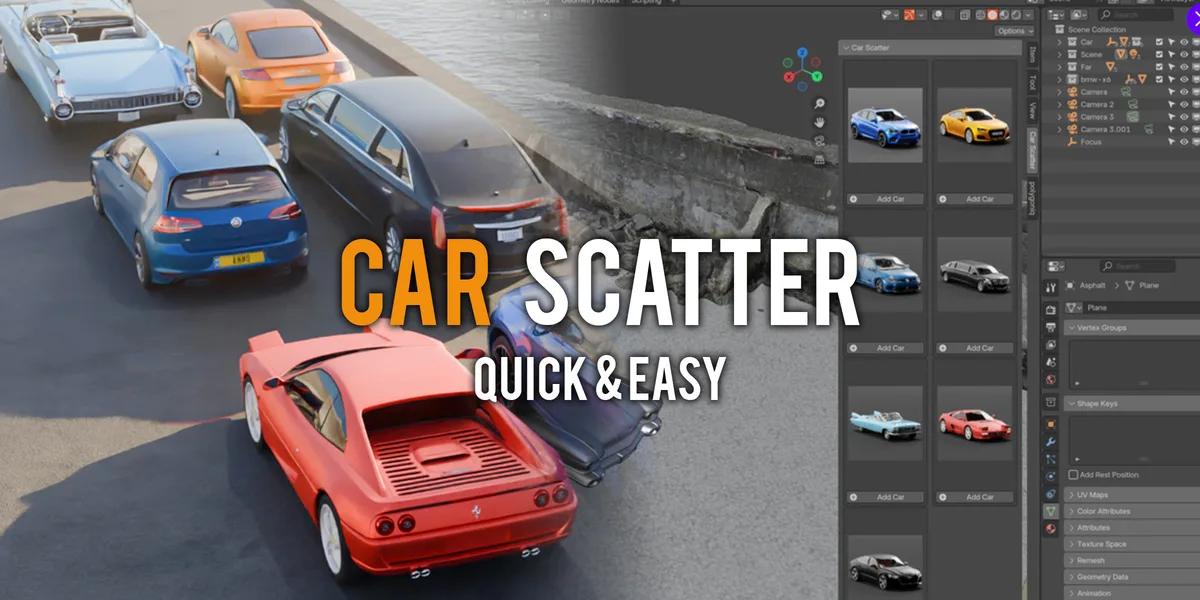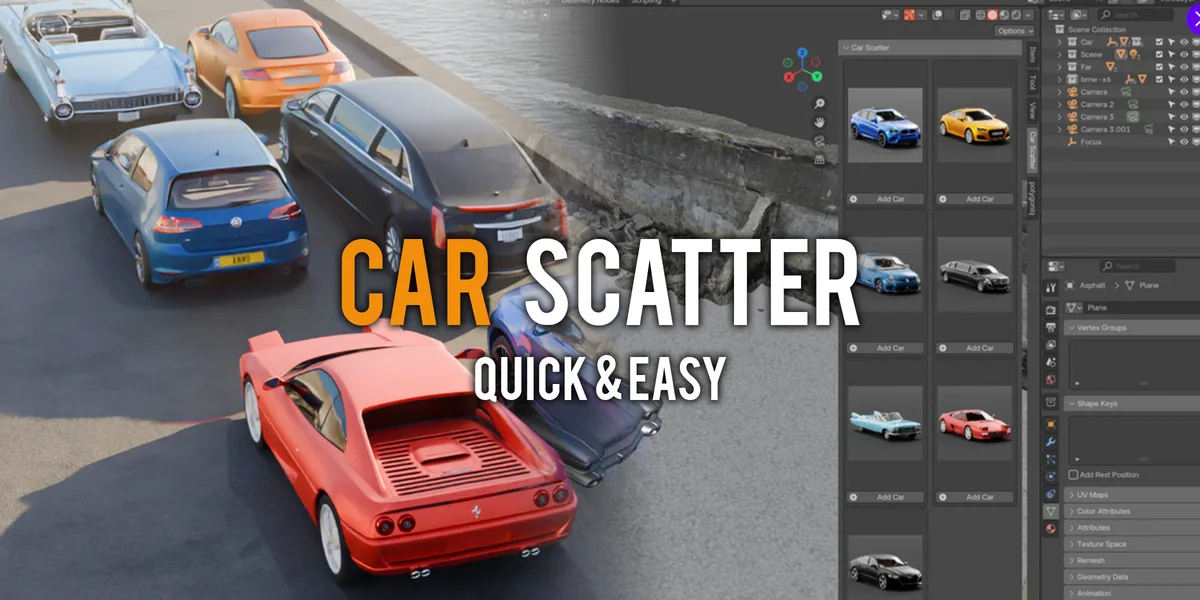
Car Scatter + Bonus Scenes is a Blender add-on for placing car models in a scene. Its panel shows vehicle previews in two columns, with an Add Car button for each model. A click inserts the selected car at the current 3D cursor, so the cursor location determines where it appears. The package also includes two scenes for setting up road and parking lot renders.
Place cars from the 3D Viewport
Install the downloaded ZIP through Blender's Edit > Preferences > Add-ons panel, then enable Car Scatter. In the 3D Viewport, press N to open the Sidebar and select the Car Scatter tab. Choose a model from its preview and click Add Car. After insertion, use G, Blender's Grab shortcut, to move the car. The library can also include your own car models and icons.
This workflow suits scenes where you want to position selected vehicles, such as city streets or parking areas. For installation and placement steps, see the Car Scatter documentation.
Two scenes for vehicle renders
Cars on the Road.blend is a set-up road scene with mountains, water reflections, urban details, textures, materials and lighting configured for Cycles and Eevee. The product page says this scene is compatible with Blender 4.2 and above and can be edited to fit a project.
The Parking Lot scene has asphalt textures and markings, plus car models ready for rendering. Its layout can be rearranged. Together, the scenes provide prepared road and parking settings to work in, while Car Scatter provides the panel for adding vehicles.
Check compatibility for each part
Superhive's product details list Blender 3.0 to 5.3 for the add-on. The product description separately states Blender 4.2 and above for Cars on the Road.blend. These are different compatibility notes for the add-on and that scene. Check the Superhive product page for the details that apply to your Blender version before installing or opening the scene.
Car Scatter is made for artists who need to add and reposition vehicle models in Blender scenes, and the included road and parking lot scenes give those models two ready-made settings for renders.