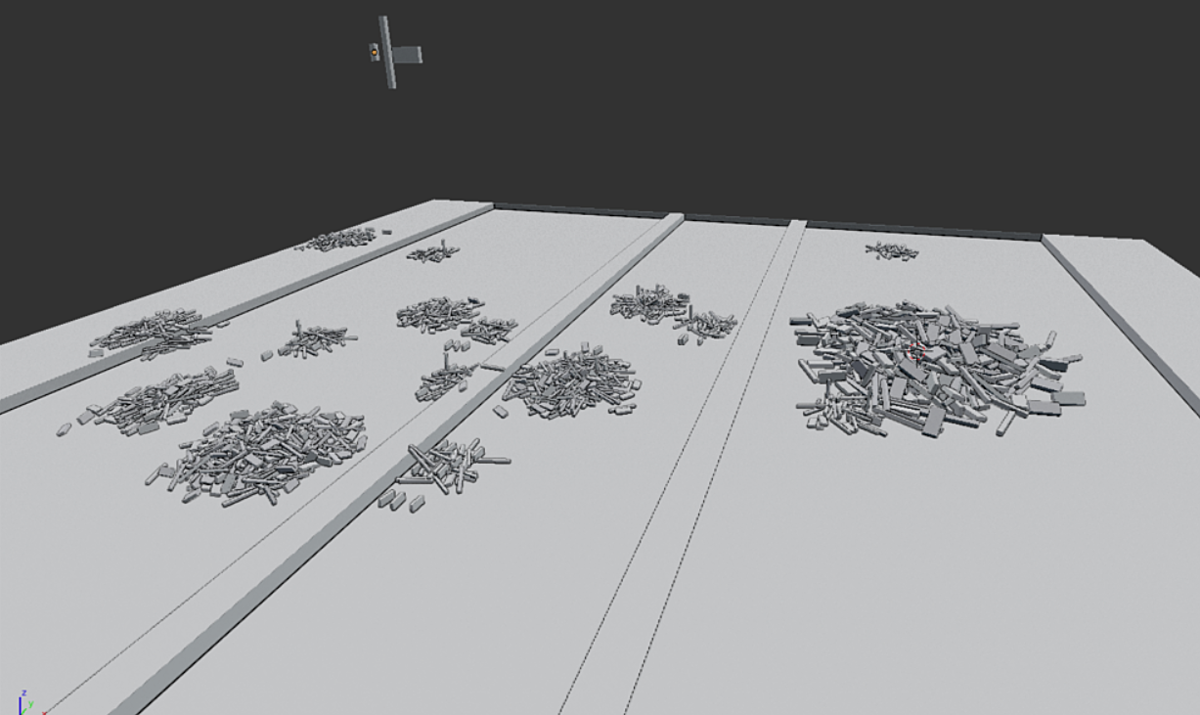
Massfx- Dynamic Physics Painter is a Blender add-on for placing collections of objects on scene surfaces with Blender's rigid-body system. You can drop or paint assets to build clusters, which can save time when adding piles and other scene details by hand. The product page names game cinematics and commercials as example uses.
Prepare a collection and ground objects
In the Collection Manager, select the objects you want to place, name the collection, and click Add. Keep unrelated objects unselected and inactive while creating it, since they can be linked to the collection by mistake.
Before starting the placement tool, select the ground objects you want to use, with those objects selected last. The documentation says you can select multiple ground objects. If you assign a custom brush, make that object active and choose it with the arrow control, then leave only the ground objects selected before starting. Without a custom brush, the add-on uses a regular cube.
Drop or paint asset clusters
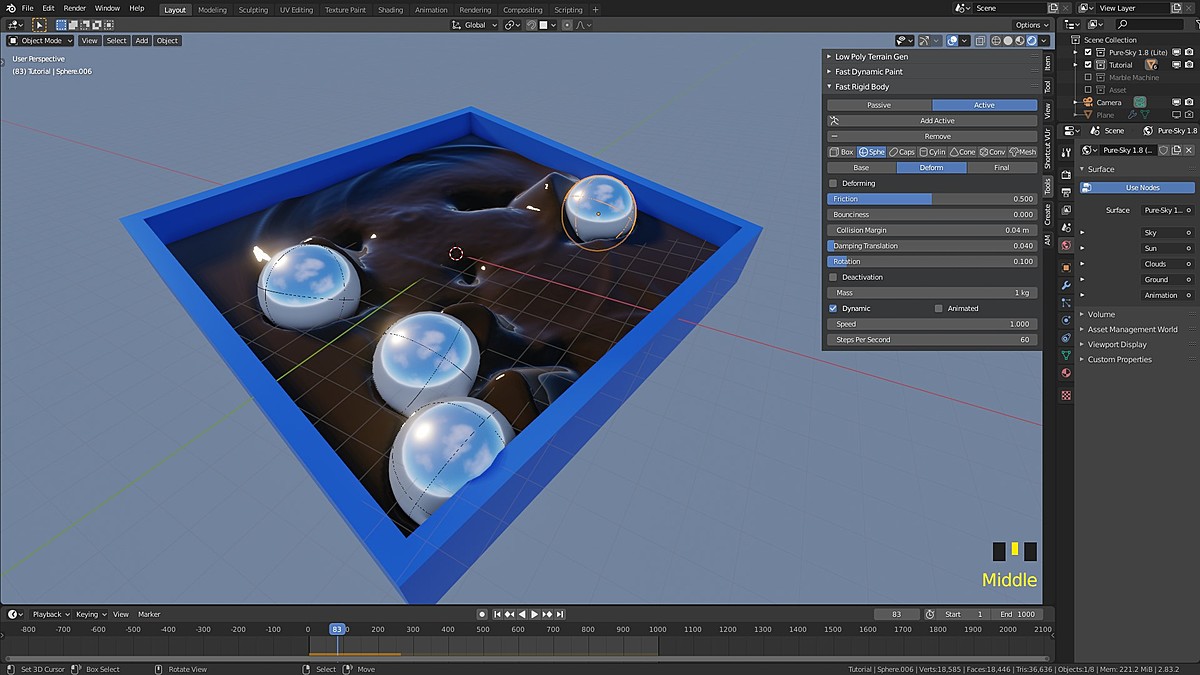
MassFx provides a particle-based brush for painting assets and controls for both brush and physics settings in a modal panel. Click, drag, and release to place objects and let the rigid-body simulation form a pile. Brush height is controlled with Shift plus mouse scroll. The add-on also adds a passive rigid body automatically when one is not detected.
The Superhive documentation covers collection and brush setup. Its FAQ includes fixes for objects passing through a surface, floating during painting, or falling more slowly than the preview.
Version and license details
AnyPlugins lists version 3.1. Compatibility listings differ: Superhive lists Blender 2.8 through 2.92, while AnyPlugins lists 2.79 through 2.92. Check the developer's listing before relying on support for Blender 2.79 or a release newer than 2.92. Superhive lists the add-on under the GPL license.