CCNCAnimationObjects is a Blender add-on for building CNC cutting simulations from a cutter and a blank object. Its Blender Extensions listing describes it as a CNC simulation object editor with camera and spark effects. The documented workflow sets up scene objects and Geometry Nodes before you run custom or patterned animation steps. It suits projects where the cut needs to change the model as the animation progresses.
How the cutting sequence changes the mesh
The listing's explanation of custom animation describes a discrete Boolean workflow. At each step, the add-on applies the previous cut destructively to the blank mesh. With a non-destructive Boolean, a cutter animated along a path could appear to pass through an object while the surface behind it returns. Here, each completed cut remains in the geometry. The page describes returning to the first frame as the undo route; moving forward again encounters geometry that has already changed. Keep an unchanged copy of the starting object when building a sequence.
Paths and animation segments
Documented cutter patterns include linear, circle, helix baseline, and circle paths on the XY or XZ planes. The add-on also has blank rotation patterns. For custom movement, the page describes using the cutter's current positions as start and end coordinates for animation segments. This can approximate a follow path, though the listing notes that movement may be rougher than a curve path. The animation patterns section also covers segment names and start and end frames.
The extension documents CSV export and import. Its catalog record lists permission to import and export CSV files.
Camera and effects
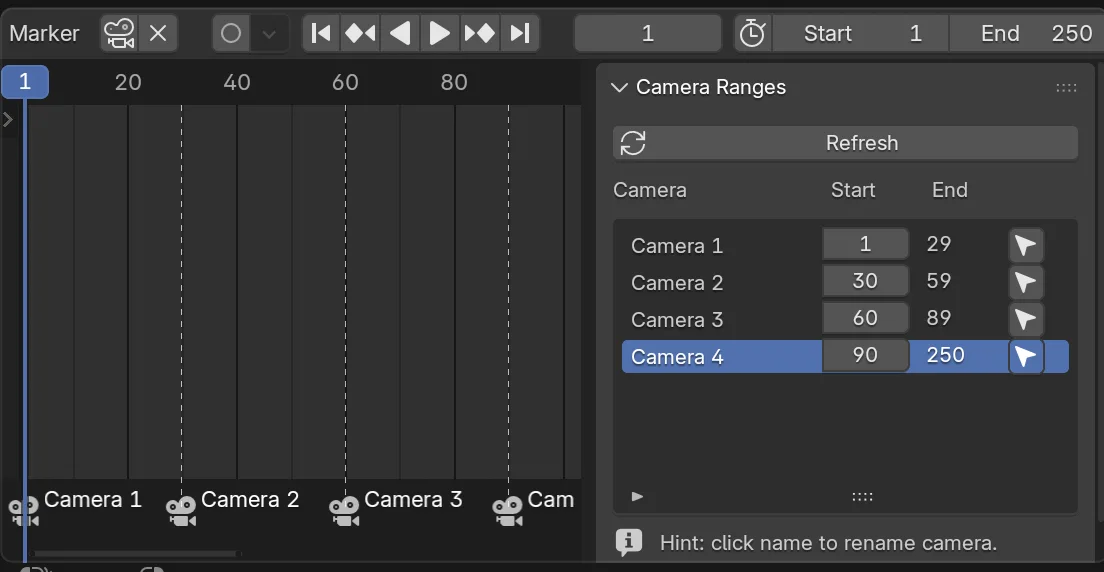
Separate sections cover camera setup, an Effect Box, and spark particle effects for visual enhancement. The Camera and Effect Box tool is for scene presentation alongside the cutting simulation.
Version and compatibility
The Blender Extensions catalog lists version 1.2.3, Blender 4.4.3 as the minimum version, and Bitsqueezer as maintainer. It specifies the GPL-3.0-or-later license. Check the version listing for release details and the official add-on page for the current download and installation information.