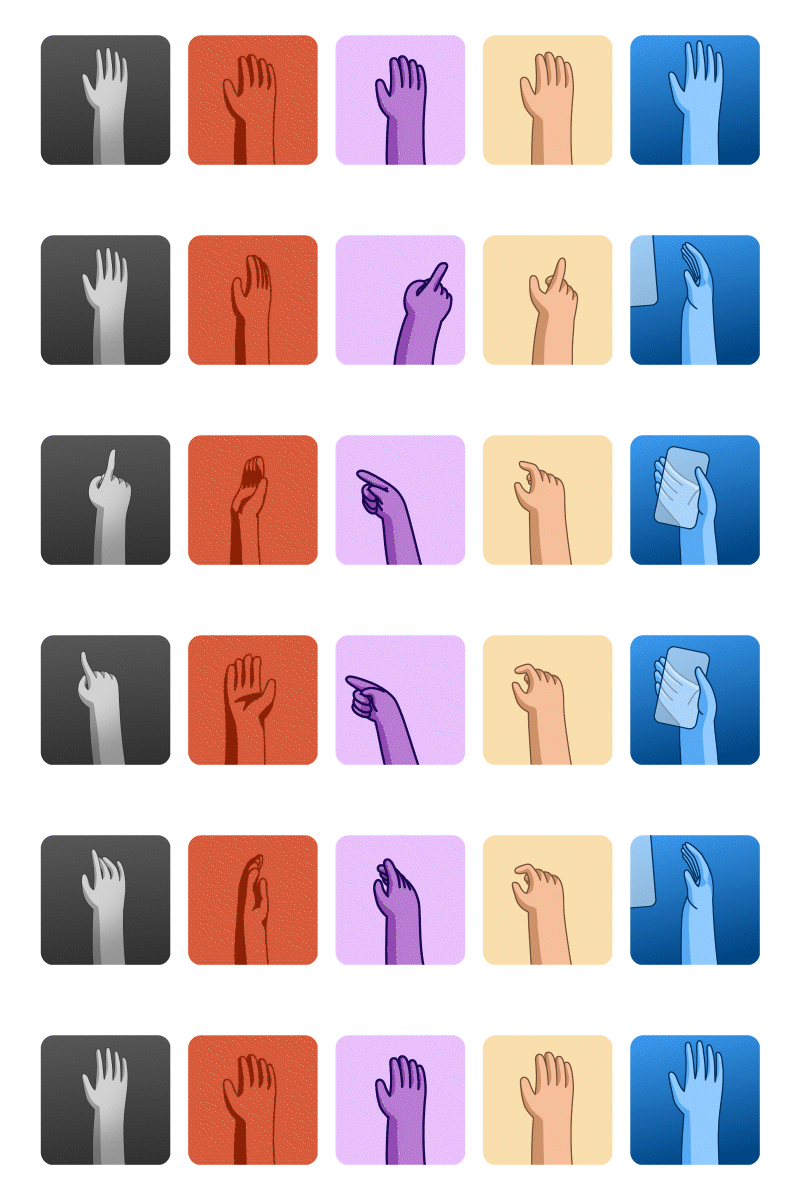
CelWizard Frame by Frame Library is a collection of hand-drawn, frame-by-frame assets for motion graphics in After Effects. Use the hand animations for screen interactions such as swipes, pinches, taps, scrolling, and zooming; use looping elements for recurring motion; or combine modular elements into morphing transitions.
Collections and workflows
| Collection | Contents | Useful for |
|---|---|---|
| Hand gestures | 60 elements covering 30 gestures in two visual weights, including swipes, pinches, phone taps, scrolling, and zooming. | Showing hand interactions in motion graphics. |
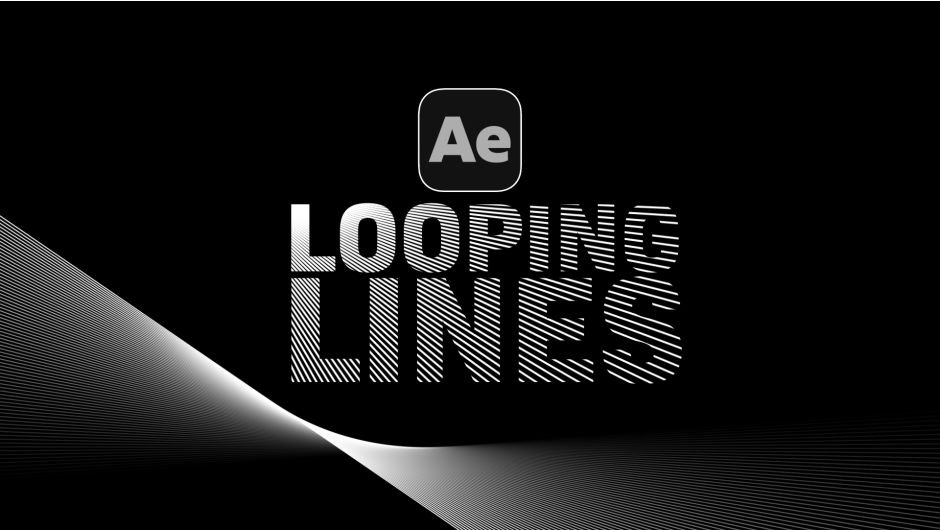
| Looping elements | The library listing counts 52 looping elements; the Looping Elements page describes 52 frame-by-frame compositions but lists 51 elements for version 1.0. | Adding repeating object animation to a scene. |
| Morphing elements | The library listing counts 53 modular elements; the Morphing Elements page lists 51 elements for version 1.0. Both describe more than 2,500 possible combinations. | Rearranging shapes to morph, appear, disappear, or transition. |
| Isometric solids | The library listing counts 121 Isometric Solids; its feature description mentions 14 animated blocks and solids that rotate 90°, 180°, or 360° on the X, Y, and Z axes. | Adding isometric objects to a motion graphics composition. |
The listing also identifies 38 preview elements separately: 14 isometric elements and 24 2D shapes presented as previews of future packets.
Customize the animation
The assets are vector-based, so they can be resized without a stated size limit. You can adjust color, shadow color, stroke color, stroke width, and the visibility of color, stroke, and shadow. Animations are set to 24 frames per second and can be scaled down to 16 or 12 fps.
Import requirements
The library requires the free AeViewer plugin. Install AeViewer, open the library’s .aevpack file in it, and register the license code. AeViewer lets you preview, apply, and import the assets into a project. The package and license code are available in the aescripts account’s My Downloads & Licenses section. The library’s compatibility notes specify After Effects CC 2021 or newer; AeViewer’s support for Premiere Pro does not change the library’s stated After Effects requirement.
License conditions
The posted license terms grant one copy for one user and computer at a time. Additional users or copies require an appropriate license. The terms also restrict transferring or redistributing the package without the author’s written consent, so check the license options before using it across a team.