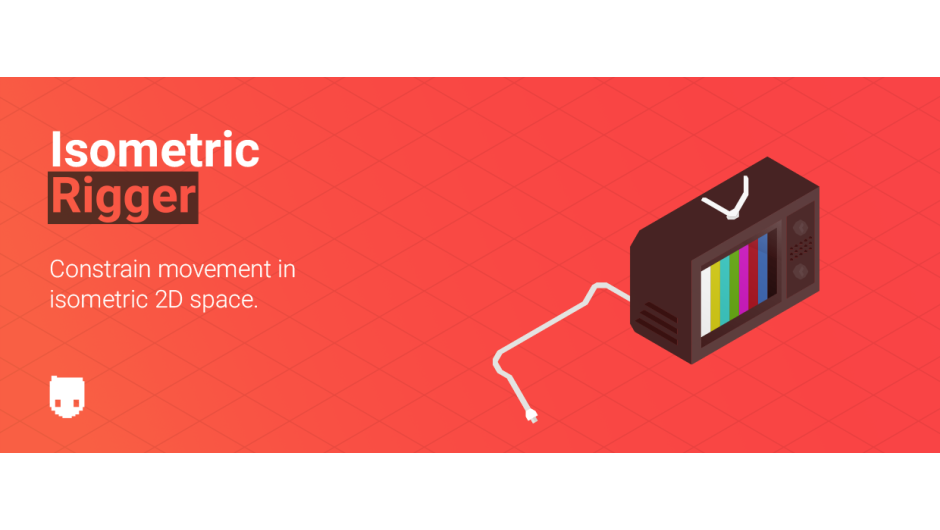
Isometric Rigger is an After Effects script that constrains layer movement to the three axes of an isometric 2D illustration. Use it when you need to animate layered isometric artwork with controlled movement along the drawing's X, Y, and Z directions.
Rig isometric layers
Import your illustration, select one or more layers, and click Rig. The script adds three sliders to each selected layer, one for each axis. Use these controls to create simple animations or move parts apart into an exploded isometric view.
Setup and limitations
Copy the included Isometric Rigger.jsx file to After Effects' ScriptUI Panels folder. Restart After Effects if it is open, then open Isometric Rigger from the Window menu. You can dock its panel in your workspace.
The script does not currently work with layers whose Position dimensions are separated into Position X and Position Y. Set the layer to use a single Position property before clicking Rig.
Compatibility and licensing
The listing names After Effects versions from 2025 back to CS6. The developer says the script was tested only on After Effects CC on a PC and is expected to work on Mac and earlier compatible versions, so that broader compatibility is not documented as tested.
Isometric Rigger uses the MIT License and is offered under Name Your Own Price terms. Individual users may choose an amount; businesses and teams must pay the suggested price for a valid license.