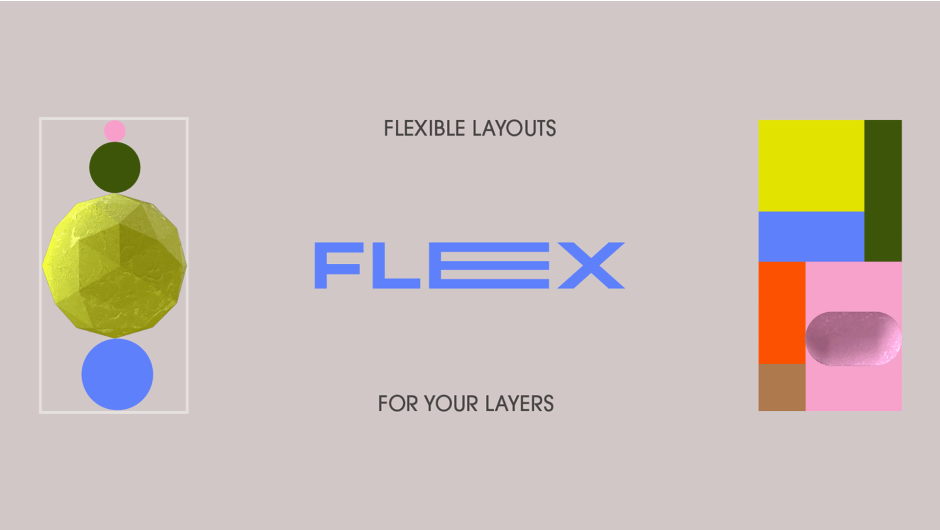
Flex is an After Effects tool for building layer layouts that realign as individual layers change size. Line Rigs connect selected layers in a single row or column; Grid Rigs add horizontal and vertical controls for layouts with multiple rows or columns. It suits motion designers who need neighboring layers to keep their arrangement as a composition changes.
Choose a line or grid rig
Select layers and create a Line Rig to connect them in a straight line. Changing one layer's size can affect the scale and position of its neighbors, so the row or column can flex with its contents. For a more complex layout, a Grid Rig adds horizontal and vertical controllers to an existing arrangement, letting groups of layers flex across rows and columns. After rigging, Flex provides six methods for handling layer scaling.
Keep artwork scale with Flex Mattes
When you want the layout to flex without changing the scale of the original layers, Flex can create rigged mattes instead. The trial disables Matte Mode and the options for setting inner or outer strokes on shape layers, so those features cannot be evaluated in trial mode.
Compatibility and license
The product listing names After Effects 2026, 2025, 2024, 2023, 2022, 2021, 2020, CC 2019, CC 2018, CC 2017, and CC 2015.3 as compatible versions. The published license grants use of one copy on one computer at a time and permits one archival copy on a storage medium other than a hard drive, for reinstallation only. Multiple users or multiple copies require an appropriate licensing agreement for each user and copy; transferring the software requires the author's express written consent, and modifying it is prohibited.