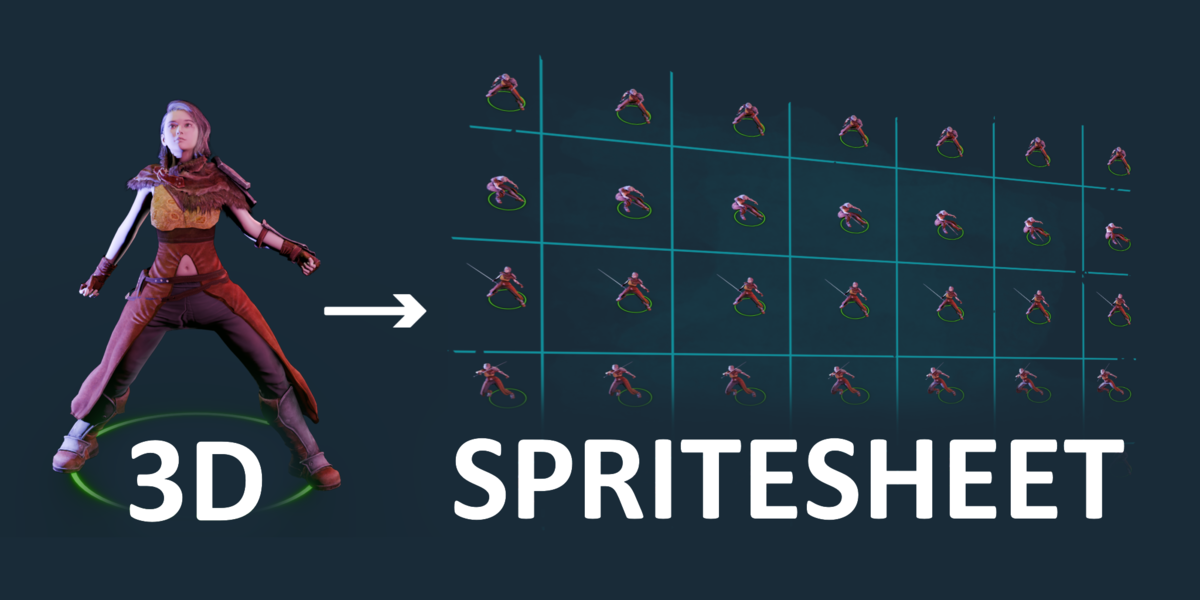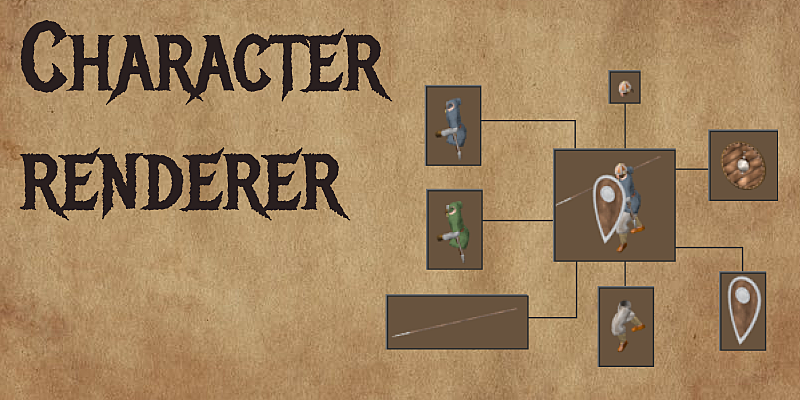
Character Renderer For 2D Games is a Blender add-on by Denis Chera that renders animated characters as 2D images for use in game engines such as GameMaker. Its multi-direction output is described as being in the style of Diablo II. The renderer uses actions and render layers already set up in your .blend file, and saves its output to a folder you choose. The Superhive listing identifies Blender 2.79.
Choose actions, angles and layers
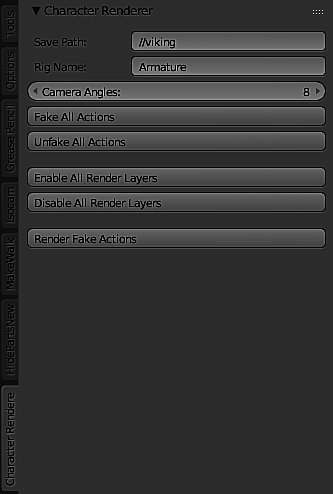
Use Fake All Actions to mark every action as Fake, or mark only the actions you want to render. The add-on's Render Fake Actions control processes actions marked Fake. For direction views, set the number of camera angles. The product instructions give eight as an isometric example: 0, 45, 90, 135, 180, 225, 270 and 315 degrees.
To render character parts separately, put each part on its own visible layer and use the corresponding render layer. Select the render layers you want included. Enable All Render Layers and Disable All Render Layers are available as shortcuts; the latter disables every render layer, so no parts are rendered until you enable the layers you need.
Set up a render
- Install and activate the add-on. The documented Blender 2.79 path is File > User Preferences > Install add-on from File.
- Create an object named Empty and parent your rig to it.
- Open the Toolshelf with T, go to the Character Renderer tab, and set the save path, rig name and number of camera angles.
- Mark the actions you want to render as Fake, select the render layers, then use Render Fake Actions.
The instructions warn that closing a project with actions that are not marked Fake may delete those actions, even if the project has been saved. Check the action states before closing the file.
Sample file and source
A sample .blend file contains a viking character carrying a spear and shield for testing, and the listing asks users to credit its authors. The GitHub download does not include the example file. The add-on is based on an answer by Tamir Lousky on Blender Stack Exchange.
Superhive lists a Creative Commons license. The supplied product information does not confirm compatibility with newer Blender versions or specify the license variant, so check the listing and its linked terms for your setup.