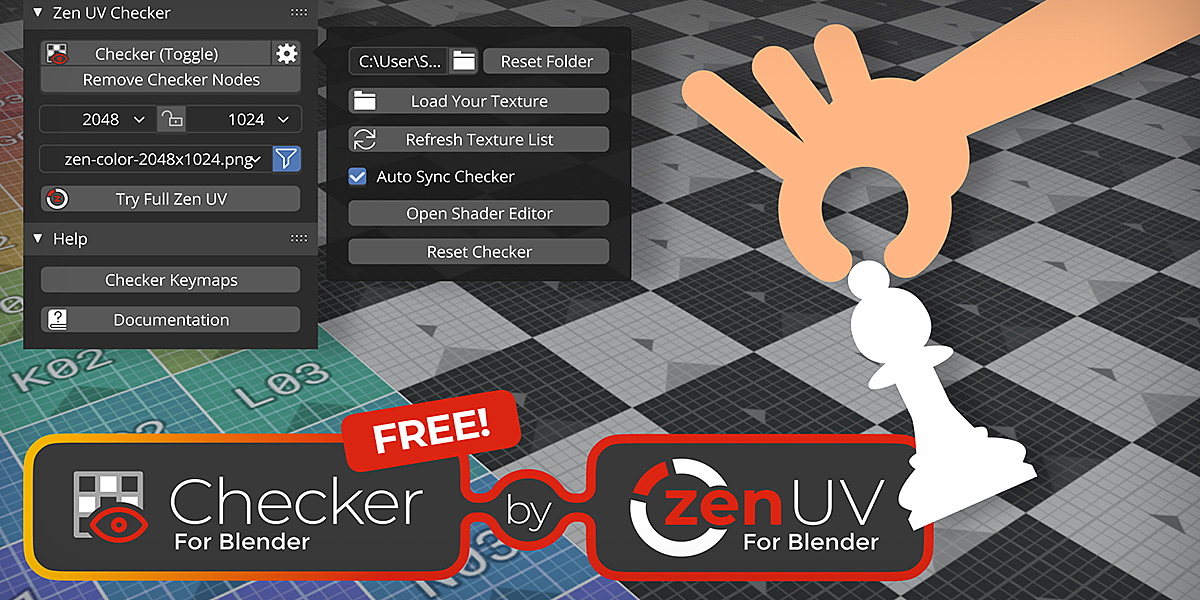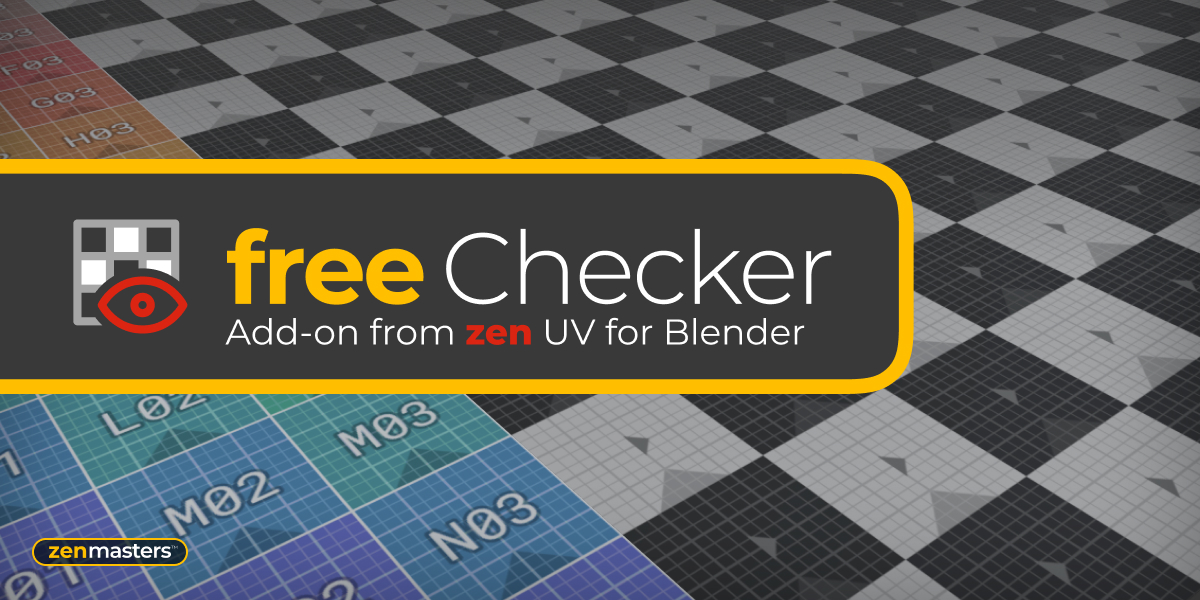
Checker is a free Blender extension for visually inspecting UV maps. Its node-based system applies checker textures without replacing existing materials, so you can review UV scale, orientation, and distortion on a model.
Choose a pattern for UV inspection
The included Zen UV Checker set has color and monochrome patterns. Filter checker textures by resolution or format, including square and rectangular images. You can also add your own checker image or an entire texture library.
Use Checker in a UV review
- Choose an included pattern or add a checker image or library of your own.
- Filter the available textures by resolution or format to find a pattern for the inspection.
- Apply the checker through the node-based system and examine the model while its existing materials remain in place.
Superhive lists Checker v1.5.1 under GPL and gives a Blender range of 3.6 through 5.2; the AnyPlugins FAQ gives 3.6 through 5.1. The Blender Extensions listing gives version 1.5.1 compatibility as Blender 4.2 LTS and newer and provides the free extension. For setup and controls, see the Checker documentation or the Superhive product listing.