CheckMate Pro is a task-management add-on for Blender that keeps task lists with their .blend projects. Use its sidebar to create categories and tasks, then open a pop-up checklist in the 3D viewport to mark work complete.
Keep each list with its project
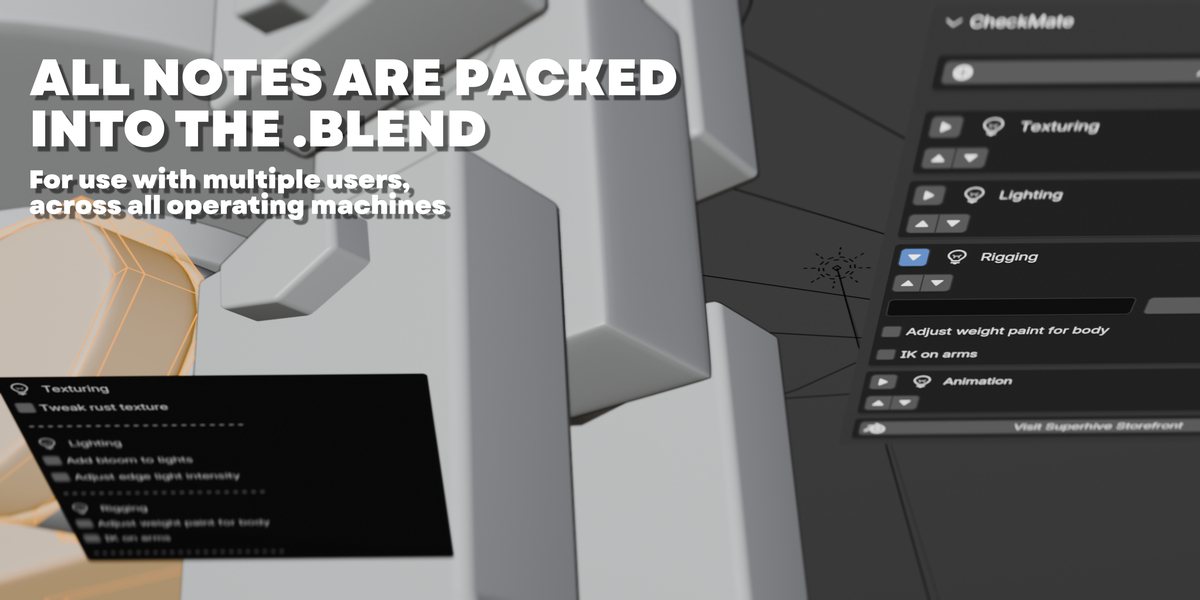
Categories and tasks are saved per .blend file. When you share that project file, other artists can see which tasks are complete and which remain. The add-on stores task data in the project rather than relying on an external database, cloud service, or user account.
Organize work in the sidebar
Open the CheckMate tab in the 3D viewport sidebar to add categories and task notes. You can expand or collapse categories and move them up or down to change their order. When the sidebar is occupied, the pop-up checklist lets you view outstanding tasks without opening the sidebar.
The pop-up opens with Shift+T by default. To change the shortcut, go to Edit > Preferences > Keymap, then look under 3D View for Outstanding Tasks Menu. Marking an item complete in the pop-up hides it there; it remains in the sidebar with its completed state.
Check the Blender version range
Superhive's product listing identifies Blender 4.0 through 5.2. Its documentation page lists 4.0 through 4.5. If you need support for a version newer than 4.5, confirm compatibility with Pixel Vampire before installing.