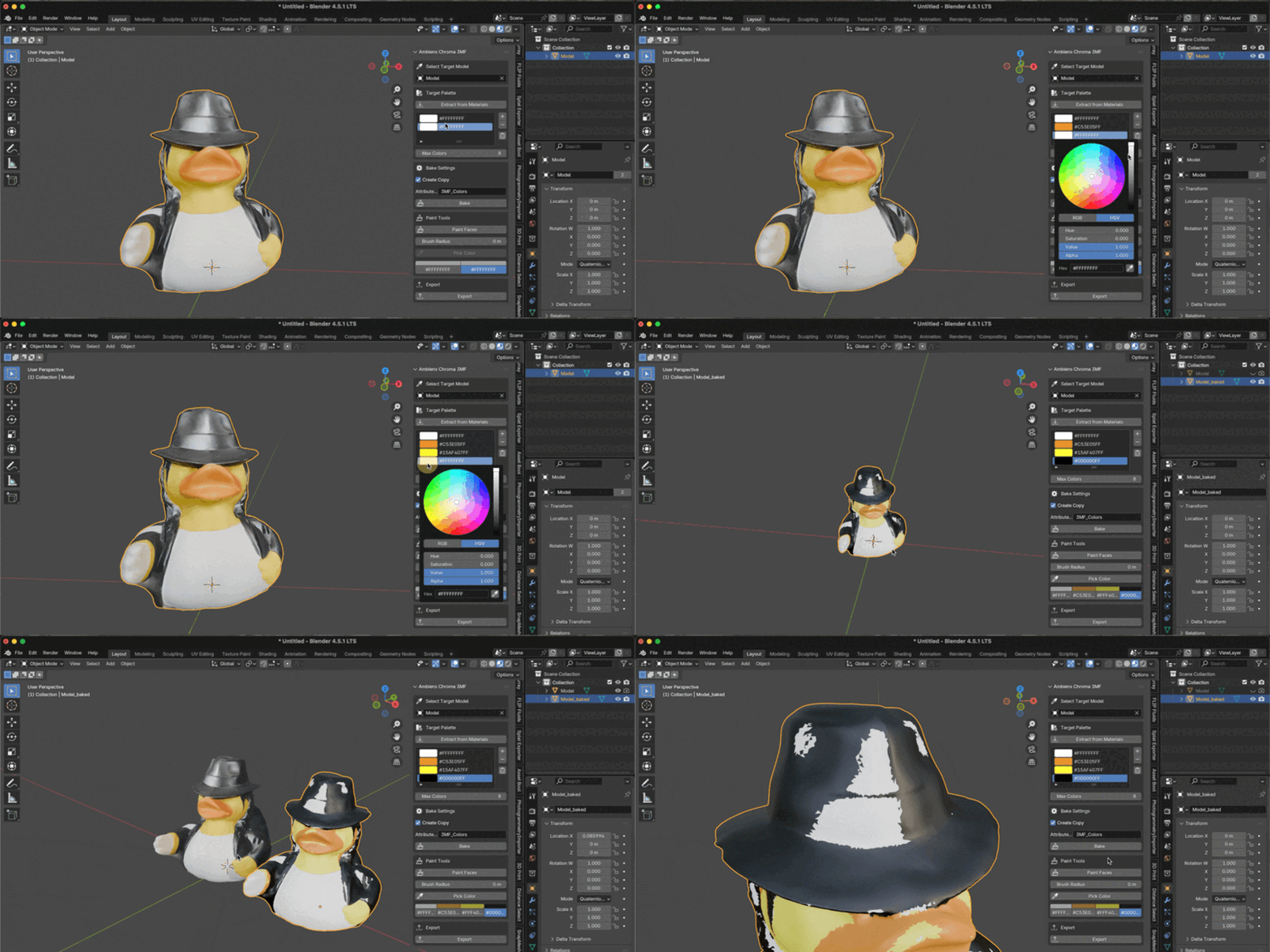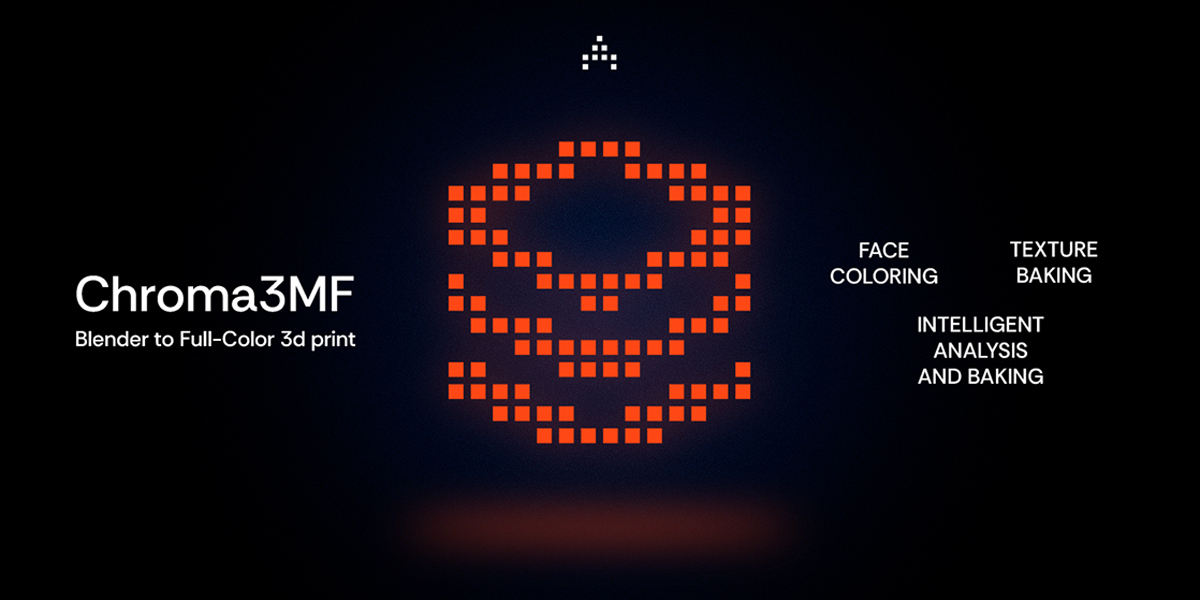
Chroma 3Mf is a Blender extension for transferring material color data into 3MF files. It has a face-color workflow for multicolor FDM printing and a texture export path for full-color printers that support textures. The product listing describes its baking, palette, painting, and export controls.
How the multicolor FDM workflow works
Chroma analyzes Blender material nodes, samples their colors, and bakes the result into Color Attributes on a duplicate of the original mesh. It generates a preview material so you can inspect the baked colors before exporting.
The Target Palette module can extract colors from assigned materials or create a palette with a color picker. Color remapping and quantization let you set a maximum color count. The Face Painter lets you apply colors from that palette to individual faces for manual adjustments.
Choose a 3MF export path
- ColorGroup: Exports color data from baking using the standard 3MF ColorGroup specification. This path is intended for multicolor FDM printers.
- Embedded textures: Exports texture-based color data for full-color printers that support textures. The texture export option preserves UVs.
The export settings also include Selection Only, which exports the active object, and Merge Meshes, which combines multiple objects into one mesh. The listing describes merging as sometimes useful for slicing. Check that your printer and slicer support the 3MF color representation you plan to use; the listing does not name specific printer or slicer models.
Who may find it useful
Chroma 3Mf is suited to Blender users preparing textured models for multicolor FDM or texture-capable full-color printing. The product listing identifies it as an add-on for Blender 4.0 through 5.0, published by Ambiens under the GPL license. Check the current listing for compatibility details before installing.