3D Slicer Suite is a Blender add-on by Studio Guerra for turning oversized models into pieces that fit a 3D printer's build volume. It combines mesh checks, grid or drawn cuts, keyed alignment joints, hollowing, assembly inspection, and export in the 3D viewport.
Set cuts for your printer
Grid Slice divides a model into blocks sized for the selected printer. The add-on includes 23 printer presets; choosing one sets a block size from the machine's build volume and clearance. Show Cut Lines lets you preview and adjust the grid before cutting. After a cut, the fit report compares each part with the selected plate in all three orientations and names any part that still does not fit.
Cut by grid, line, or freehand
For a custom seam, Line Cut makes a straight screen-space cut and Freehand Cut follows a drawn stroke. You can cut only beneath the stroke or through the model; hollow models are cut through automatically. The add-on creates keyed pins and matching sockets with the clearance you set, then engraves joint numbers such as 1A and 1B on the two sides. Thin walls can limit where a pin fits.
Check the mesh and assembly
Before slicing, apply the object's scale with Ctrl+A > Scale and run Mesh Integrity > Check. Clean + Fill repairs many mesh problems in place; Voxel Remesh can rebuild a closed volume when repair is not enough. Hollow sets a wall thickness in millimetres, including on objects with unapplied scale. Drain holes can go through the lowest wall automatically or at a point you click.
Explode separates the parts for joint inspection, and Join returns them to their assembled positions. Both work across repeated rounds of cutting. Full Reset restores the original model and removes the generated parts and backups.
Export and requirements
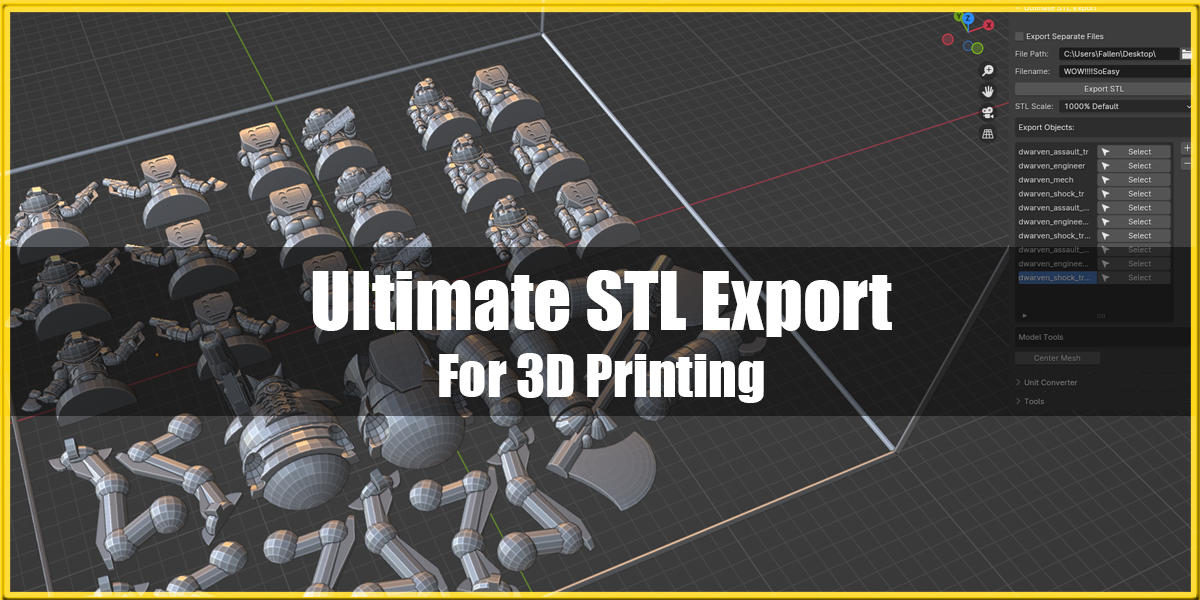
Export supports binary or ASCII STL, OBJ, one 3MF file per part, or a single 3MF containing all parts. The 3MF output uses millimetres. The listing says Blender 4.2 or newer and reports testing on 4.5 LTS and 5.x, while its Blender Version field lists 4.2 to 5.1; support beyond 5.1 is unclear. Install it through Preferences > Get Extensions > Install from Disk. The listed license is GPL-3.0-or-later. See the product listing for compatibility and installation details, or its FAQ for mesh and pin troubleshooting.