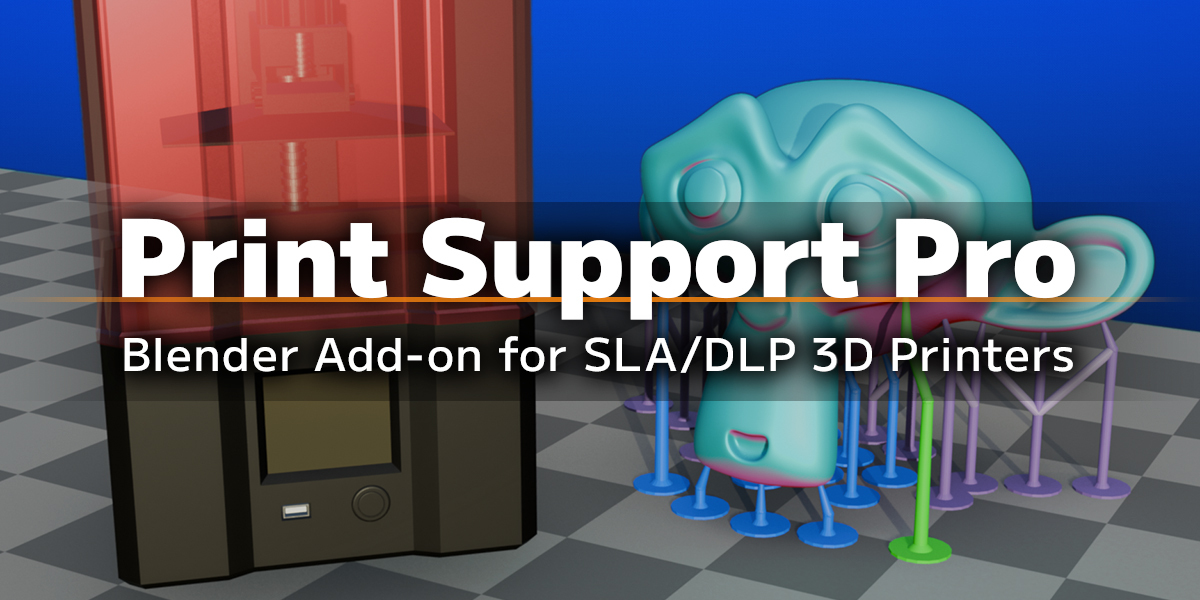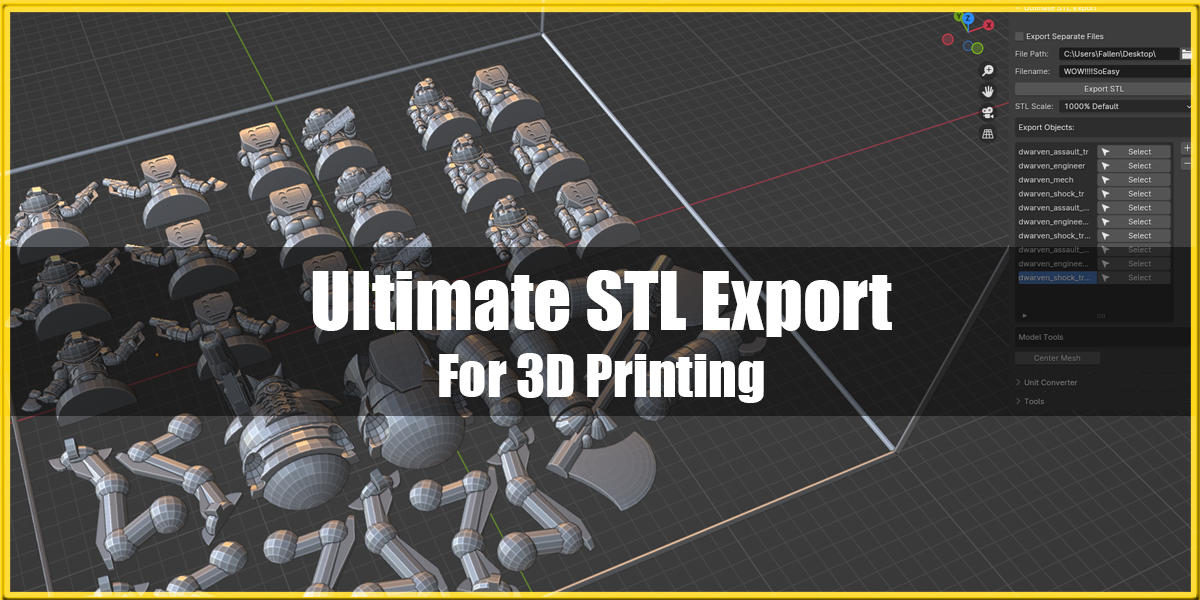
Ultimate STL Export is a Blender toolkit from James Guard Studios for preparing models and exporting them as STL files to a slicer. The product listing describes it as a way to keep model preparation and export together while reducing scale issues.
Tools for preparing a model
The listed features are customizable build volumes, scaled guides, and unit setups. These are aimed at Blender users who want to set up a model for 3D printing before sending it to their slicer. The product overview refers to exporting to a slicer of your choice, but it does not name specific slicers.
- Export models from Blender as STL for a slicer.
- Set up customizable build volumes.
- Use scaled guides and unit setups while preparing a model.
Who may find it useful
This toolkit may suit Blender users who regularly prepare models for 3D printing and want build-volume and unit references alongside their export workflow. If you need a named slicer integration or automatic mesh repair, check the documentation or ask James Guard Studios; those details are not specified in the captured product overview.
Check the workflow before relying on it
Review the product documentation and demo video linked from the Superhive listing. Confirm your Blender version, then try a representative model and check its dimensions after importing the STL into your usual slicer. The listing describes the export as avoiding scale issues, but a test with your own units and slicer is a practical way to confirm the result for your setup.
Compatibility and license
The Superhive listing displays Blender versions 4.1 through 5.1 and identifies the license as GPL. Check the current product page for the latest compatibility and license details before installing.