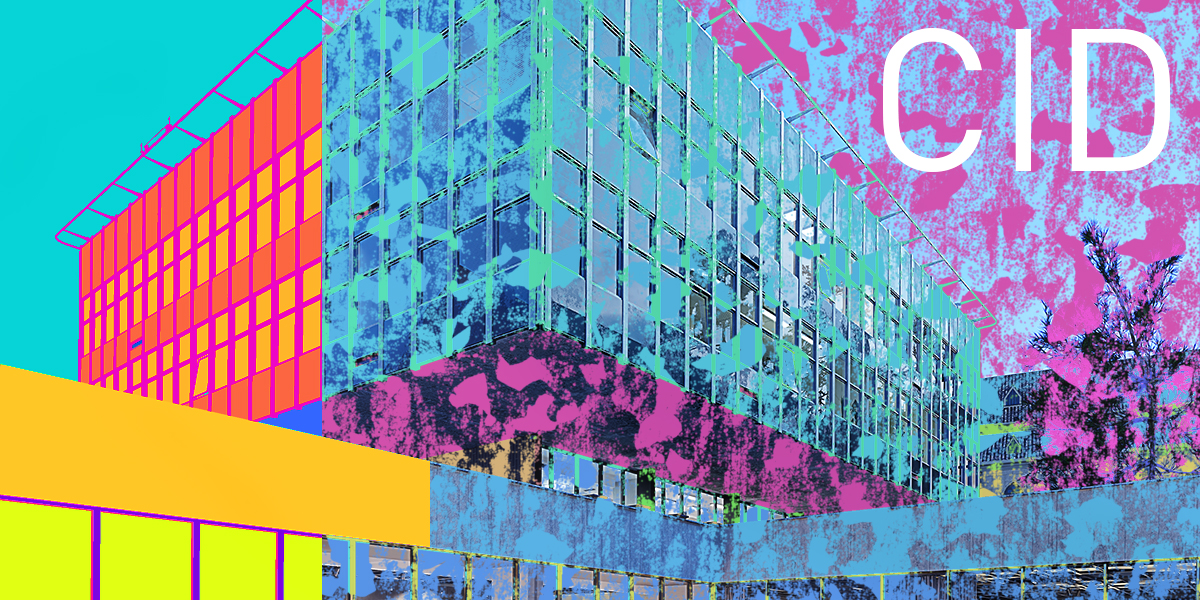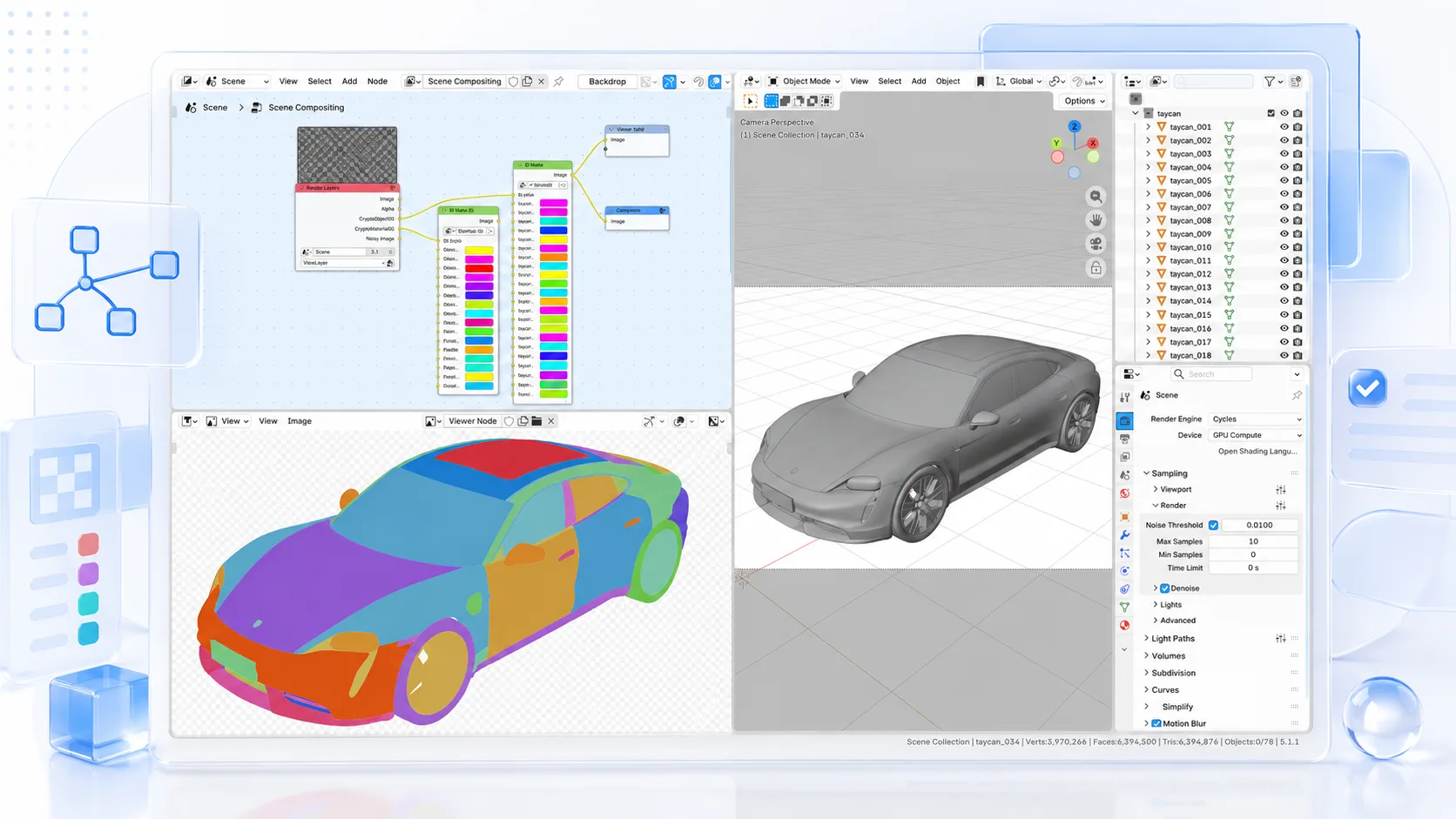
CID, short for Color IDs, is a Blender add-on for creating Material and Object ID render passes in Blender's compositor. It assigns random index numbers to materials and objects, then maps those indexes to colors. Artists can use the resulting ID masks as selection layers during post-production in software such as Photoshop.
How CID creates ID passes
CID creates the compositor setup for material or object indexes and provides one-click random index generation. Version 1.4.0 also automates enabling Pass Indexes and the compositor node tree; the operator is named Generate IDs. If you add materials or objects after generating IDs, run generation again so those new items receive index numbers.
The default color range is described as two arbitrary colors. The developer's FAQ says you can add ColorRamp stops in the compositor when you want more contrast between IDs.
Cycles and post-production
CID's ID-mask workflow runs in Cycles. The developer says Eevee cannot generate this output through CID. To prepare an ID map for post-production on a render made with Eevee or Octane, the FAQ recommends rendering the map in Cycles and using it in external software.
Depth of field can add noise to CID output. The developer recommends rendering without depth of field when you need a mask for blurred areas.
Version 1.4.0 and Blender compatibility
Version 1.4.0 rewrites the add-on for Blender 5.0's API and compositor changes, including a ShaderNodeValToRGB fix. It moves CID to Blender's Extensions system with a blender_manifest.toml file, simplifies the interface, automates scene setup, and adds Safe Mode error handling for experimental Blender versions. The product details list Blender 2.93–5.2, while the developer's page describes version 1.4.0 as fully supporting Blender 5.0+. Check that listing for current compatibility before installing.