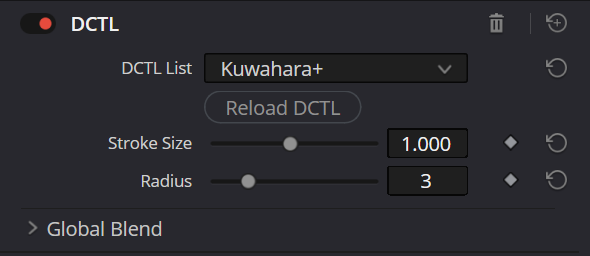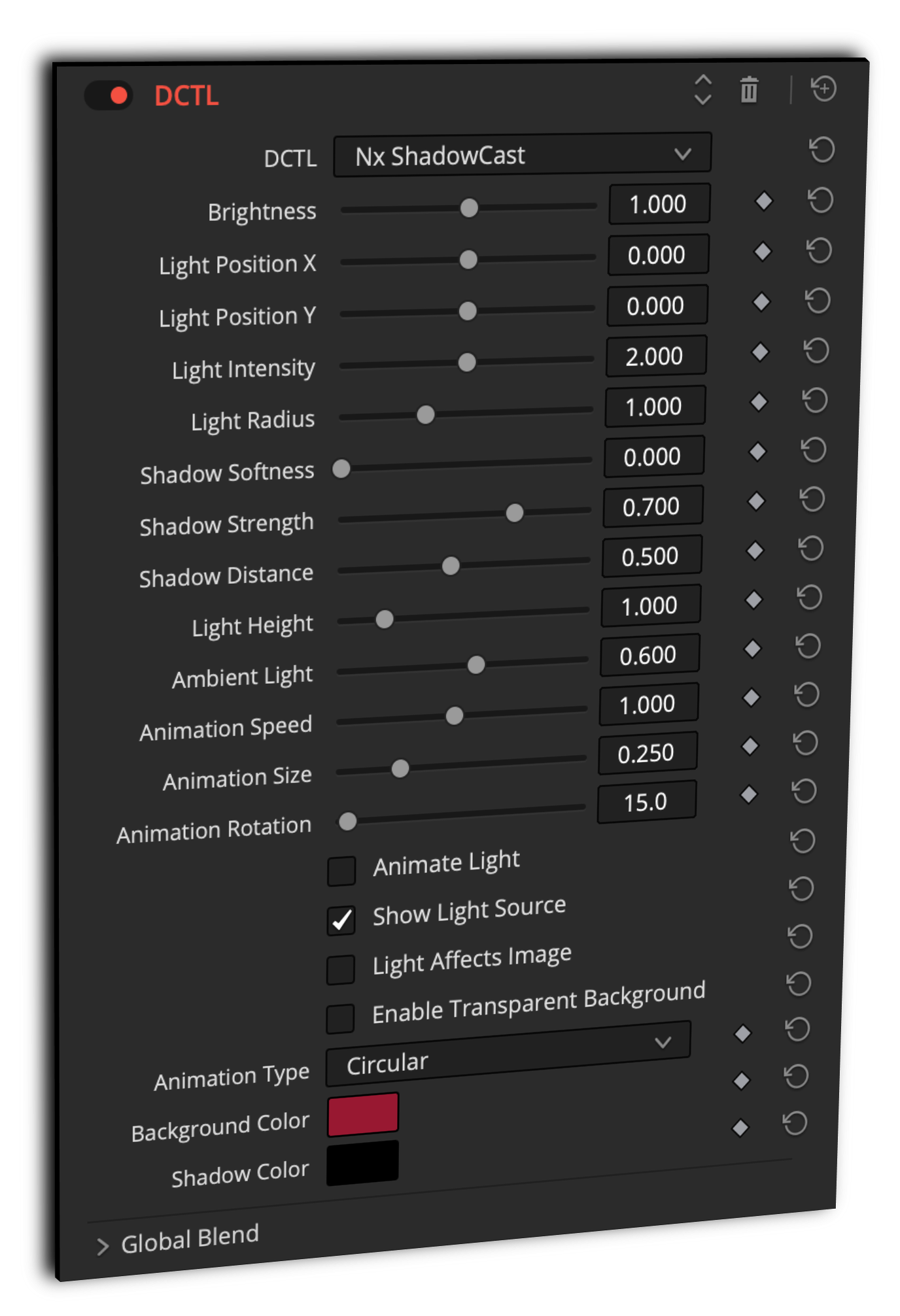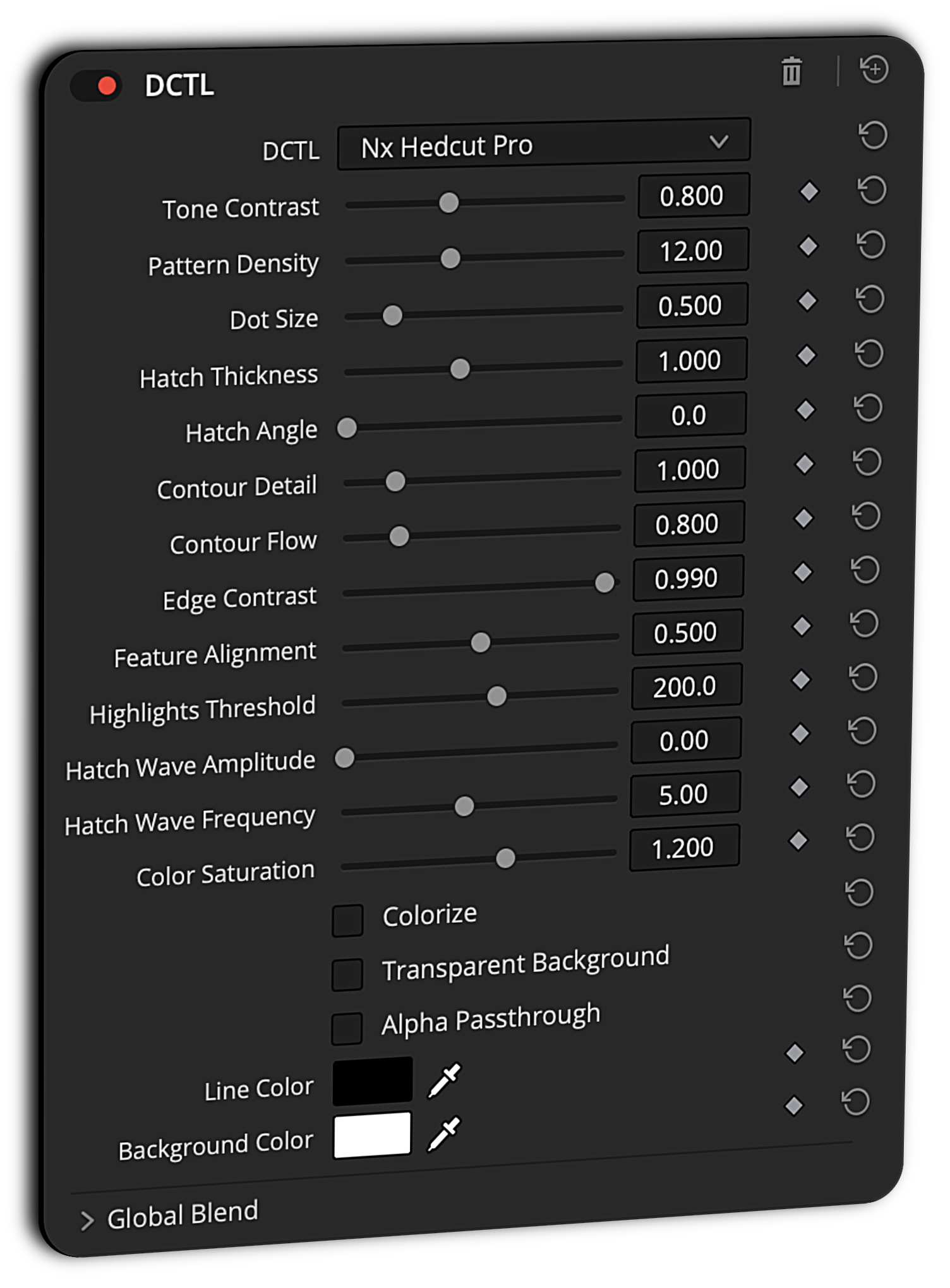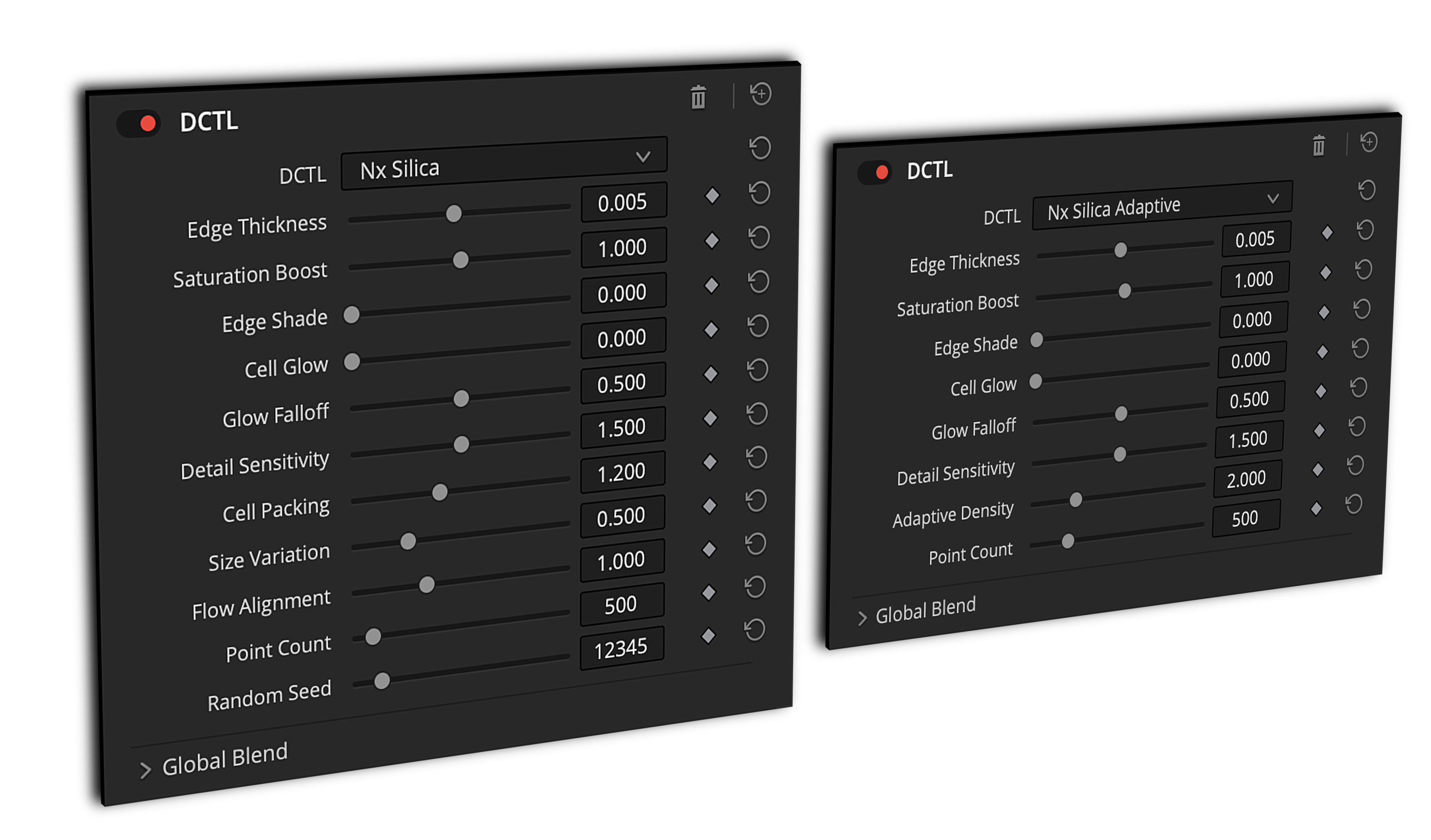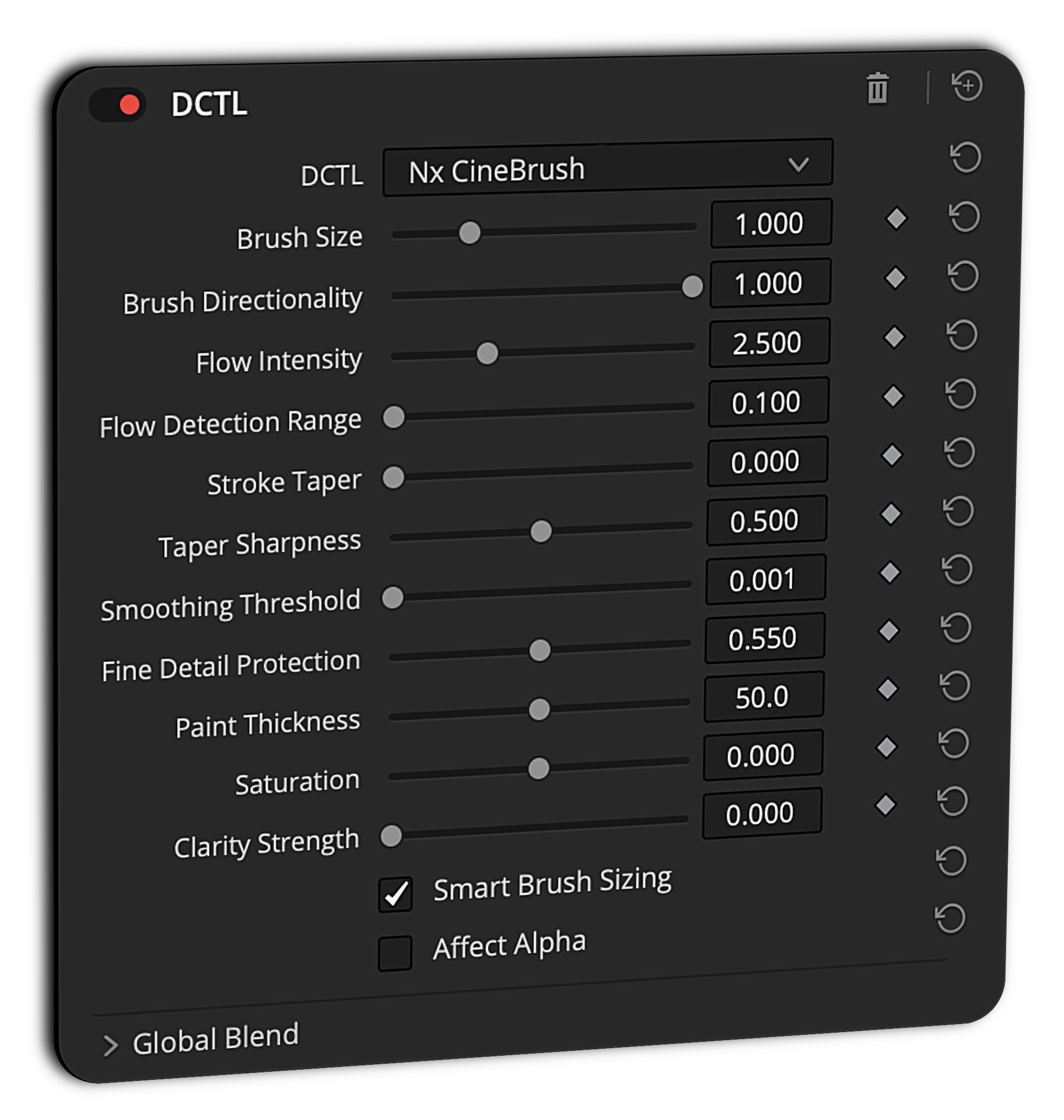
CineBrush is a DCTL plugin from Nx Color that applies a painterly treatment to video in DaVinci Resolve. Its product listing describes an anisotropic Kuwahara filter, intelligent edge detection and brush strokes that follow the image's flow. The effect aims to create smooth, painted areas while preserving important edges and details. See the CineBrush product listing for current product and license details.
How CineBrush shapes the image
The anisotropic Kuwahara filter creates the painterly smoothing. Edge detection helps retain important detail, while the strokes follow the natural flow of the image.
Consistency across moving footage
CineBrush's listing describes its temporal consistency as mathematically stable filtering that keeps results smooth across frames without distracting flicker. The product is also described as GPU-accelerated, with real-time processing for editing and rendering.
Resolve workflow and requirements
The listing says CineBrush works on DaVinci Resolve's Edit, Fusion and Color pages. It supports Windows, macOS and Linux, with Metal, OpenCL or CUDA. The system requirements specify DaVinci Resolve Studio 19.1 or later, and the compatibility fields list Resolve 19 and 20. Check the product page against your Resolve version and system before installing.
Version 2.0, license and trial
Version 2.0, released December 18, 2025, added alpha support and performance improvements. The listing describes CineBrush as a perpetual license with a one-time payment and offers a free trial. You can use the trial to check the effect on representative footage before purchasing; consult the product page for current pricing and terms.