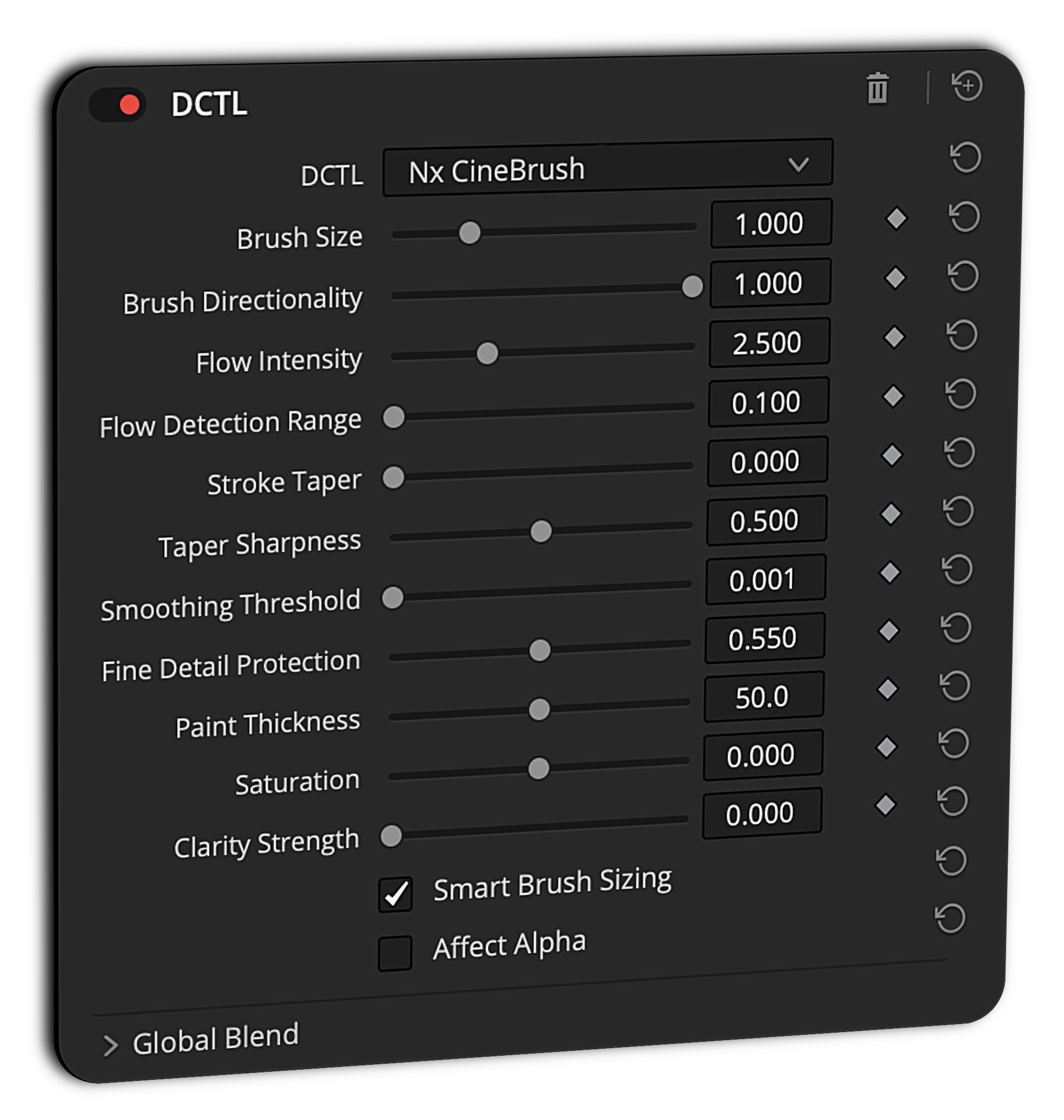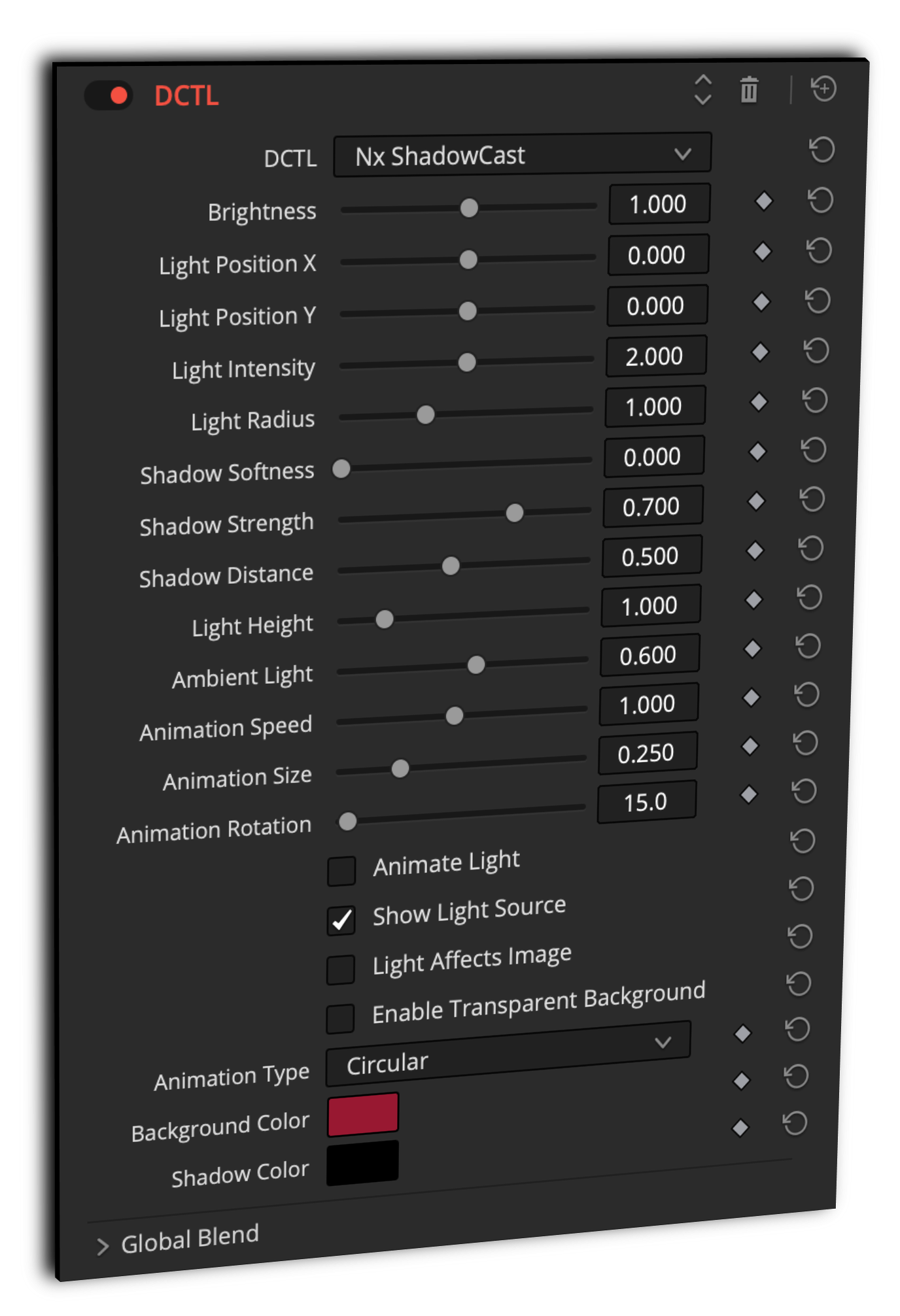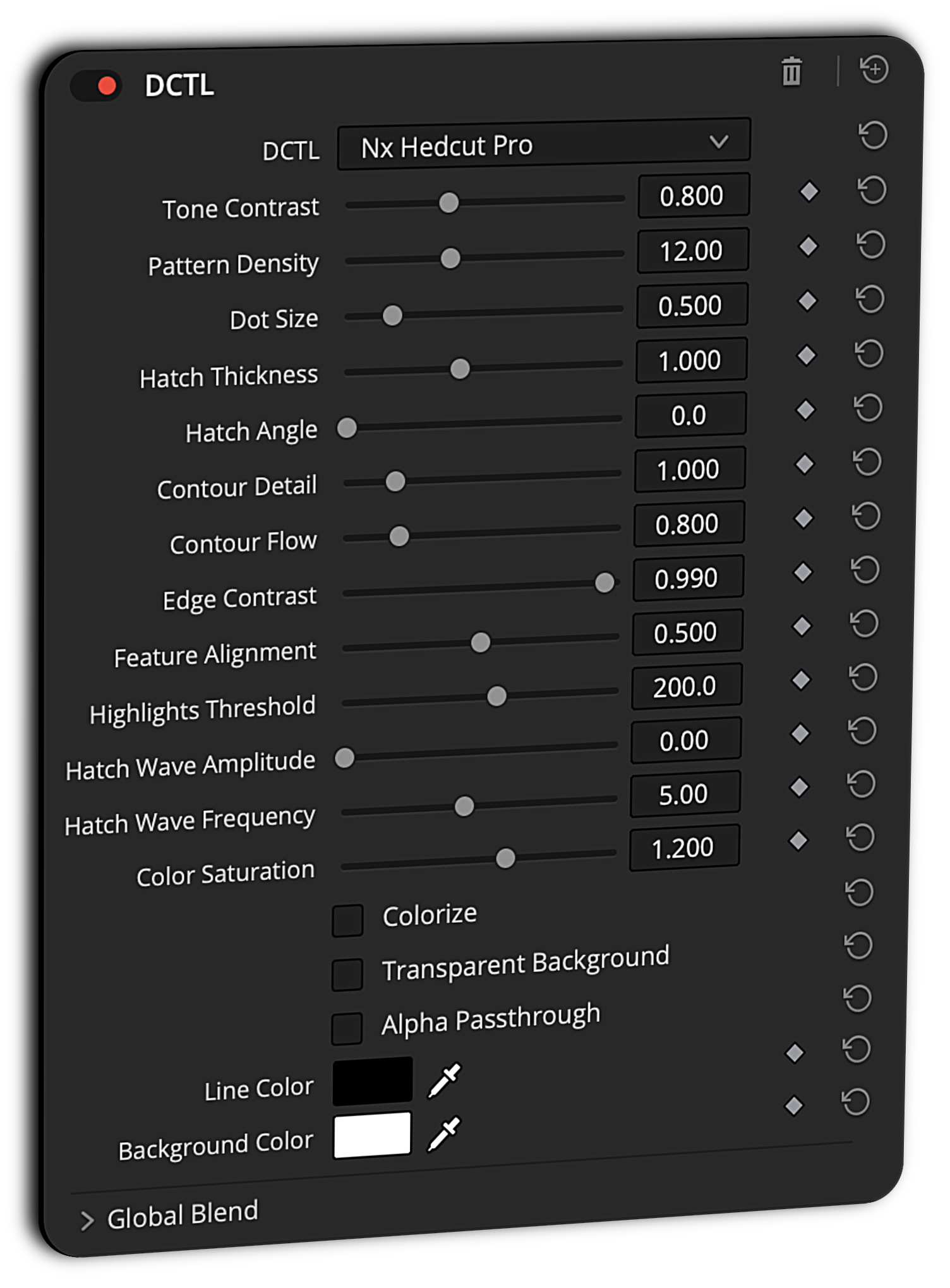
Hedcut Pro is a DaVinci Resolve effect from Nx Color for applying stippled portrait and intaglio engraving looks to video or still images. Its line work follows facial features and contours, while dot patterns respond to image tones. The product listing describes it for editorial work, documentaries and title sequences.
Adjust dots, hatching and tone
Controls cover dot density and size, hatch thickness, feature alignment, contour detail, line flow, edge contrast and line sensitivity. Multiple rendering levels range from cross-hatching in deep shadows to white highlights. These settings let editors shape the engraved texture, from lighter stippling to more pronounced line work.
Color options and Resolve pages
Hedcut Pro supports custom line and background colors, a colorize mode and transparent backgrounds for overlays or motion graphics. It works across DaVinci Resolve’s Edit, Fusion and Color pages. The vendor describes its rendering as real time inside Resolve.
Compatibility and license
The listing specifies macOS, Windows and Linux, with Metal, OpenCL or CUDA support. Hedcut Pro requires DaVinci Resolve Studio and lists compatibility with Resolve 19, 20 and 21. The listing describes a one-time payment for a perpetual license and offers a free trial. The EULA permits one copy installed on one computer at a time, plus one archival copy stored on a medium other than a hard drive for reinstallation. Check the product listing for current compatibility, trial access and purchase terms.