Nx CanvasFlow is a DaVinci Resolve effect from Nx Color that gives moving footage an impressionist, painterly treatment. Its controls shape brushstroke softness, texture, color smoothing, and edge scatter. The catalog listing describes its processing as deterministic and designed for temporally consistent results.
Controls for shaping the image
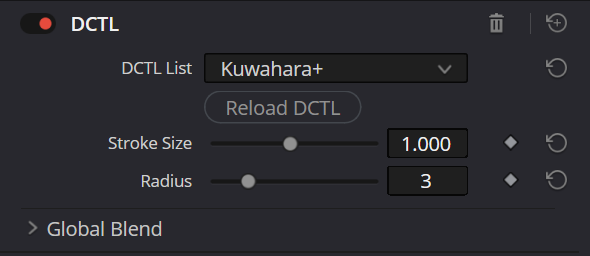
Adaptive Artistic Blur adjusts brushstroke-like softness and abstraction through a neighborhood radius. Embossed Brush Texture uses randomized angle embossing to suggest brush pressure and add stylized depth. Variance-Based Smoothing reduces noise and selects visually stable colors for a more coherent result. Dynamic Edge Scatter distributes strokes for a looser, more irregular look.
These controls address different parts of the image, so you can judge the softness, texture, color stability, and scatter separately. When evaluating the effect, preview moving footage as well as a still frame; temporal consistency is part of the processing approach described in the listing.
Use across DaVinci Resolve
Nx CanvasFlow works on the Edit, Fusion, and Color pages. GPU-accelerated processing with optimized sampling supports real-time preview and rendering. The listing names Metal, OpenCL, and CUDA as supported compute APIs on Windows, macOS, and Linux.
Compatibility and availability
Nx CanvasFlow requires DaVinci Resolve Studio 19.1 or 20. The free edition of Resolve is not listed as supported. AnyPlugins lists Nx CanvasFlow as free; check the Toolfarm listing for current download and license details before installing.