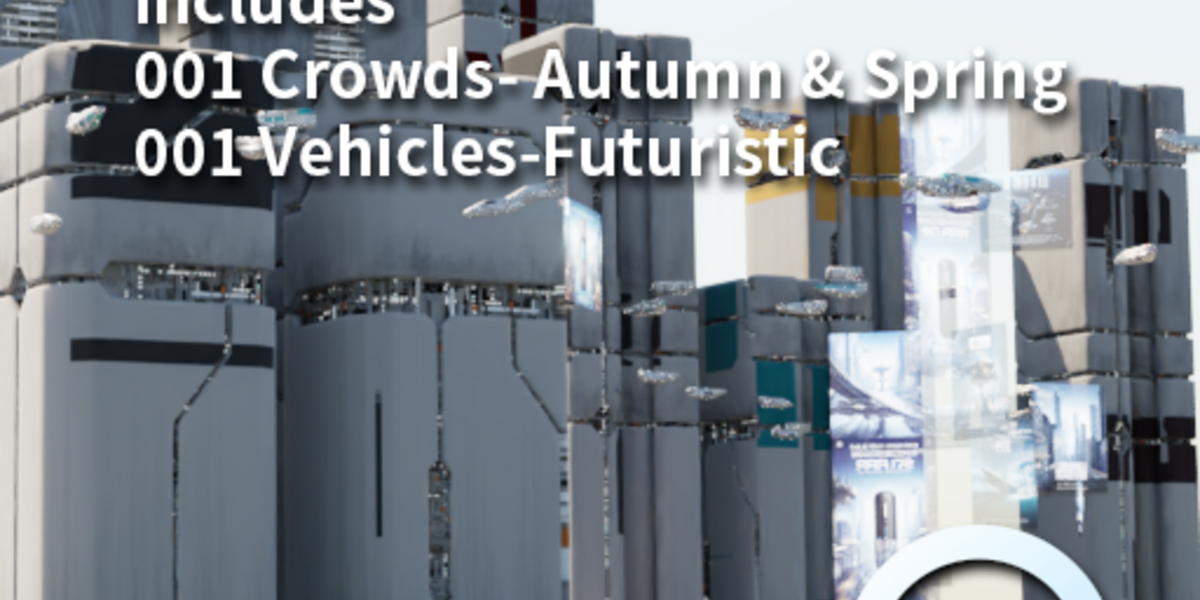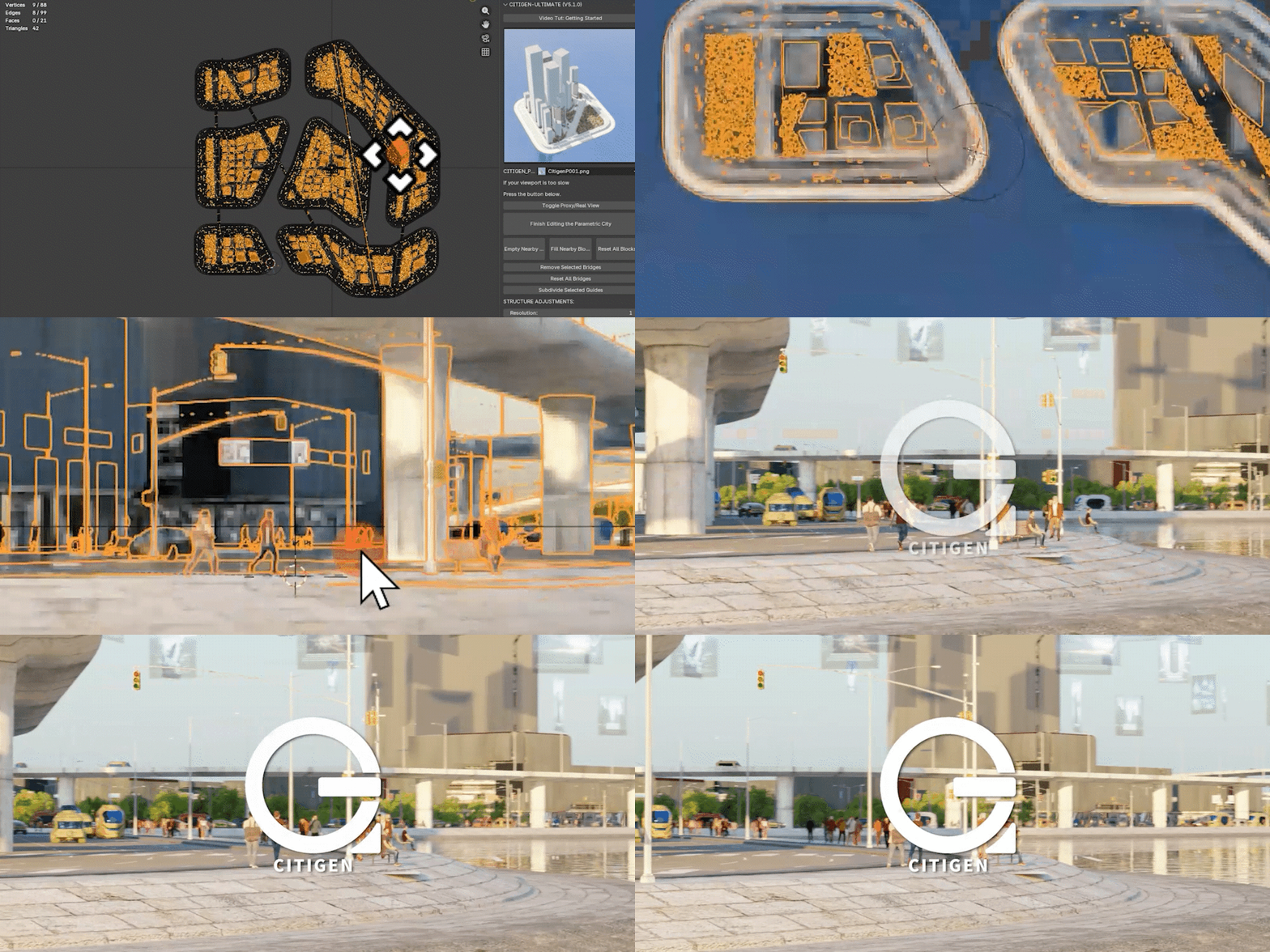
Citigen is a Blender add-on for building large-scale cities from lines and planes, aimed at high-resolution establishing shots of imaginary cities. Draw lines on a plane to define overpasses or bridges and divide the surface into city blocks. The developer describes the workflow for film shots at 4K or higher and says city edits appear in real time. The Citigen product listing describes the generator and its features; the product FAQ gives its Blender and RAM requirements.
How the city generator works
Citigen Core builds a city from the layout you draw. The developer describes Citigen as the quicker option for artists who want a fast result. MegaCitigen, its sibling product, allows more control over details such as park placement and traffic flow and can build larger cities. The developer notes that MegaCitigen uses more RAM and mesh conversion can take tens of minutes, while Citigen displays edits in real time.
Environment, cameras, and export
CEL adds sea, desert, and clouds, and lets you animate the Sun and clouds. The Animation Camera System sets up different animation cameras with a single click. The Import/Export Tool can bring custom assets into a scene and export a city for Unreal Engine 5. The product listing names Cycles and Eevee as supported render engines.
Citigen 2026 and Ultimate features
Citigen 2026 adds a preset system for saving cities. The developer says presets can save almost 99% of hard disk space. The listing also introduces an Asset Pack System for Citigen cities. It says .zip packs can be installed through MegaCitigen's Asset Pack Panel and used to add to or replace its default assets. Check the Citigen product listing for pack installation and duplicate-purchase details.
Citigen-Ultimate adds an Automated Crowds & Traffic Generator that sets up crowd and traffic simulations. You may need to adjust their speeds and locations. Ultimate also includes the Citigen Compositor, which adds atmospheric haze and generates command-line batch files for background animation renders. On macOS, it generates a set of files for the rendering workflow.
Compatibility and support
The Superhive listing specifies Blender versions 4.5 through 5.2. Its FAQ says Citigen needs Blender 4.5.0 or later and recommends at least 16 GB of RAM. The listing labels the license MIT and includes 12 months of support and product updates. For setup tutorials, see the product documentation ; check the listing before installation to confirm compatibility with your Blender release.