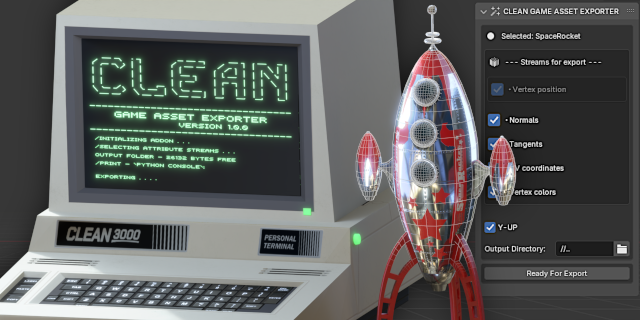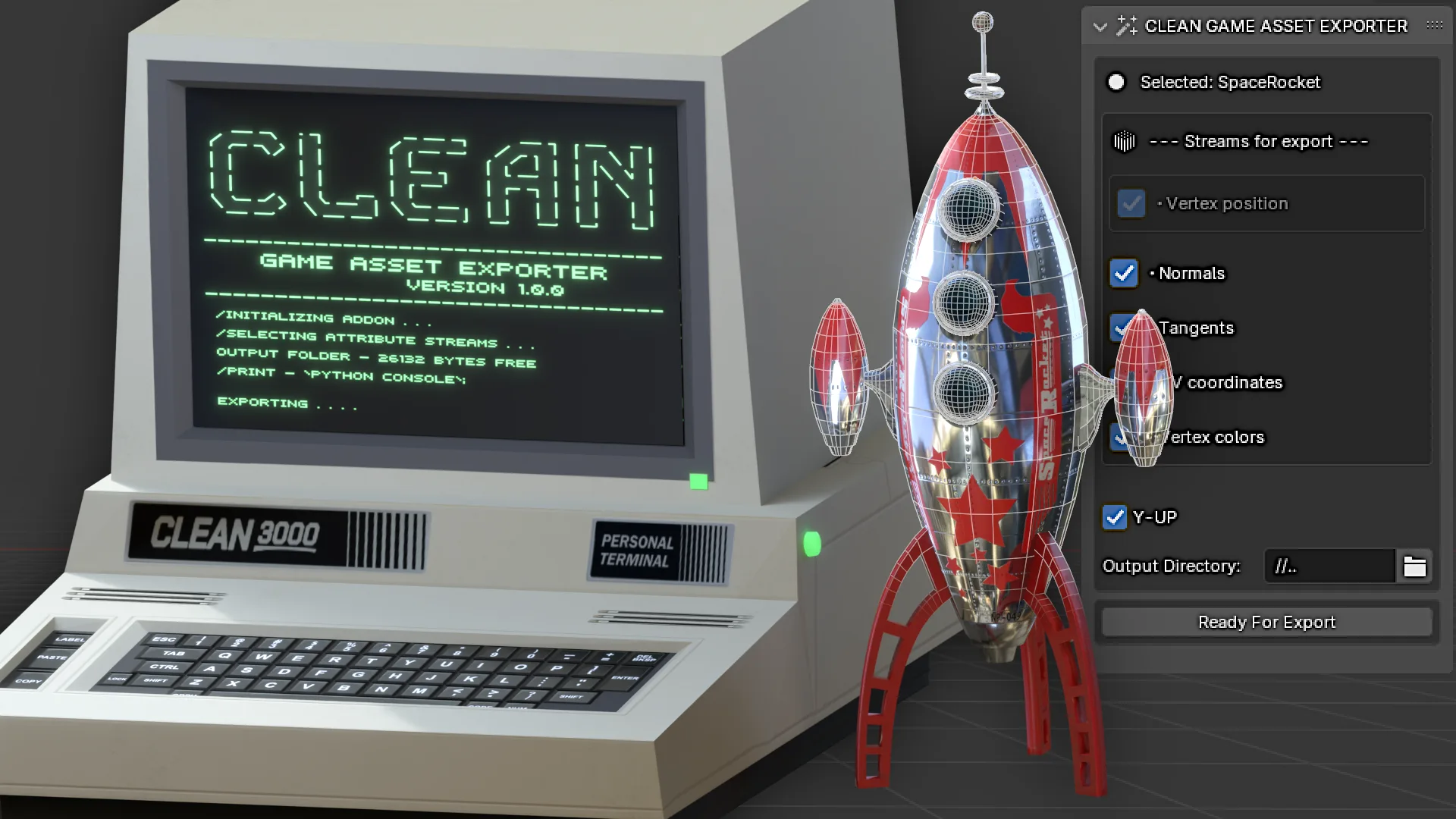
Clean Game Asset Exporter is a Blender add-on for exporting selected mesh objects as .buffer files for Defold. The Blender Extensions catalog identifies DeBolt as its maintainer, lists version 1.0.0, and sets Blender 4.2.0 as the minimum version.
Mesh export to Defold
The project README documents the export workflow: in Blender’s 3D View, open the N-panel and choose CLEAN, select one or more mesh objects, then choose the attribute streams and an output directory. Vertex position exports by default; normals, UV coordinates, tangents and vertex colors are also available. Each selected mesh is exported to its own .buffer file, while non-mesh objects are ignored. UV coordinates retain their Blender map names; Defold’s built-in shaders use texcoord0 as the UV attribute name, and vertex colors are exposed as color. The Y-UP option rotates objects and applies transforms to match Defold’s right-hand Cartesian coordinate system. After export, add the .buffer files to mesh components in Defold.
Compatibility and installation
The Extensions listing sets Blender 4.2.0 as the minimum for version 1.0.0. The project README says legacy releases may work on Blender versions before 4.2 and identifies Blender 3.1.2 as the version tested with the legacy build. With internet enabled, set Blender’s Get Extensions panel to use the Extensions repository and Add-ons filter, then search for Clean Exporter. The official add-on page links to the package download and version history. For a downloaded GitHub release, follow Blender’s Install from Disk instructions. The extension page also links to the project's issue tracker for technical questions.
License
The catalog lists the add-on under GNU GPL version 3.0 or later. Teams considering redistribution should review the license terms. Its declared permission covers file export, so check the project details if your production environment has specific file-system requirements.