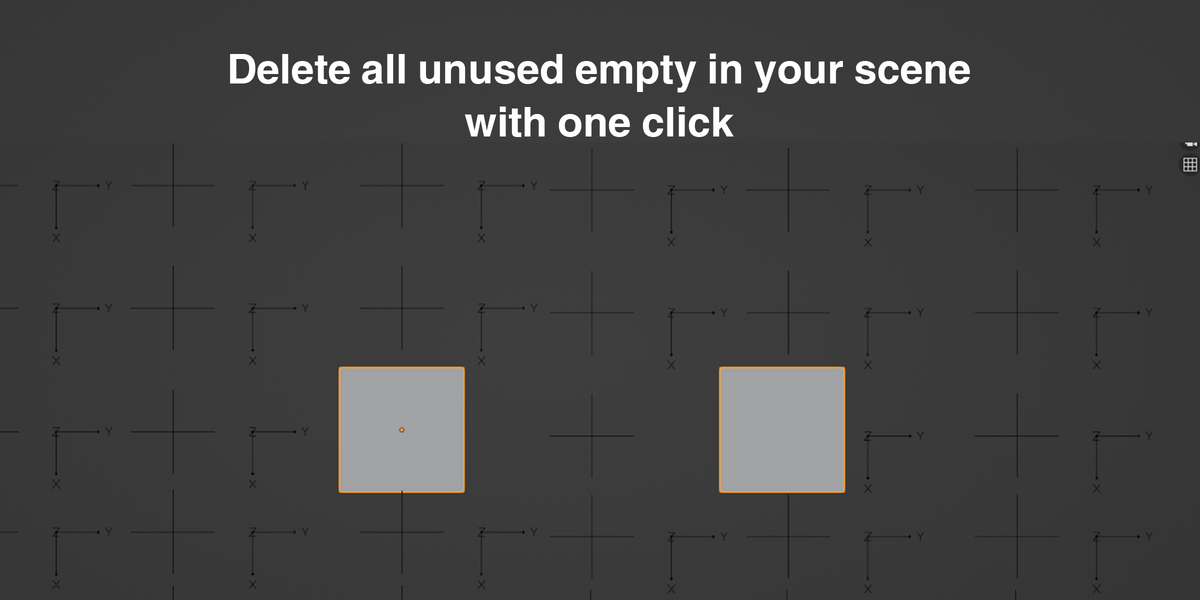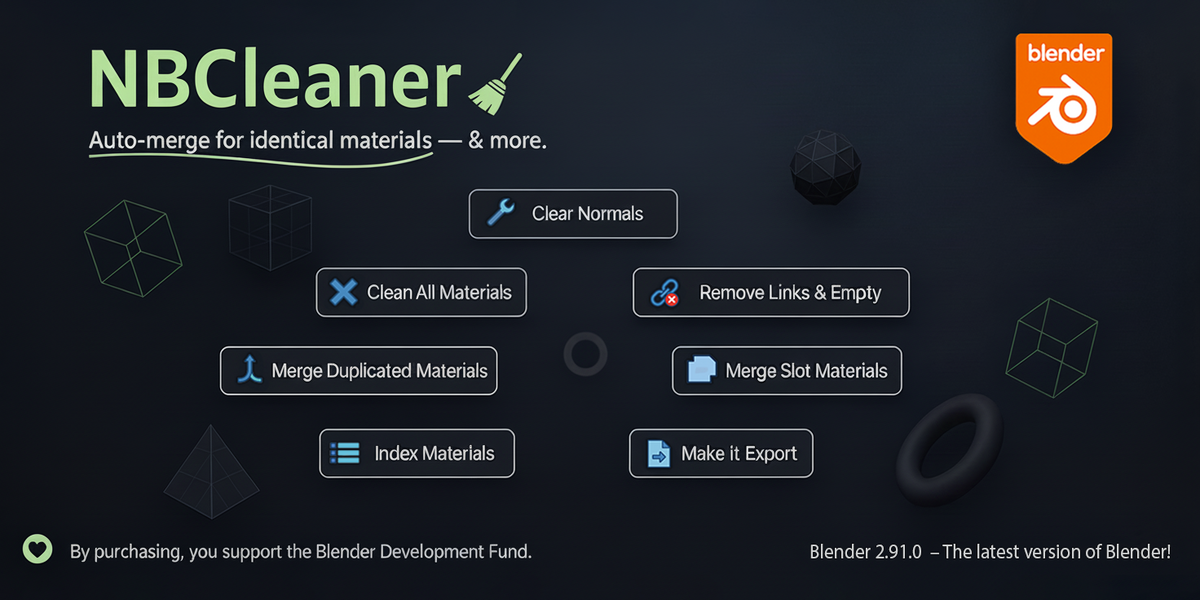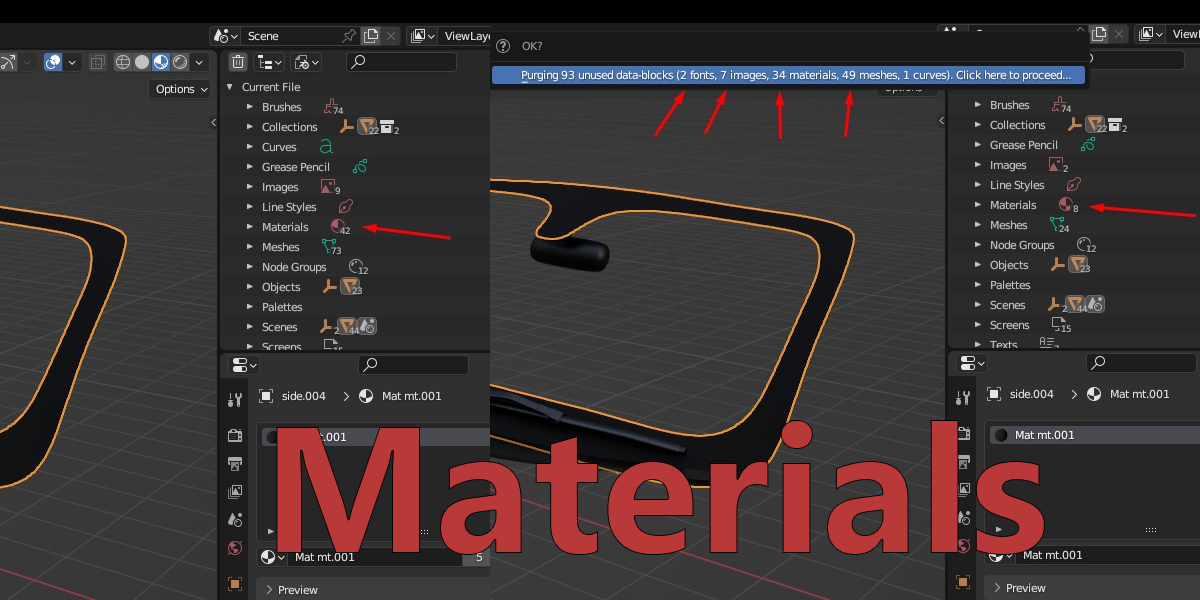
Cleaning Blender File is Vovrzull's Blender add-on for clearing junk from a .blend file and cleaning geometry on selected objects. The creator describes file cleanup as a one-button operation and says it can free RAM. Update 1.0.4 also adds removal of empty material slots across the scene. The product listing includes its feature notes and update history.
What the file cleanup targets
Vovrzull lists deleted materials, meshes, lights, node groups, images, and more among the cleanup targets. Vovrzull says file cleanup aims to optimize the scene and free RAM, but the listing gives no memory-savings figure or complete inventory behind “and more.”
Geometry cleanup for selected objects
The add-on also has a separate cleanup function for selected objects. The 1.0.0 update notes list Merge by Distance, Delete Loose, Delete Interior Faces, Fill Holes, and Make Planar Faces. Check which objects are selected before using these operations. The available listing gives the operation names but does not describe their settings or exact effects; consult the product's documentation or demo if you need those details.
Empty material slots and settings
Update 1.0.4 added a function to remove empty material slots from objects throughout the scene. Earlier, update 1.0.1 added a settings menu. The captured documentation page does not explain the available settings, so check the current documentation if you need to know how a particular option behaves.
Compatibility and license
The Superhive listing states Blender 3.6 through 5.2 and a GPL license. The AnyPlugins catalog copy gives an upper Blender version of 5.1, so the two source descriptions differ. Confirm compatibility for your exact Blender release against the current product listing before installing.
Who it may suit
This add-on may suit Blender users who want a file-cleanup command alongside selected-object geometry tools. Its listed functions cover different scopes: empty material slots are removed across the scene, while the geometry cleanup applies to selected objects. If you only need one of those tasks, check that the relevant function matches your workflow. For an important project, test on a copy and review the linked documentation or demo to understand what the one-button cleanup removes.