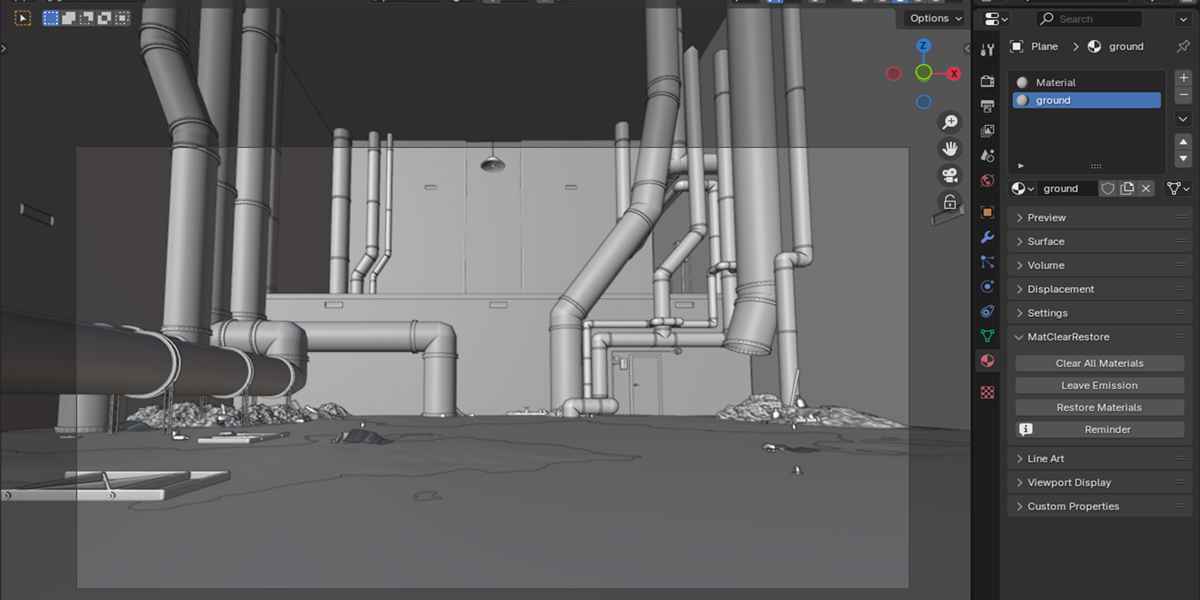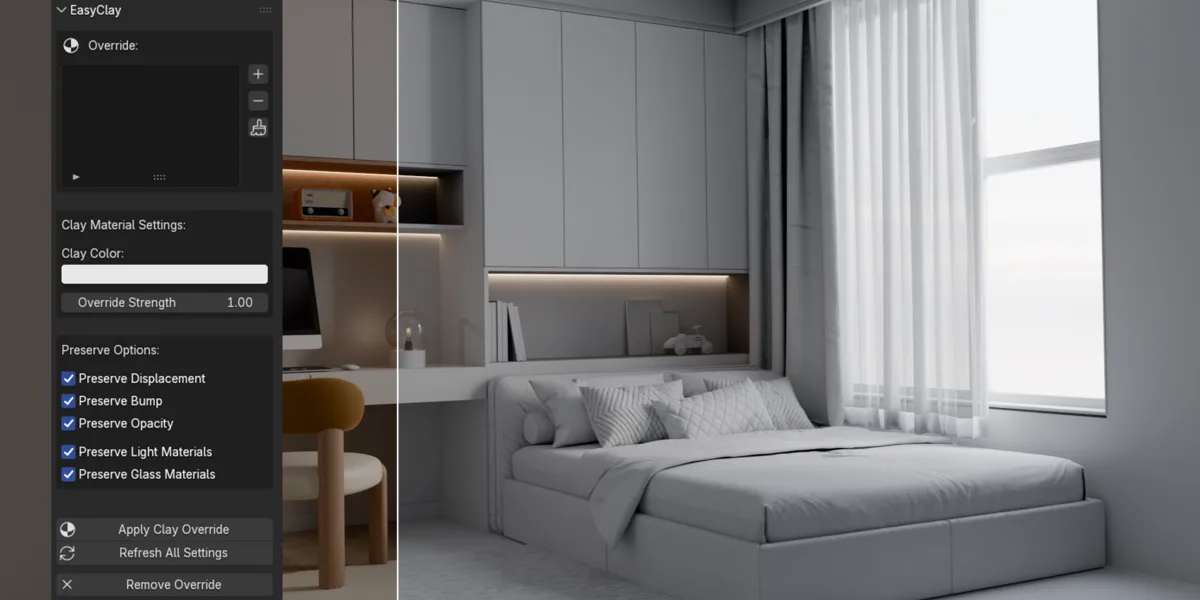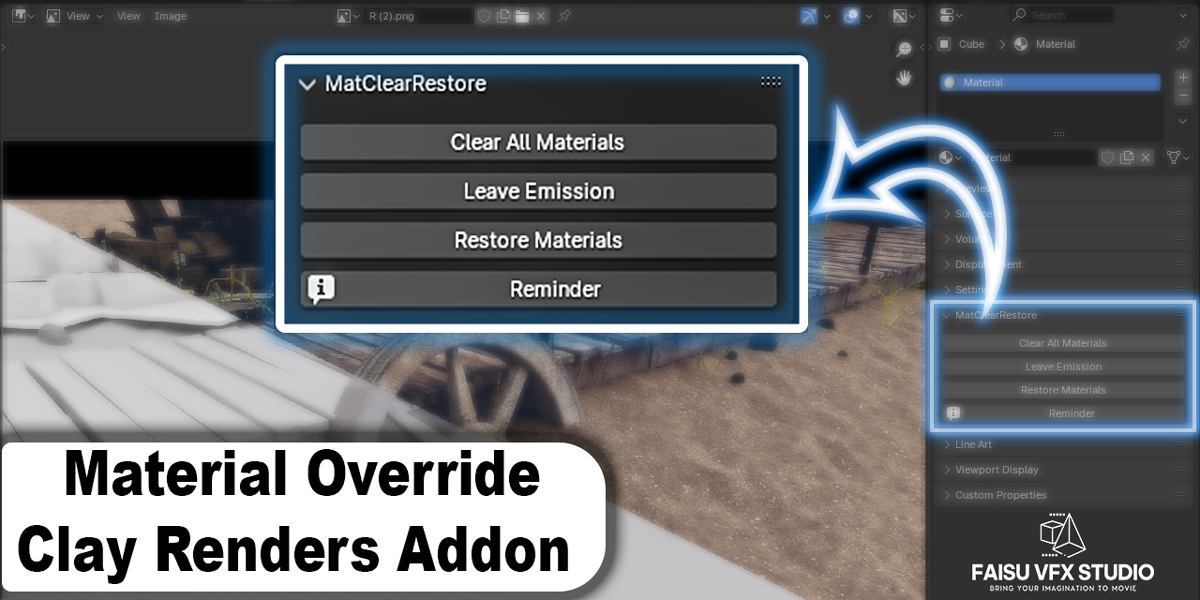
Mat Clear Restore is a Blender add-on from Faisu VFX Studio that removes all materials from a scene with one click and restores them on demand. The Superhive product listing describes it for clay renders, material overrides and trying different material setups. It also includes options for emission light settings.
Clear and restore scene materials
Use the add-on when you want to clear scene materials for a clay render or material override, then restore them afterward. Once enabled, its controls are in Blender's Properties Panel, in the Material section. The product description does not detail each emission control or explain the limits of the restore function.
Install it in Blender
- Open Blender and go to Edit > Preferences.
- Choose Add-ons > Install..., select the downloaded .zip file and click Install Add-on.
- Check Mat Clear Restore to enable it, then click Save Preferences.
- Open the Properties Panel's Material section to find the add-on.
Compatibility and license
The listing names Blender 4.2, 4.1, 4.0, 3.6 and 3.5 as compatible versions. It also marks the add-on as Blender Extension compatible. Mat Clear Restore is listed as a GPL-licensed add-on and a Dev Fund Contributor. Check the current listing for compatibility details before installing with another Blender release.
Take care with Leave Emission
Superhive warns that after clicking Clear All Materials, you should avoid clicking Leave Emission or you may lose everything. The listing does not explain exactly what may be lost or how to recover it. Save a separate copy of your scene before clearing materials, and check with Faisu VFX Studio if you need to know how that control behaves.