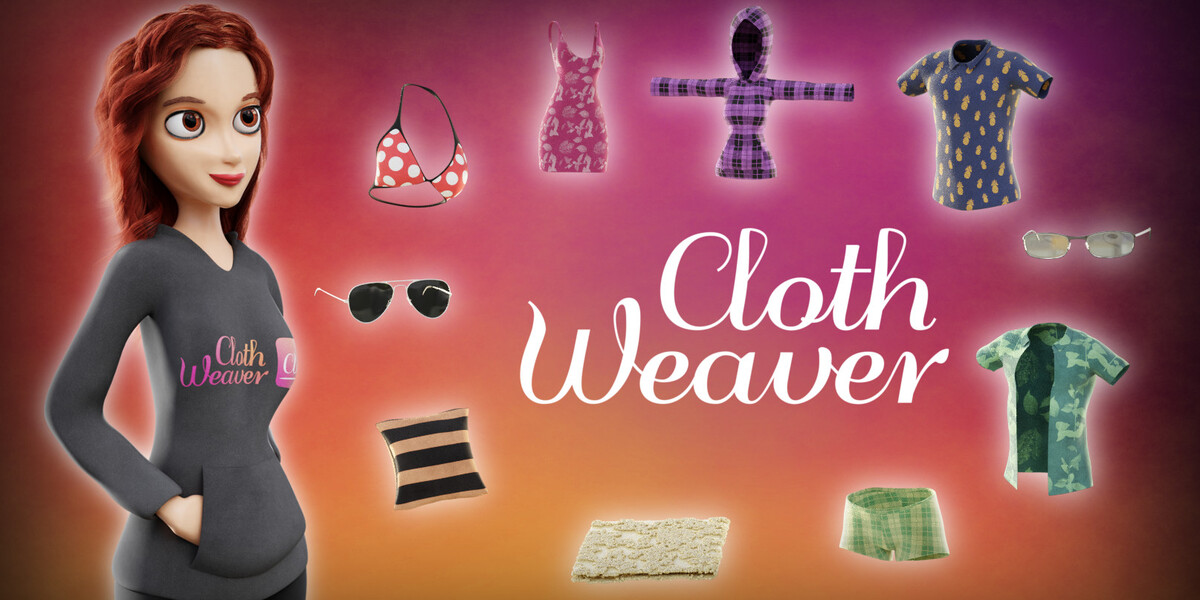
Cloth Weaver is a Blender add-on from Xanderak, LLC for creating clothing and accessories for 3D characters and scenes. You can start with a garment template or build a custom piece from an outline.
Start with clothing templates
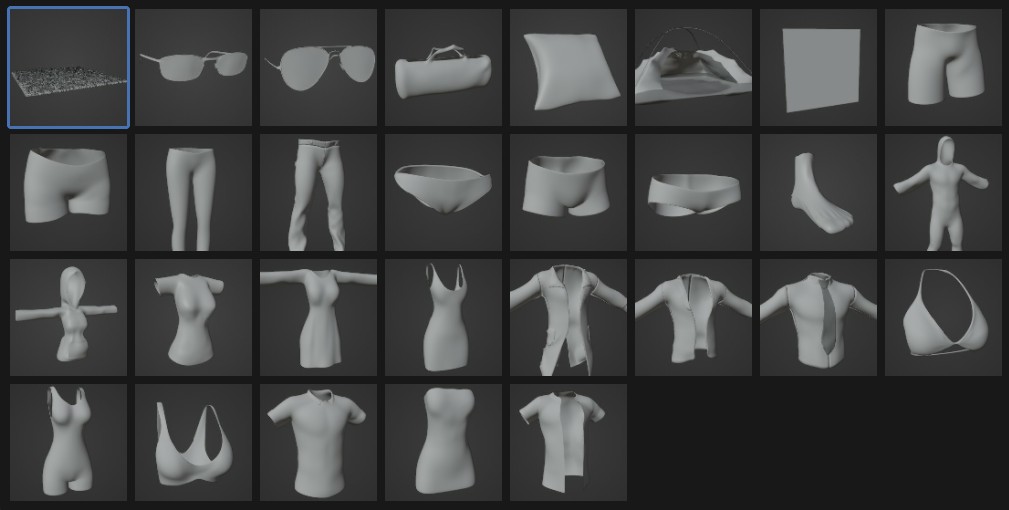
The Ultimate library has 29 templates across tops, bottoms, formal wear, swimwear, underwear, accessories and fabric items. The Basic library has 9 templates. Examples include shirts, hoodies, pants, dresses, swimwear, glasses and socks. They provide starting shapes for character clothing that you can adapt to your project.
Create custom clothing from an outline
For a custom garment, draw its outline and set up the sections to be sewn together. Cloth Weaver handles the next steps. It keeps a backup of the outline so you can adjust it or troubleshoot the result. Fitting clothing can take trial and error. Xanderak’s product listing links to a custom-clothing tutorial for this workflow.
Apply fabric materials and reuse designs
The built-in procedural material uses the included patterns and textures or ones you supply to create fabric looks. You can save designs to an external location, reload them into a custom gallery and import clothing made by other artists.
An alert in the add-on’s status panel indicates when updates are available, and you can download them from the panel. Cloth Weaver also backs up the current clothing model when you use “put on clothing.” Reflect mirrors clothing on the Z-axis, while Reset UVs restores the default unwrap, which can be useful after adding seams.
Check character compatibility
Cloth Weaver works with characters that Blender can import, including FBX, 3DS, OBJ and DAE files. The listing names character libraries such as Avastar, Daz3D, IMVU, Make Human, Manuel Bastioni Lab and Poser. Lower-polygon characters work best because dense meshes can slow the cloth simulation. The listing recommends removing subdivision modifiers before importing a character.