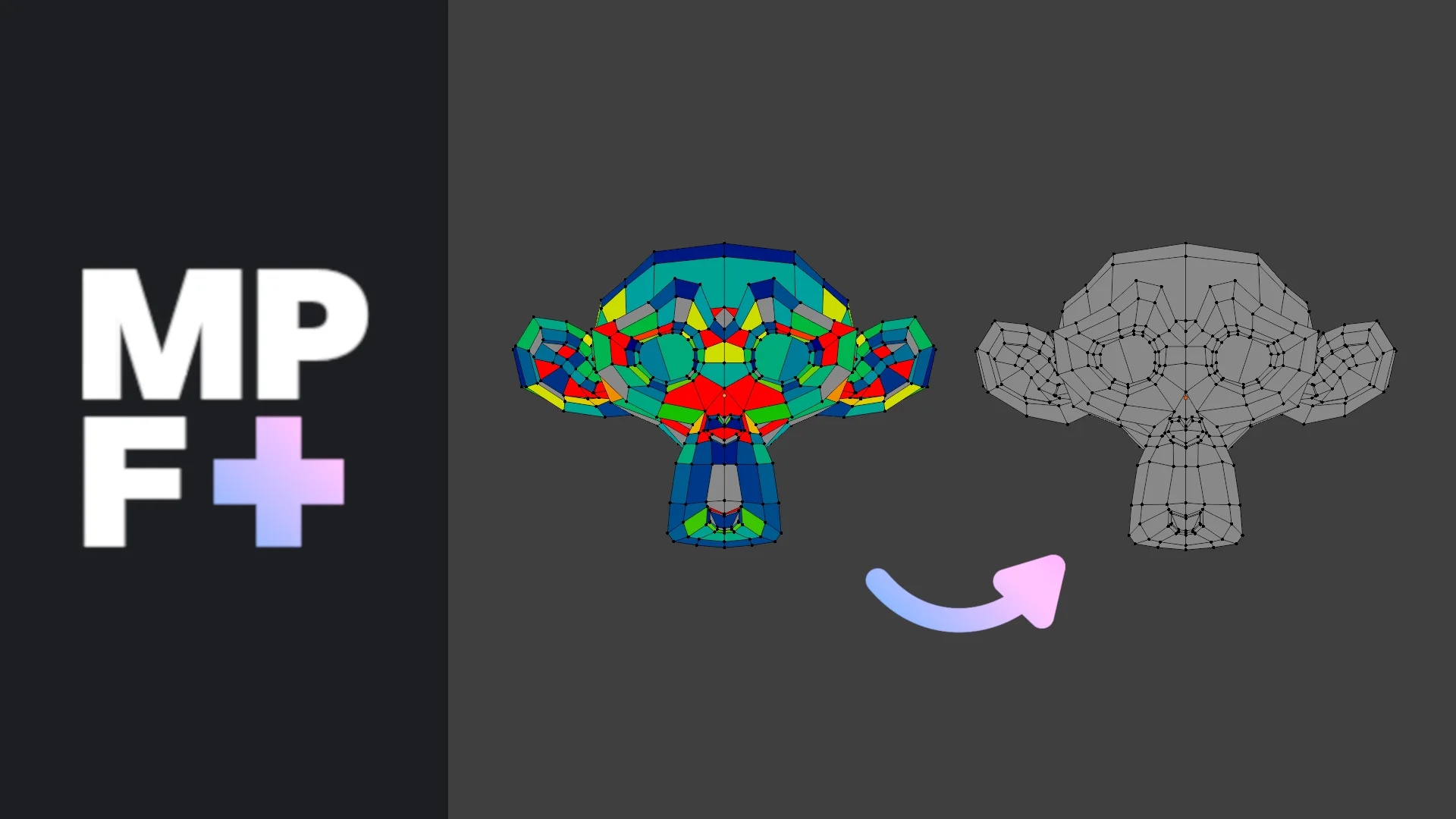
Make Planar Faces Plus is a Blender add-on for flattening mesh faces. It uses global optimization to bring faces toward planarity while preserving the object's overall shape as much as possible. The developer describes its method as similar to Blender's built-in Make Planar Faces operator, with controls for balancing vertex movement against changes to edge lengths. The developer's repository explains the method and its settings.
How the optimizer works
The optimizer considers the mesh as a whole. One objective penalizes vertices moving away from their original positions; another penalizes changes to edge lengths. The Edge Length Preservation Factor controls the balance between those objectives. At 0, the edge-length objective is off. At 1, the vertex-distance objective is off. The default value, 0.5, gives the two objectives equal weight.
This approach suits meshes where planar faces matter and retaining the surrounding form is also a goal. It does not promise that the original shape or every edge length will remain unchanged: the optimizer adjusts geometry to make faces planar while favoring shape preservation.
Choose what stays fixed and how optimization proceeds
Make Planar Faces Plus always optimizes the entire mesh. Turn on Pin Selected Vertices to keep selected vertices from moving while the rest of the mesh is optimized. This can help protect a feature during the adjustment, though it does not limit the operation to selected faces.
Initial Shape Preservation Weight and Target Shape Preservation Weight set the starting and ending strength of the shape-preservation objective. Optimization Rounds determines how many stages interpolate between those weights. Max Iterations per Round caps the steps in each stage, and Convergence Eps lets a round stop early when improvement falls below the chosen threshold.
Performance and limitations
The developer reports good results in a couple of seconds for most tested low-poly models with roughly 100 to 1,000 vertices using default settings. That is an observation from the developer's experiments, not a performance guarantee. The global method can slow down quickly on large meshes. Some inputs are harder to planarize, may take much longer, or may get stuck in a local minimum. The developer also notes rare failures that appear as black squares and suggests restarting with slightly different settings.
Compatibility and access
The Blender Extensions catalog lists version 1.1.0 for Blender 5.1 and newer, with builds for Windows, macOS Intel, macOS Apple Silicon, and Linux. The listed license is GNU GPL v3.0 or later. Check the official version history for current compatibility and packages.
After enabling the add-on, select a mesh and enter Edit Mode. The operator is available in the viewport sidebar's Mesh panel, or under Mesh > Clean Up > Make Planar Faces Plus. For package installation, consult Blender's extension installation instructions.