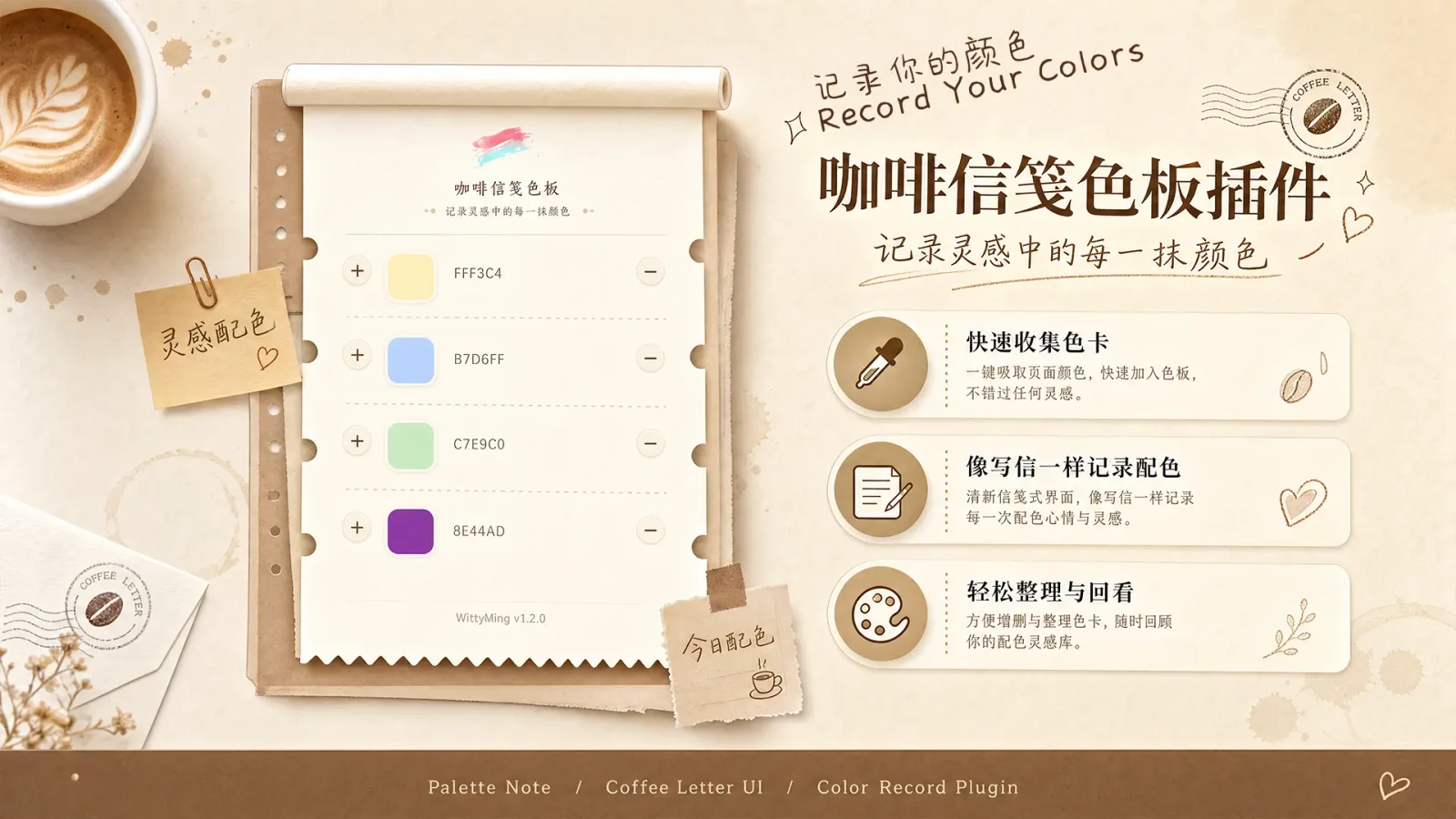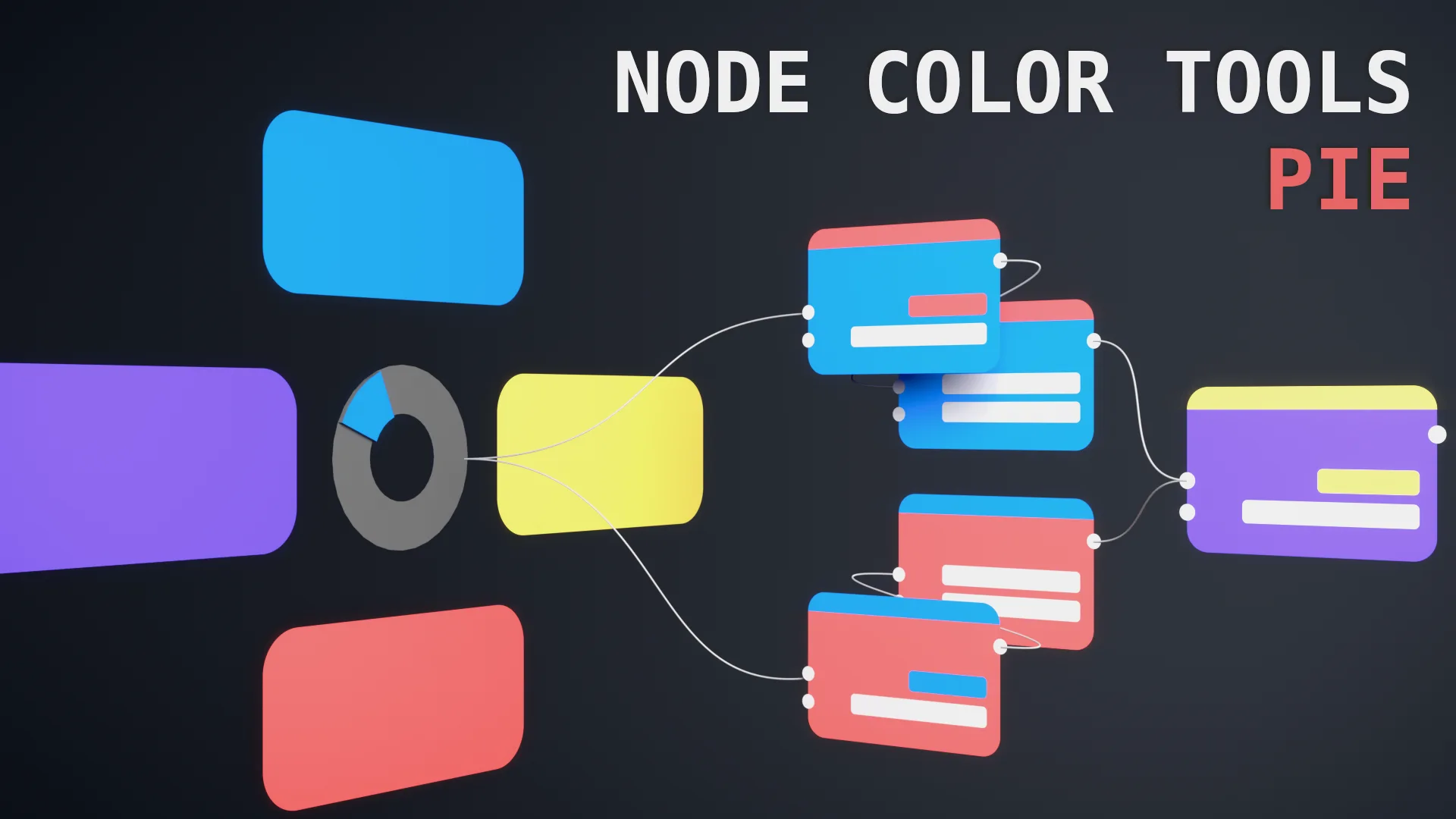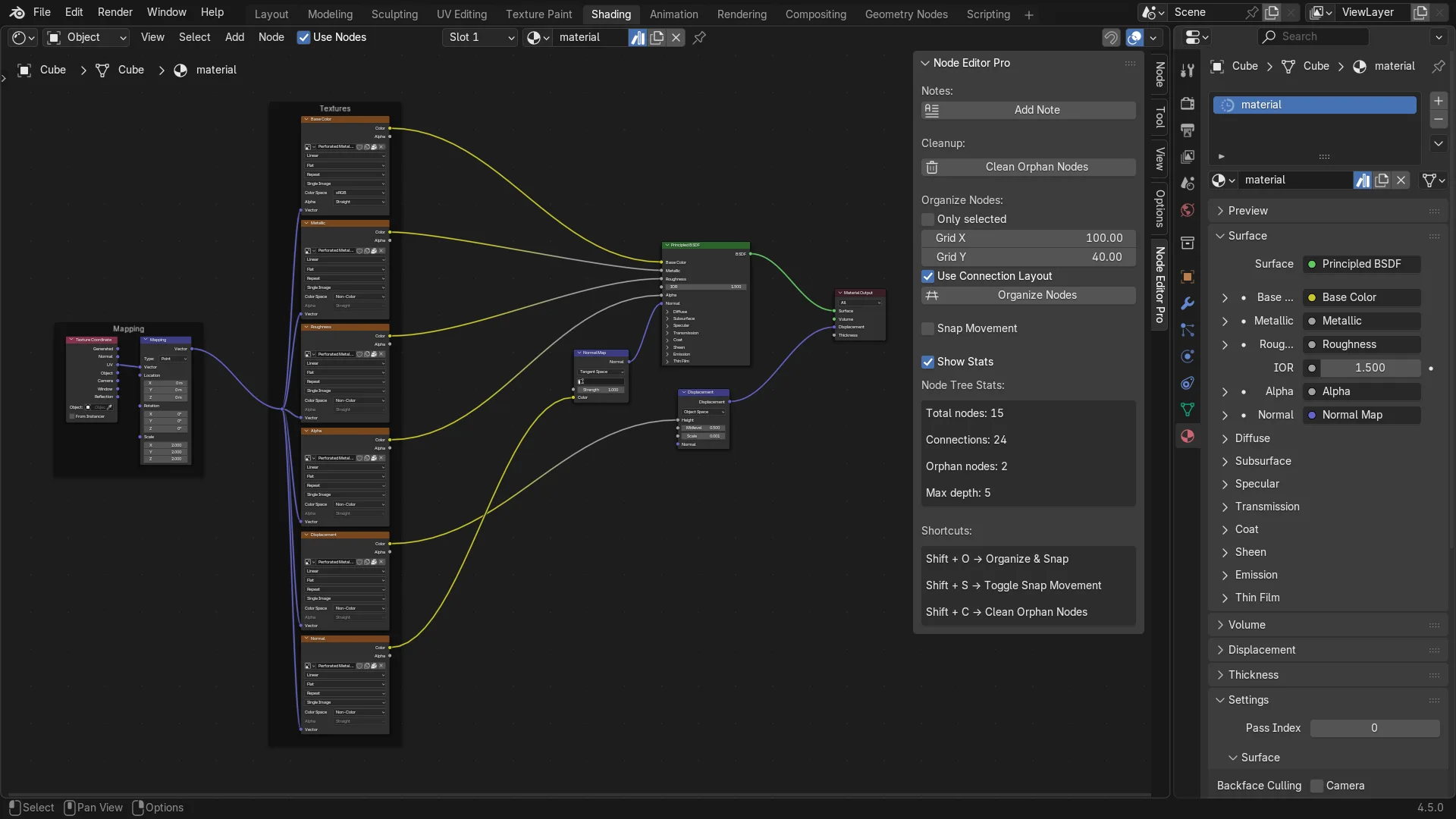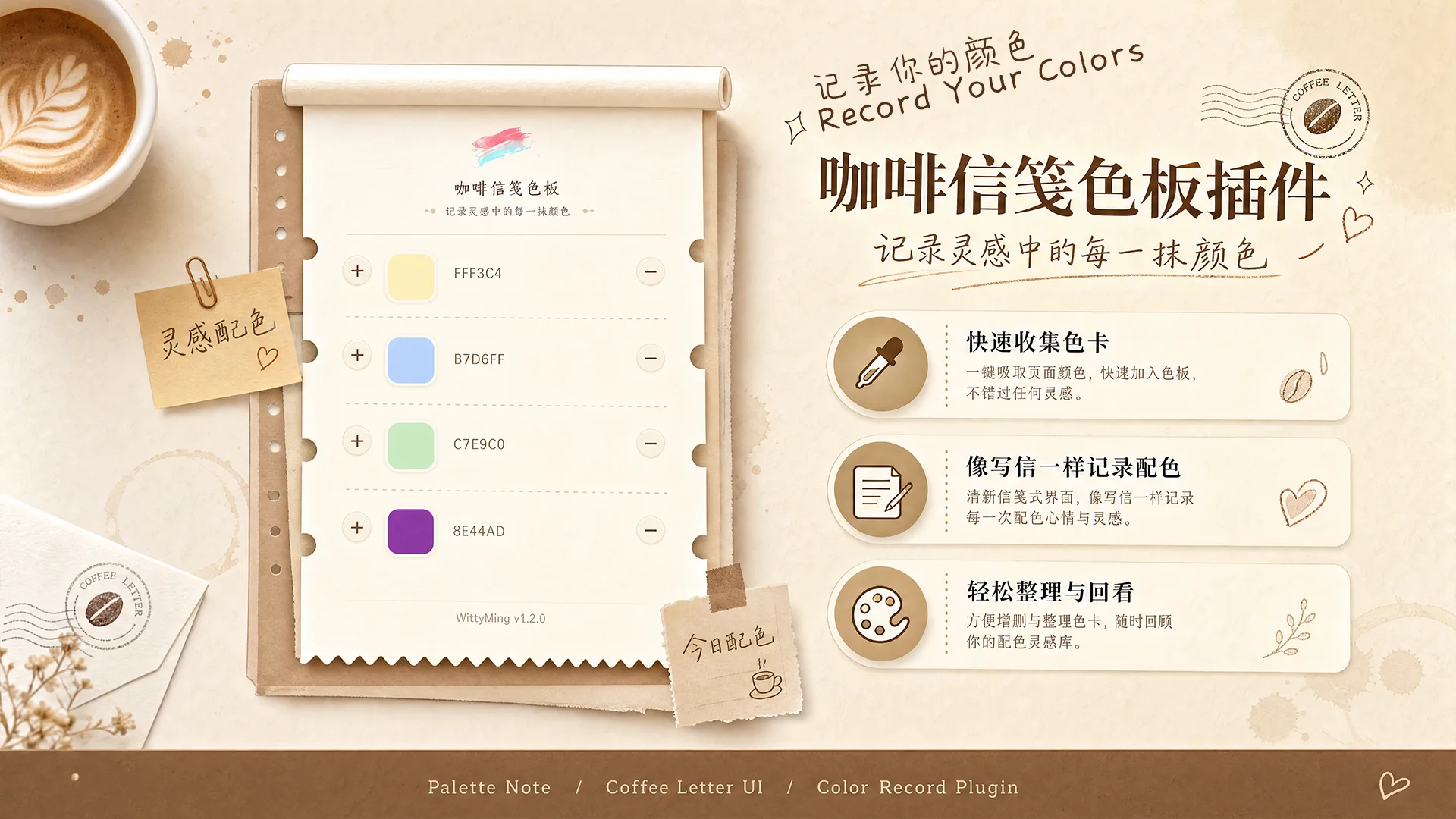
Color Palette is a Blender add-on for temporarily recording material node colors in the Shader Editor. Drag a node’s color onto a sticky note, then retrieve it to apply that color to a node in another model or file. The Blender Extensions listing describes it as a simple color-recording tool by MingWitty.
Record and reuse a node color
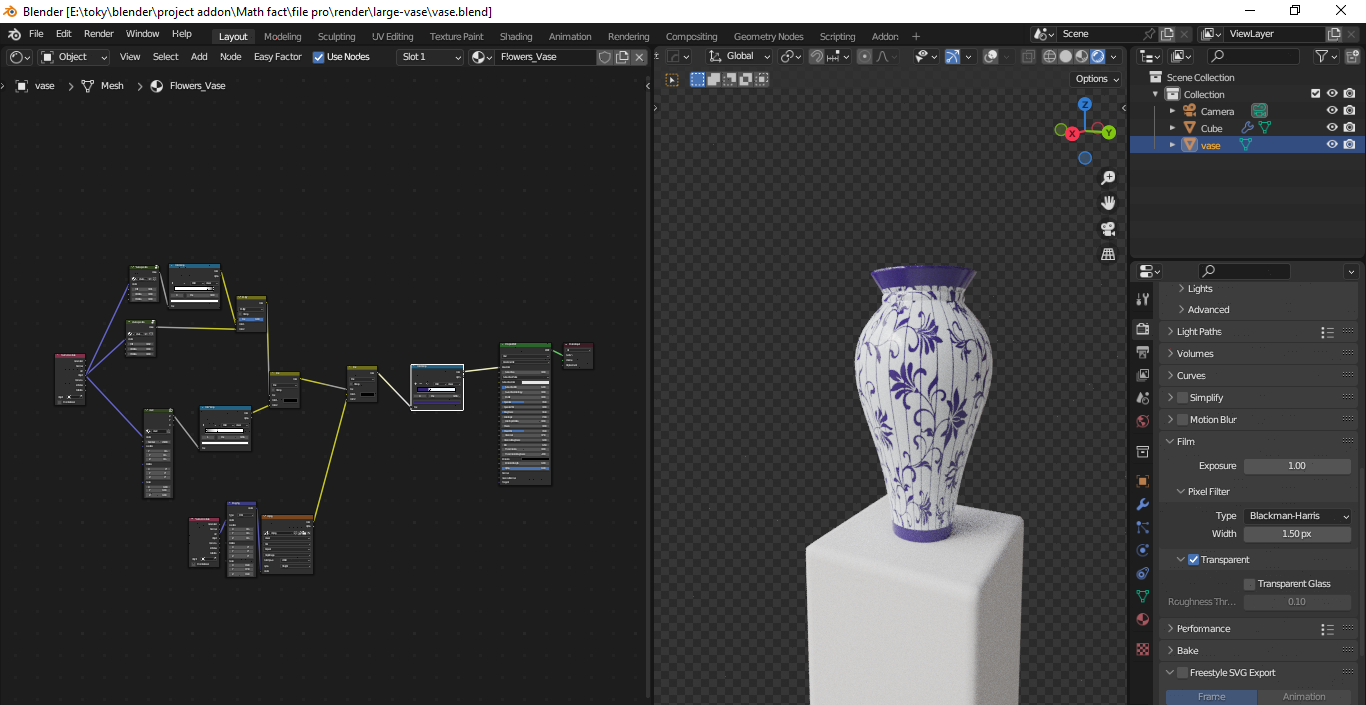
- Open the material nodes in Blender’s Shader Editor.
- Drag a node’s color onto a sticky note to record it.
- When a node in another model or file needs that color, retrieve it from the note and apply it to that node.
This workflow gives you a quick reference for repeating a material color across models or files, without having to recreate the color from memory.
GPU palette caution
Color Palette includes a GPU palette option. The developer warns that using it may negatively affect performance and advises caution. The listing does not quantify the impact,
Compatibility and installation
The extension is listed for Blender 5.1 and newer. The current listed version is 1.2.3, and the listing says it requires no special permissions. It describes two installation routes: drag and drop into Blender, or download the add-on and use Install from Disk. Blender’s installation instructions explain the latter method.
The listing identifies the license as GNU GPL v3.0 or later and links to the developer’s GitHub repository.