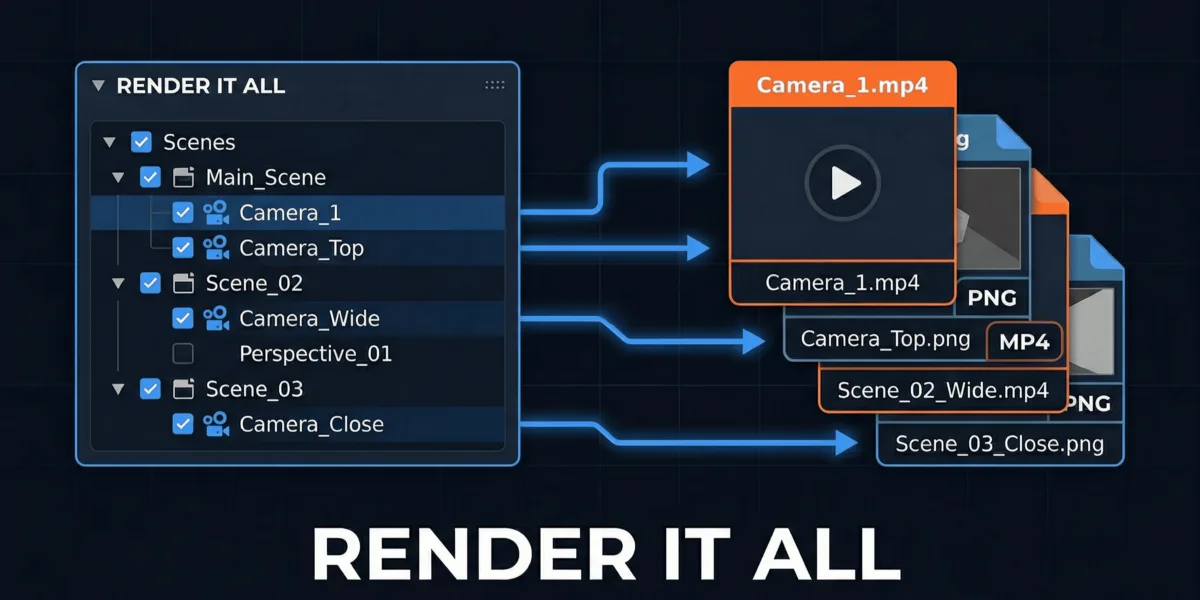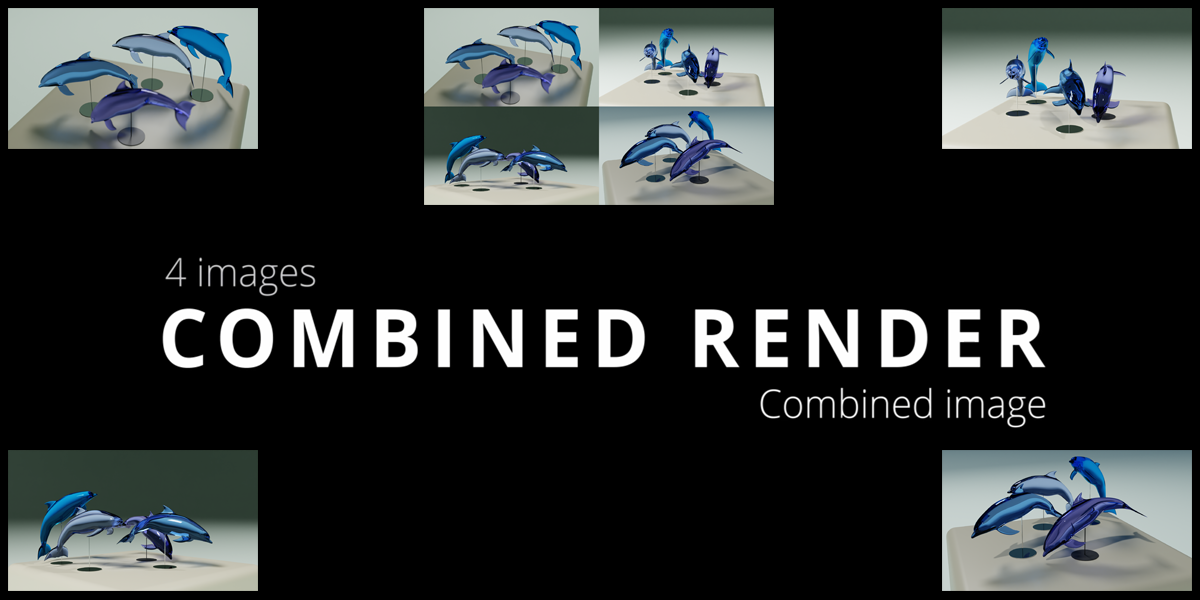
Combined Render is a Blender add-on by KVD for setting up cameras across several scenes or around one object. Its Four Scenes Camera and Object Cameras panels handle these two workflows. Each can render separate views and a combined image.
Set up cameras across scenes
In the Four Scenes Camera panel, check the scenes you need, set the camera distance, and press Add Cameras. The add-on places a camera in each checked scene. Each scene gets a collection containing its camera and linked empty; the camera follows the empty. Use the To Scene button beside a scene name to switch scenes and adjust that camera.
The documented render produces five images: one from each camera in the selected scenes, plus one combined image of all four cameras.
Create four views around an object
For product-style shots, choose a scene if the project has more than one, select an object, and press Add View Cameras. The add-on creates four cameras facing the object from the front, top, left, and right. Select a camera position in the panel to switch views, and adjust each camera's settings separately. The cameras keep facing the object when you move the object or its linked empty.
To point the cameras at a different object, select it, press Track Selected Object, then press Center Cameras. This workflow also renders one image per view and a combined image of all four views.
Choose the output
Before rendering, enter an image name, choose an output folder, and set the resolution. The default is 1920 by 1080, and you can change it. The Insta-default button switches between that default and an Instagram resolution. The selected output folder opens automatically when rendering finishes.
Check compatibility and license
Superhive lists Blender 4.0 to 5.2 in its compatibility details and notes a v2.1 update for Blender 5.0 and later. The AnyPlugins catalog record lists compatibility through Blender 4.4, so check the Superhive product page for your Blender release before installing. AnyPlugins lists Combined Render as free to download; Superhive identifies its license as GPL.