Command Frame is a floating search bar for finding and running actions in Adobe After Effects. It brings layer operations, effects, presets, scripts, plugin actions, panels, and compositions into one searchable interface. It suits After Effects users who often navigate menus and panels or repeat multi-step editing tasks.
Search layers, compositions, and effects
Layer results select the matching layer and move the timeline to it. You can search for several layers and select them together. Composition results open the chosen composition directly. Search for effects and presets with fuzzy matching, abbreviations, and autocomplete; if no layer is selected, Command Frame can create a suitable layer first, with the default layer type configurable.
Layer commands can rename, duplicate, parent, shift, or delete layers, create common layer types, and set properties such as opacity, scale, rotation, position, anchor point, and orientation. Property commands accept absolute or relative values, and can create keyframes. For example, a position command can set the X value while leaving Y and Z unchanged.
Chain commands and assign shortcuts
Use & to combine actions into a multi-step query, then save a useful query for reuse. For example, duplicate & shift 12f & rename suffix _echo & opacity /2 duplicates selected layers, offsets them by 12 frames, adds a name suffix, and halves their opacity. Actions and saved chains can have free-form keyboard shortcuts, so they can run without opening the Command Frame panel. Search history is persistent, and Shift+Up/Down recalls earlier queries.
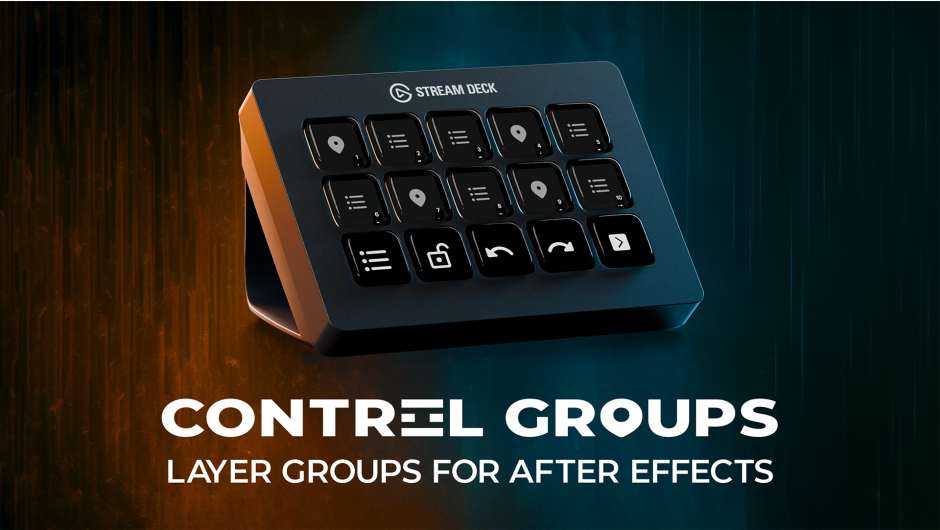
Command Frame also supports Elgato Stream Deck. Assign actions, saved chains, script actions, or imported toolbar buttons to Stream Deck buttons. Their availability can update with the current After Effects selection and project state.
Bring scripts and toolbars into search
Scripts can be added manually, picked up from watch folders, or detected in After Effects script directories. Installed extensions and ScriptUI panels can appear as searchable actions. You can import toolbar files and use their buttons as actions, shortcuts, or Stream Deck buttons. Supported third-party scripts can expose recognized actions, but support depends on the script and its installation.
Command Frame connects to After Effects through its SDK for direct command execution. Its EULA says some features may also depend on SBShortcutManager, compatible products, or other third-party software being installed, licensed, or configured separately. The integration does not grant rights to those products or to imported scripts and toolbar materials.
Compatibility and license
The listed minimum host version is After Effects 2024 on Windows and macOS. The minimum operating systems are Windows 10 64-bit or later and macOS 13 Ventura or later. In version 1.7.8, commands that installed plugins add to After Effects menus are searchable; running them on macOS requires Accessibility permission.
The aescripts listing currently shows Command Frame at $0.00. Its EULA still grants a personal, limited, non-transferable license for personal or commercial use with After Effects; it does not make the software open source or freely redistributable. The license is intended for one user unless the distributor specifies another license type. Under a Single User License, that user may install it on up to two accounts or computers they control, provided they are not used at the same time. Review third-party scripts and toolbars before using them in production, since their licenses and behavior remain separate. The EULA makes users responsible for current, verifiable backups of projects, settings, shortcuts, scripts, and other affected materials before installing, activating, updating, downgrading, uninstalling, migrating, or using Command Frame. It also recommends testing on non-critical systems or recoverable project copies before production.