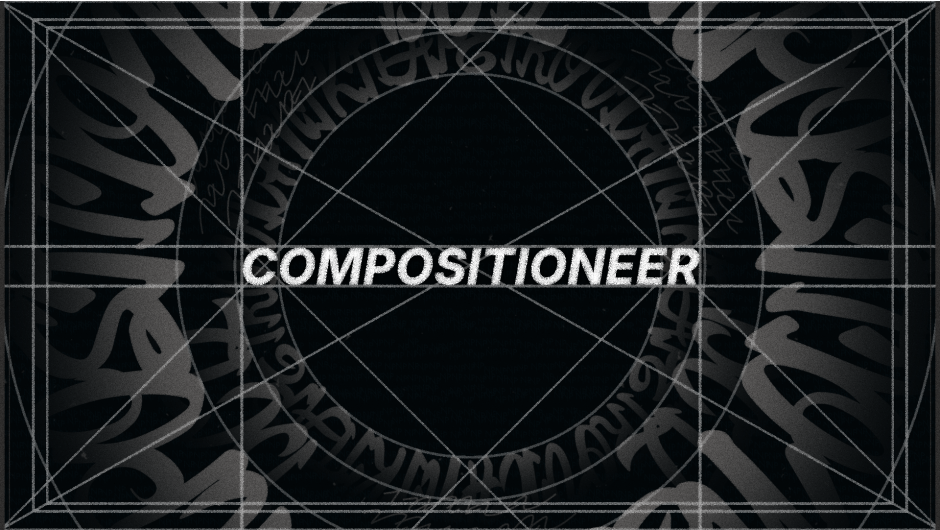
Compositioneer DCTL is a framing guide toolkit for DaVinci Resolve Studio. It combines grids, spirals, safe areas and rulers in a Fusion DCTL, with an option to export the guides as transparent PNG overlays for production monitors or other software.
Composition guides and framing controls
- Spirals: Golden, Logarithmic and Archimedean guides, with adjustable size, position and color.
- Grids: Rule of Thirds, Phi Grid and Bisector guides for framing subjects, balancing a shot or aligning diagonal lines.
- Circles and safe areas: Up to six adjustable circles, plus action-safe and title-safe guides.
- Rulers and frame ratios: Pixel and percentage rulers can start at the Timeline frame borders or the DCTL’s Main Frame borders. A secondary frame border lets you compare aspect ratios from 1:4 to 4:1, including presets, and swap the main and secondary ratios.
Guide colors can be changed to distinguish overlapping lines. A symmetry control centers subjects or titles. The guides are visual references; they do not snap to objects or elements.
Set up Compositioneer DCTL in Fusion
- Create a Fusion Composition in the Media Pool and open it in the Fusion Page.
- Add a Background Node and a DCTL Node. Connect the DCTL Node to the Background Node, then select
NP Compositioneer DCTLfrom the DCTL menu. - Adjust the guides and frame settings in the DCTL controls.
- To export with transparency, enable the
Transparentcheckbox. Select the DCTL node, press1or2to show it in the viewport, then right-click the viewport and chooseSave Image.... In the demo version, 35% of the screen area does not show the overlay.
You can save a setup for reuse by dragging the adjustment layer with the DCTL into a Power Bin. Parameter tooltips are available in the interface, but not on the Fusion page.
Compatibility and trial
The developer lists DaVinci Resolve 21, 20 and 19 as compatible. The system requirements specify DaVinci Resolve Studio 19.1 or newer, so Resolve 19 users need version 19.1 or later. The listed GPU options are NVIDIA or Apple Silicon. The developer’s Compositioneer DCTL page offers a free trial; in the demo, the overlay does not appear across 35% of the screen area. The listing also shows current purchase details.