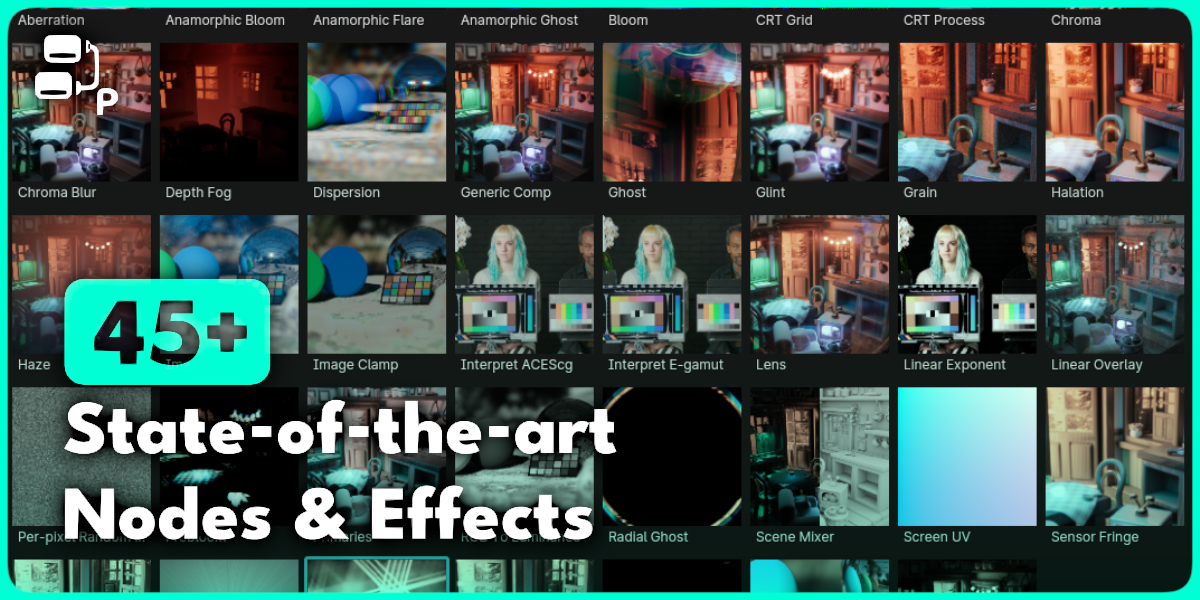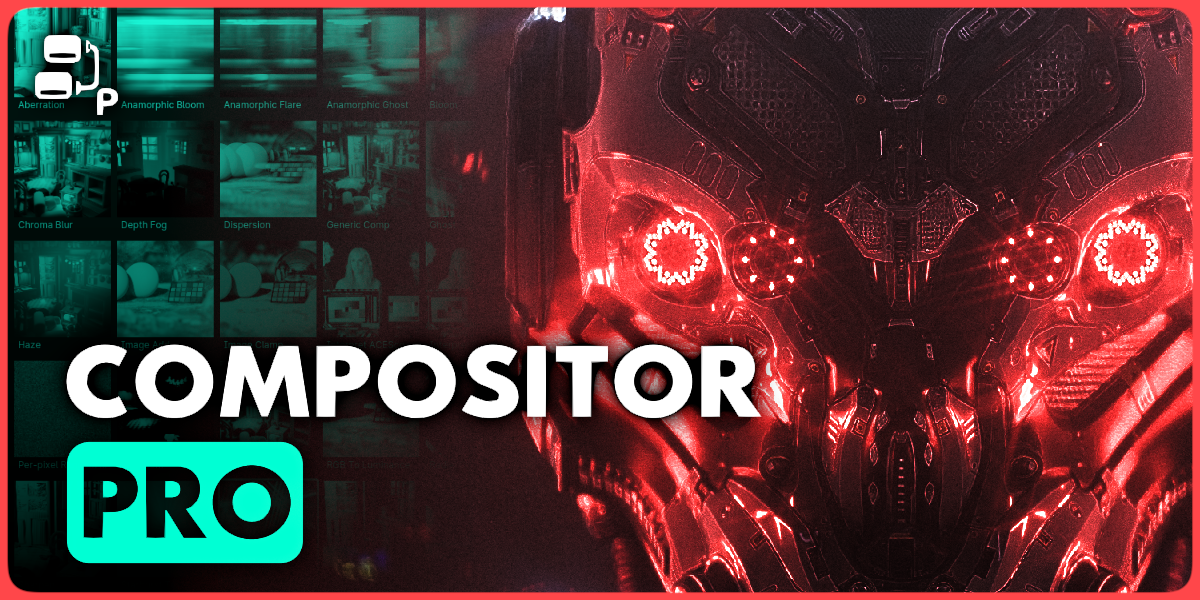
Compositor Pro is a Blender add-on and node collection for applying image effects and utility operations in Blender's compositor. It includes more than 45 nodes, with quick access through the N-tab or a pie menu. The add-on has been discontinued and is now free, with its source code available on GitHub.
Effects and utility nodes
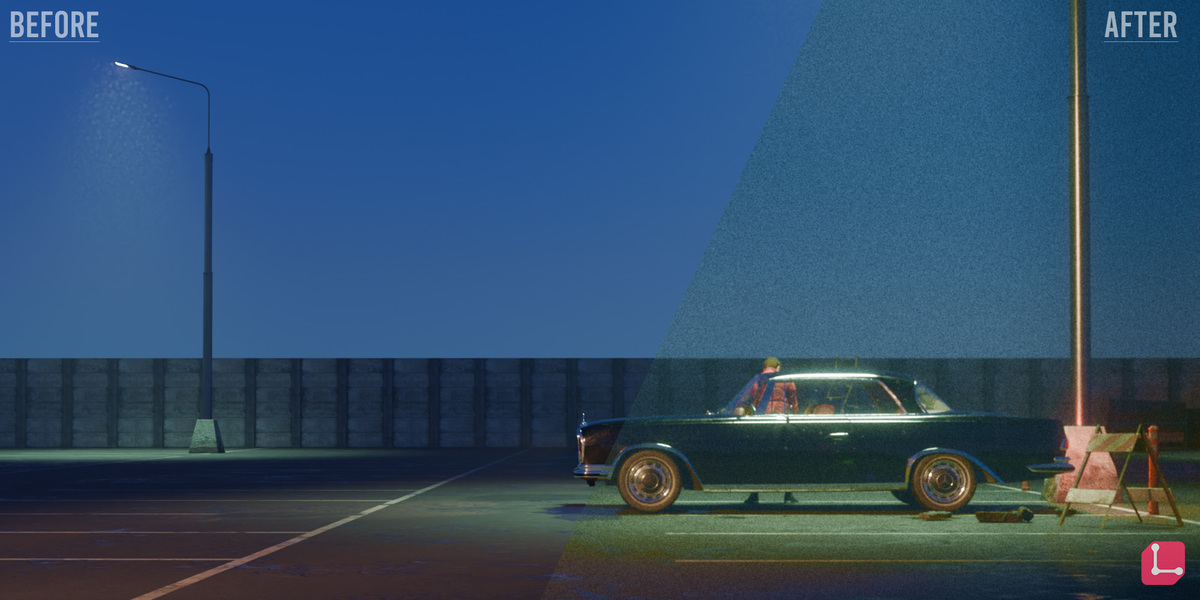
The collection covers common finishing effects such as bloom, lens flares, ghosts, haze, vignette, halation and film grain. It also includes color-grading operators and sharpening. These nodes let artists add effects directly to a compositor setup without building each operation from scratch.
Utility nodes include variable image clamping, thresholding, custom mix types and a screen UV texture.
Finding and combining nodes
Nodes can be added through the N-tab or a pie menu. A visual gallery helps identify them, and favorited nodes appear in the pie menu for quicker access. The quick mix feature provides a way to mix two nodes together.
For color-grading work, Compositor Pro also has a process space feature for changing the process colorspace of nodes.
Who may find it useful
Compositor Pro may suit Blender artists who want a ready-made collection of compositing effects and utilities, especially those using film grain, halation, lens flares or color-grading operators. Its gallery and pie-menu access are useful when selecting nodes is part of a repeated workflow. The product is discontinued, so projects that depend on compatibility with newer compositor changes should account for the lack of updates.
Availability and compatibility
The Superhive product listing describes Compositor Pro as a free, GPL-licensed, Blender Extension-compatible add-on and lists Blender versions 3.6 through 5.0. Its FAQ says the add-on was discontinued in 2025 after changes to Blender's compositor and will not receive free updates. The listed version range does not establish compatibility with Blender releases beyond 5.0.
Review the product listing and source repository for the current download and project details before installing it in a Blender setup.