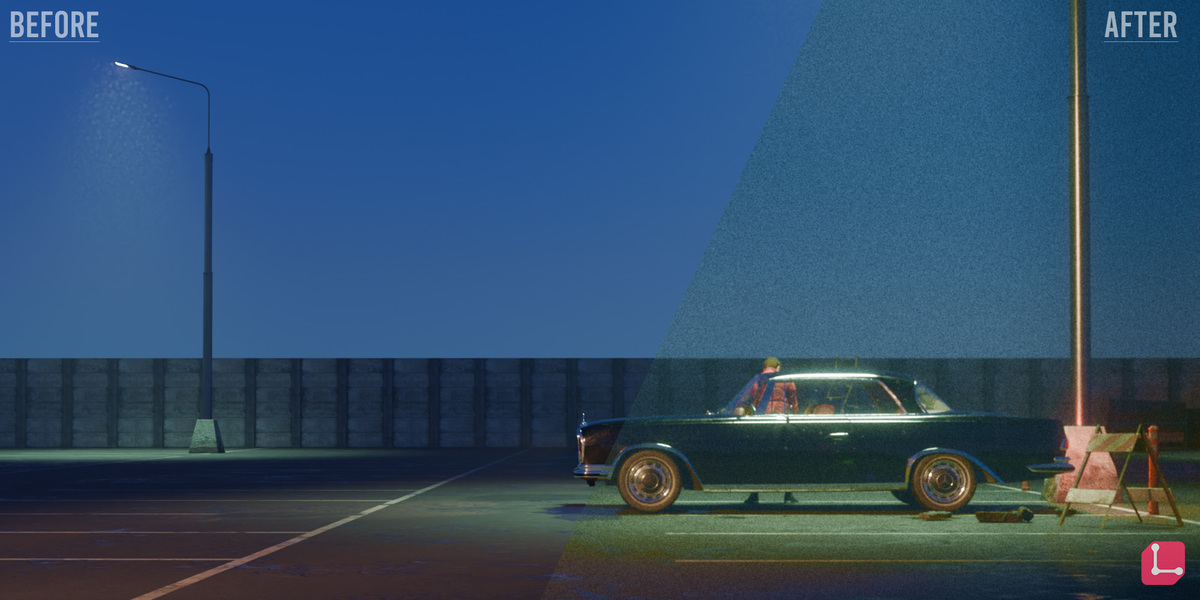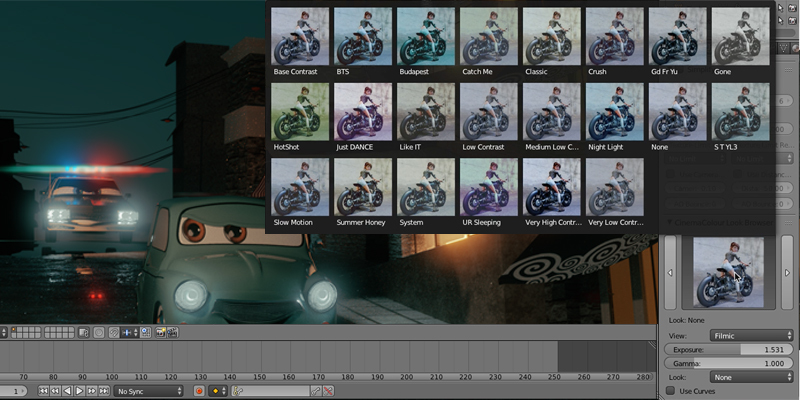
Easy Comp Fx is a Blender compositor add-on for applying stylized effects and LUT color grades to a render. Its gallery lets you choose looks by thumbnail, preview them in the viewport, and adjust LUT strength without manually connecting compositor nodes.
FX presets and LUT grades
The add-on includes more than 20 effects and over 40 color grading LUTs. Named effects include Toon, Glitch, Halftone, Paper, Outline, ASCII, Old Film and several Glare variations. The LUTs use PNG files and include a blend slider, so you can adjust how strongly a selected grade affects the image.
Easy Comp Fx also has a Generate Viewport Previews option that renders thumbnails for the gallery. Its one-click controls add or remove effects and LUTs, with automatic re-linking described on the product listing.
Install and use the add-on
The product documentation describes this setup:
- Download the ZIP, open Blender Preferences, choose Add-ons and Install, select the ZIP, then enable Easy Post FX.
- In the N-Panel, choose Load LUTs and browse to the PNG LUT folder. Select a thumbnail and adjust the LUT Amount slider.
- Under Effects, choose Load Effects to import the BP_* node groups. Pick an effect from the grid and select Add Effect. Use Remove Effect to take it out.
- To create gallery thumbnails, set an output folder and choose Generate Viewport Previews. The documentation says these thumbnails render off-screen and update the icon gallery.
Render engines and compatibility
The product listing says viewport previews work with Eevee Next and Cycles, lists Eevee and Cycles as render engines used, and marks the add-on as Blender Extension compatible. Its product details currently give a Blender version range of 4.4–5.3. The catalog entry, updated July 15, 2026, gives a narrower range of 4.4–4.5, so compare the current product listing for your Blender release before installing. The product listing gives the license as GPL.
Easy Comp Fx may suit Blender artists who want a selectable set of stylized post effects and color grades in the compositor.