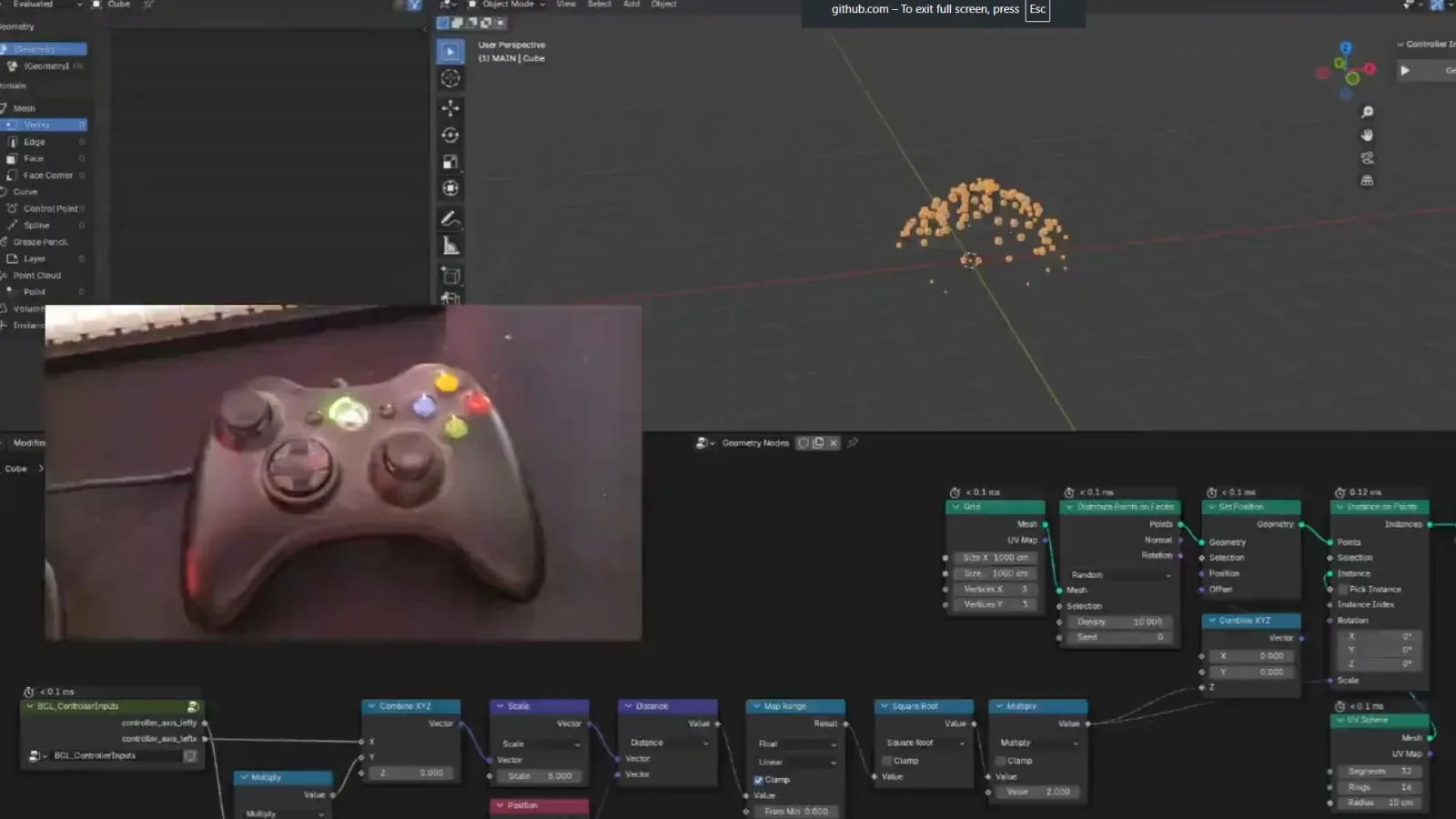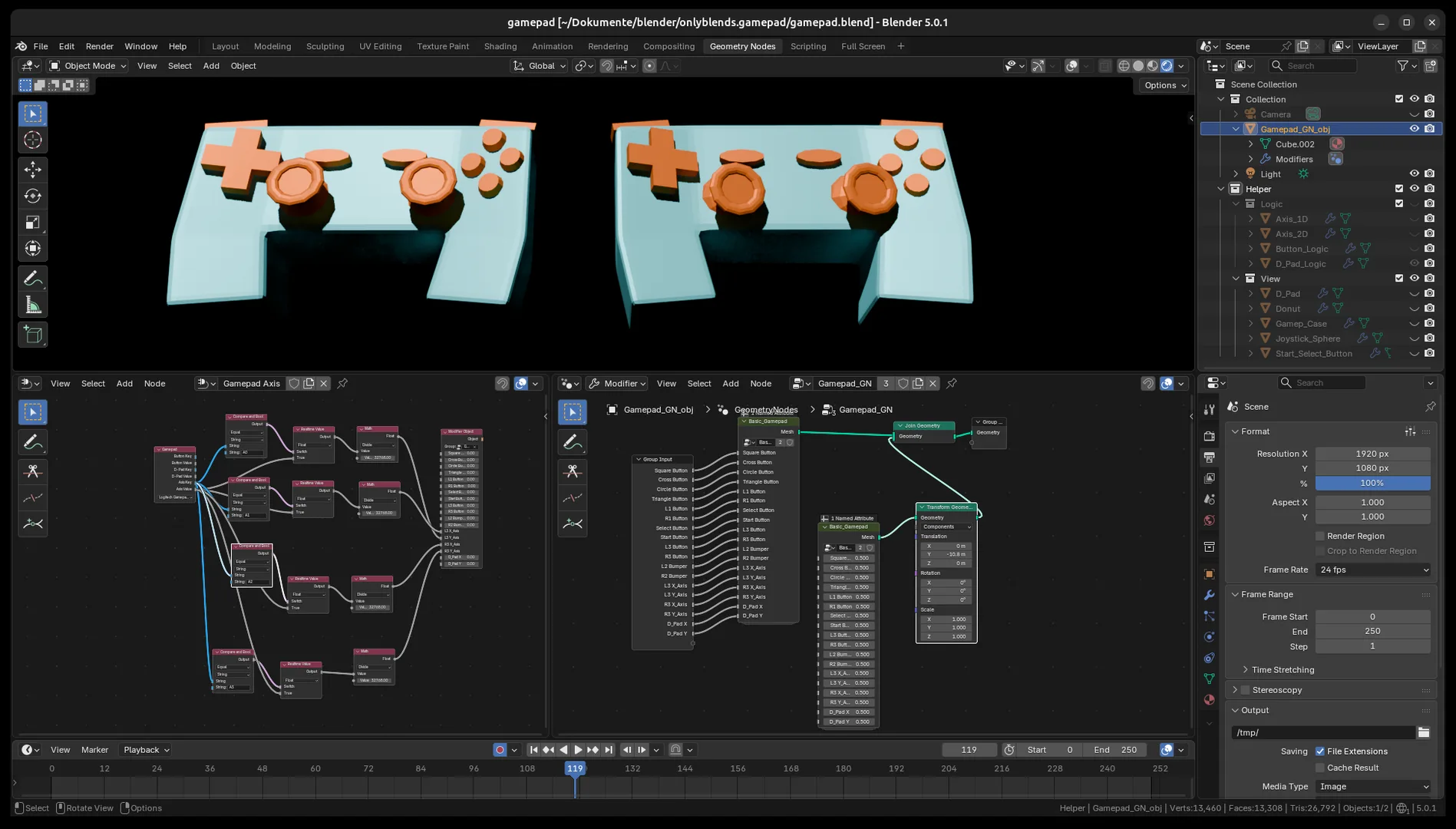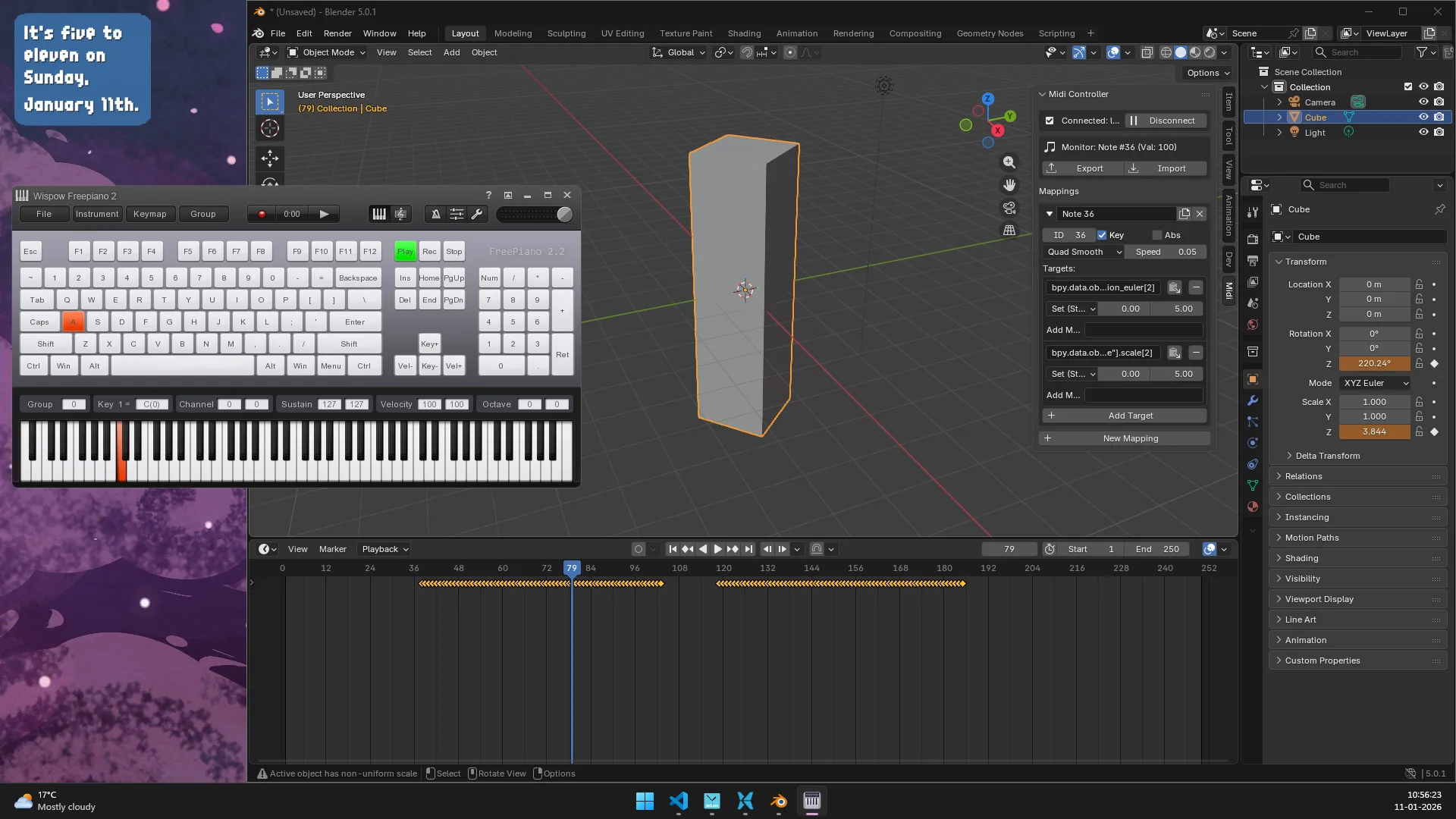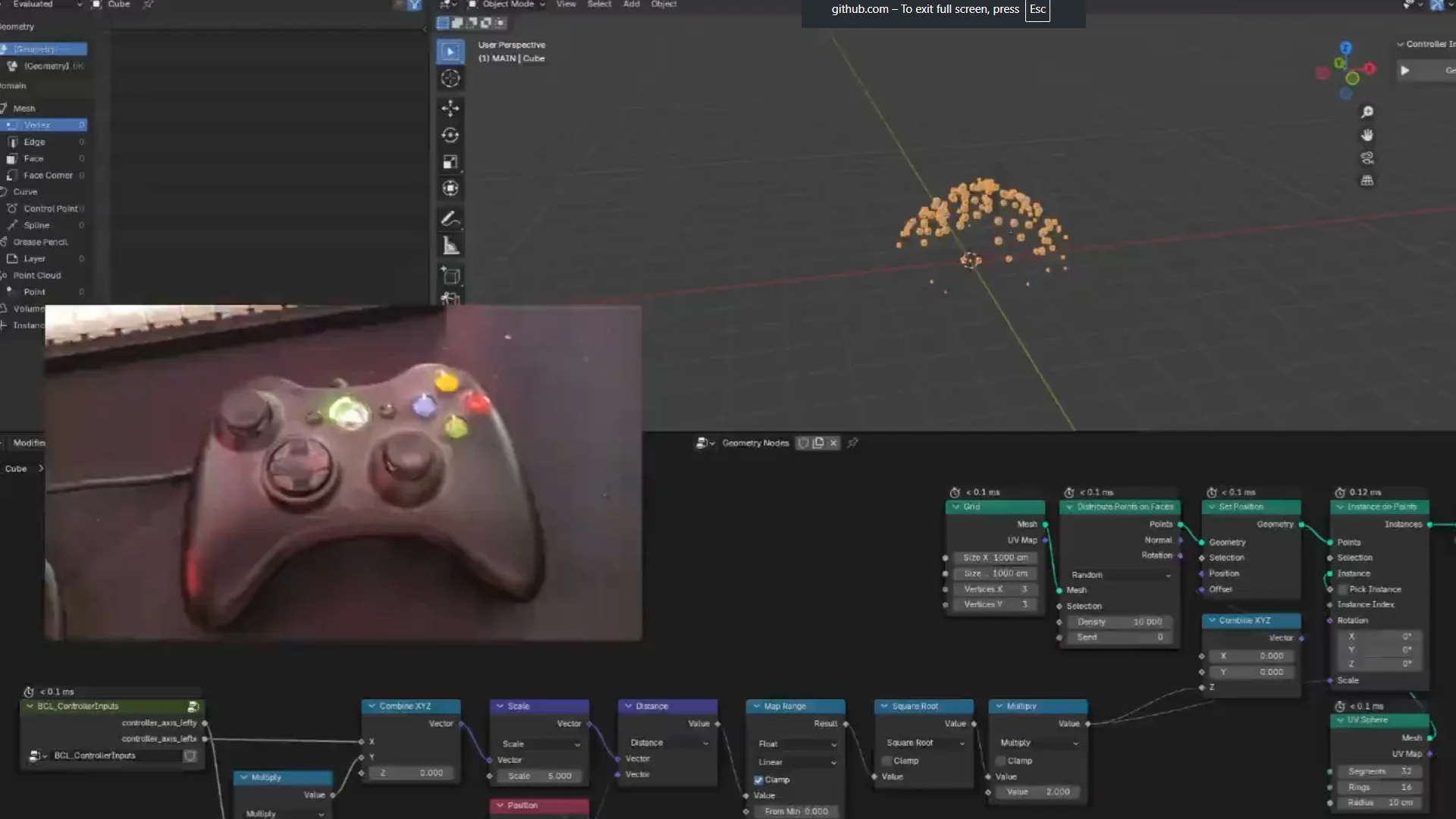
Controller Link is a Blender add-on by globglob3D that uses a game controller as a live input source. Its joystick and button inputs become properties that can connect to other parts of a scene through Blender's driver system. The Blender Extensions listing identifies the add-on and links to its release information.
Connect gamepad input to Blender properties
To connect a controller input to a Blender property, copy the input property as a driver, then paste it onto the property you want to control. A stick or button can drive properties on a rig or object. For Geometry Nodes, the listing describes using the CL node group to route controller input into a node tree. Artists can use a gamepad to test animation and procedural setups.
Record a controller pass as animation
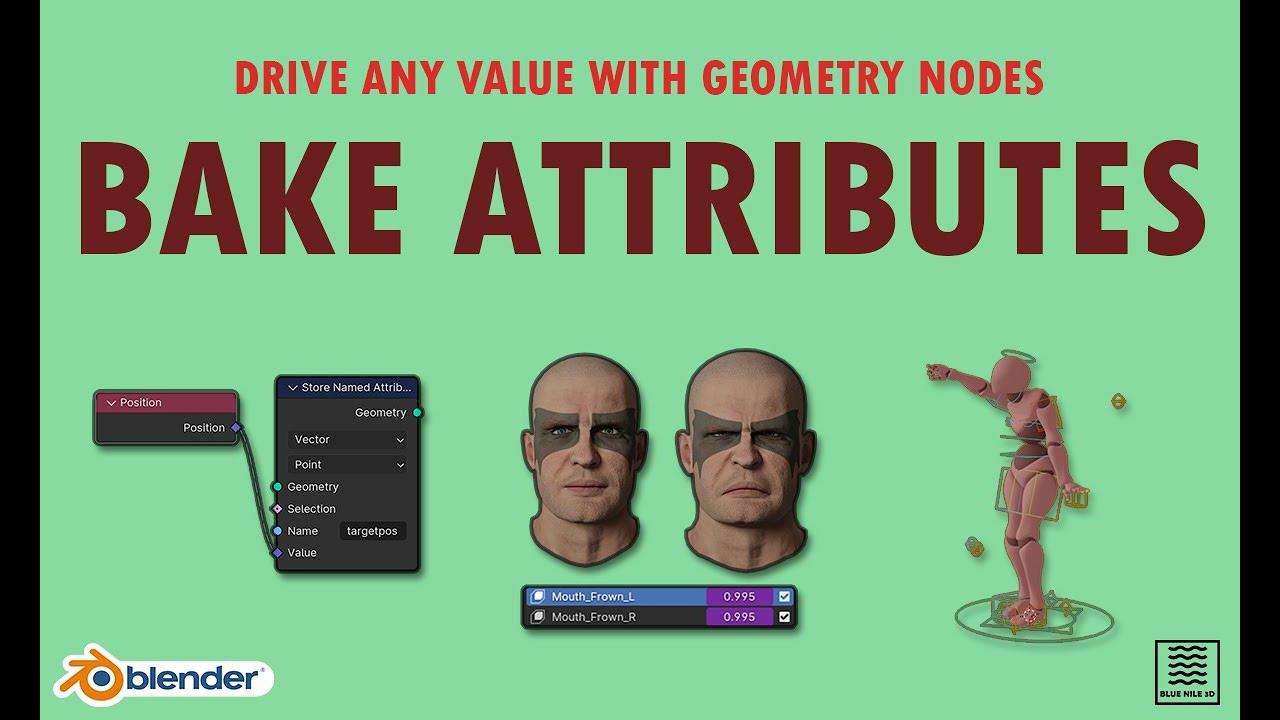
Controller Link can record input as keyframes. After a recording, Blender's native Bake Animation operator can preserve that take before you start another one. Recording is optional, so the controller can also provide live input without creating keyframes. The product listing describes uses such as animation, rig testing, live performance, and procedural work.
Version and compatibility
The Blender Extensions catalog record lists version 1.0.1 with Blender 4.2.0 as its minimum and the GNU General Public License v3.0 or later. The project's README states Blender 4.4 or newer. Controller Link works with any gamepad on Windows, Mac, and Linux. Check the current Blender Extensions page for the latest release details.