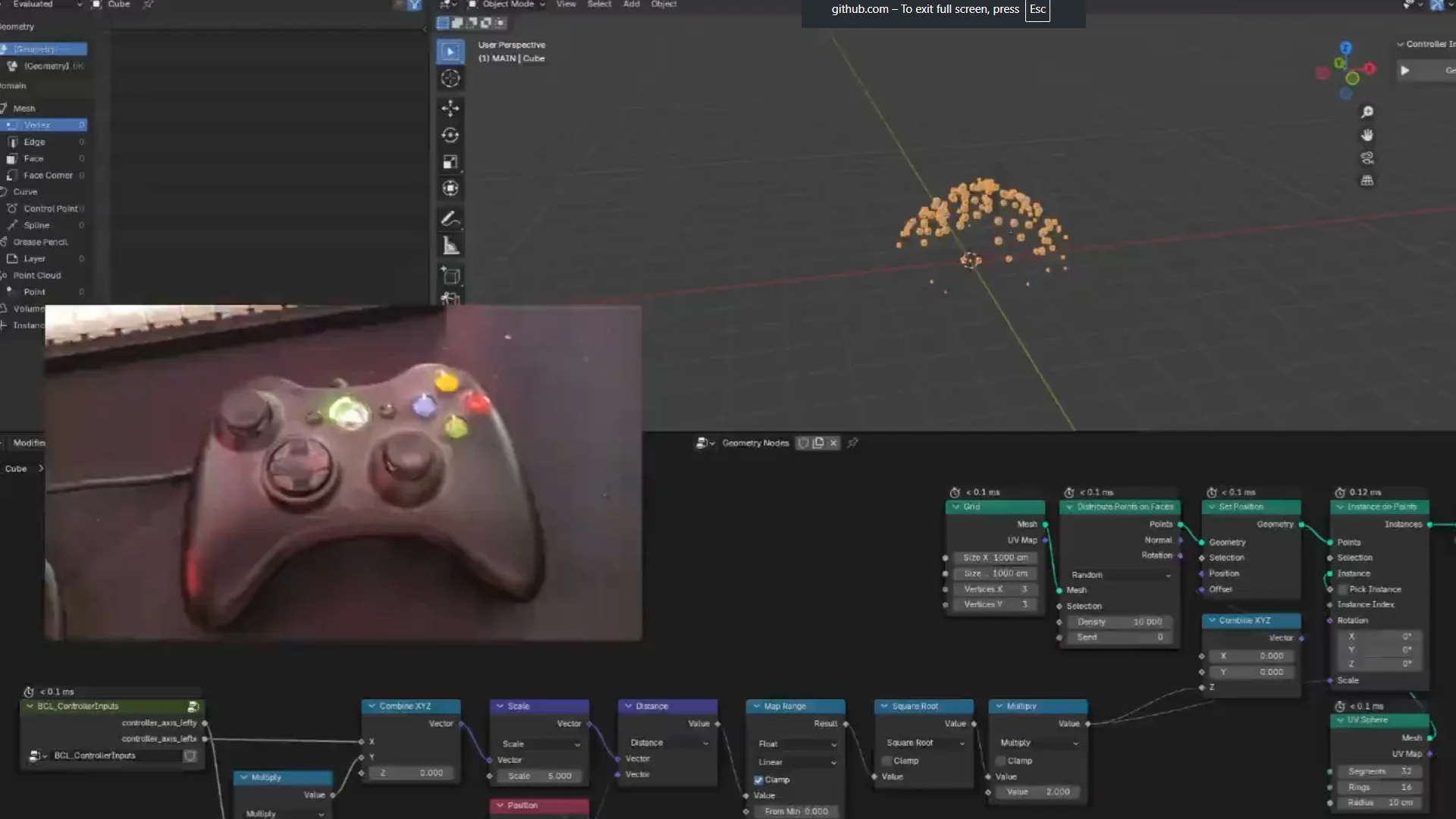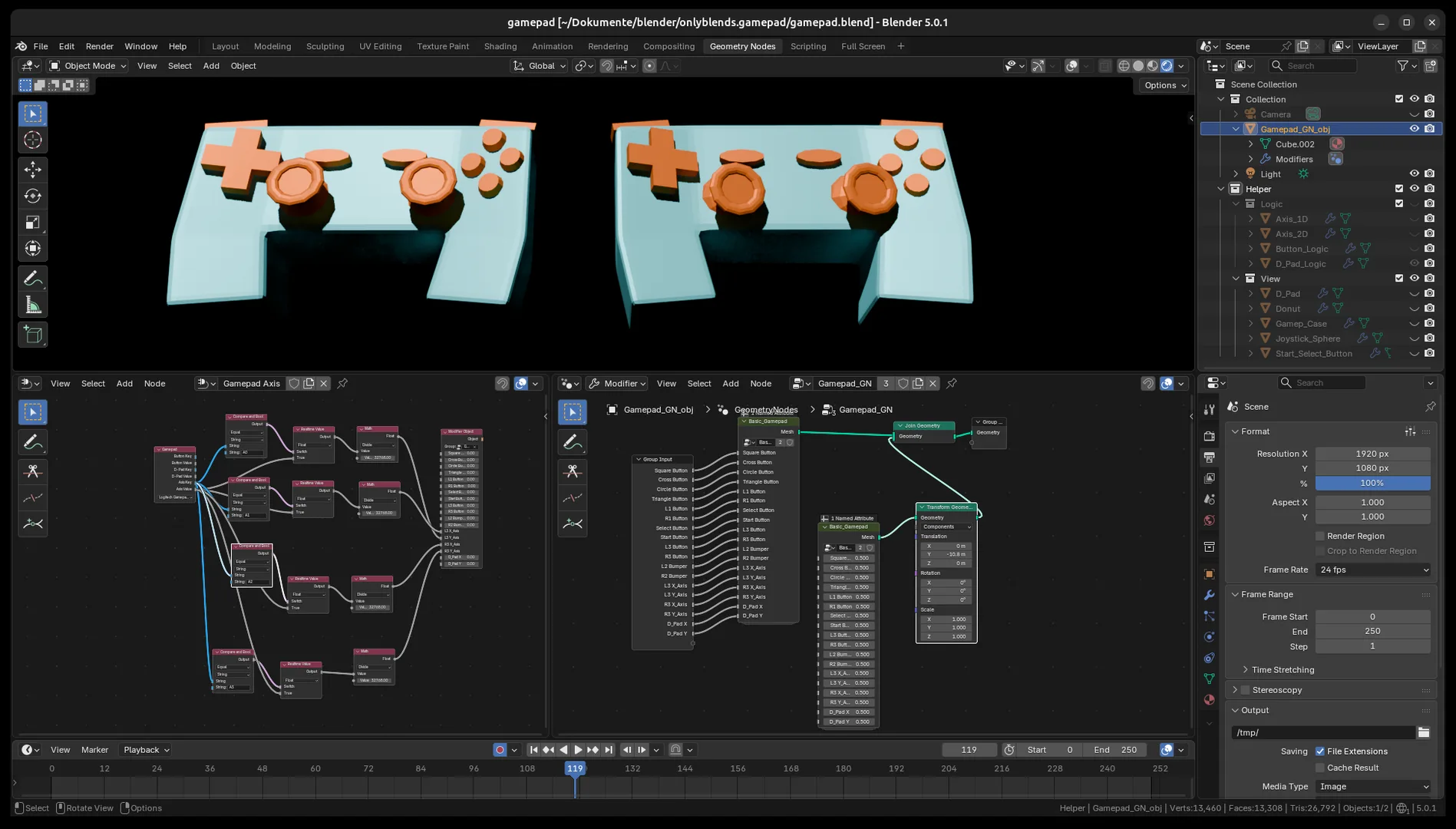
OnlyBlends.Gamepad is a Blender add-on that connects gamepad and other input data to Geometry Nodes. Its dedicated node editor exposes D-pad, axis and button sockets, so a node graph can use controller input to drive a Geometry Nodes modifier in real time.
Controller inputs in a node graph
Gamepad nodes divide input into three groups: D-pad, axes such as sticks and bumpers, and buttons. The extension listing says the add-on supports multiple gamepads and platforms. It also links to the inputs library hardware support page; check it for the controller and platform combination you plan to use.
Connect input to Geometry Nodes
- Open the OnlyBlends.Gamepad node editor and add a Gamepad Node.
- Create a Geometry Nodes modifier and add input sockets for the values your node graph will use.
- Use the Modifier Control node to manipulate the modifier inputs. It also provides an object output with the modifier's geometry.
- Connect values from the Gamepad Node to the modifier inputs to send controller data to the geometry node graph in real time.
Build camera and object controls
The add-on includes nodes intended to help build a camera or object controller. Its listing names the Transform Object node as an optional part of that setup. For fullscreen use, the Start Game operator in Render Properties launches a standalone Blender instance. The listing says fullscreen mode has not been tested on Mac, so check it in your own setup before relying on it there.
Compatibility and installation
The listed release is version 0.5.2, with Blender 4.2.0 or later required. Install it through Blender's Extensions interface, or download the ZIP from the Blender Extensions listing and install it from disk using Blender's extension installation instructions. The listing identifies the license as GNU GPL version 3 or later.