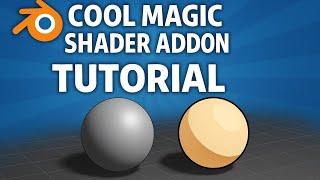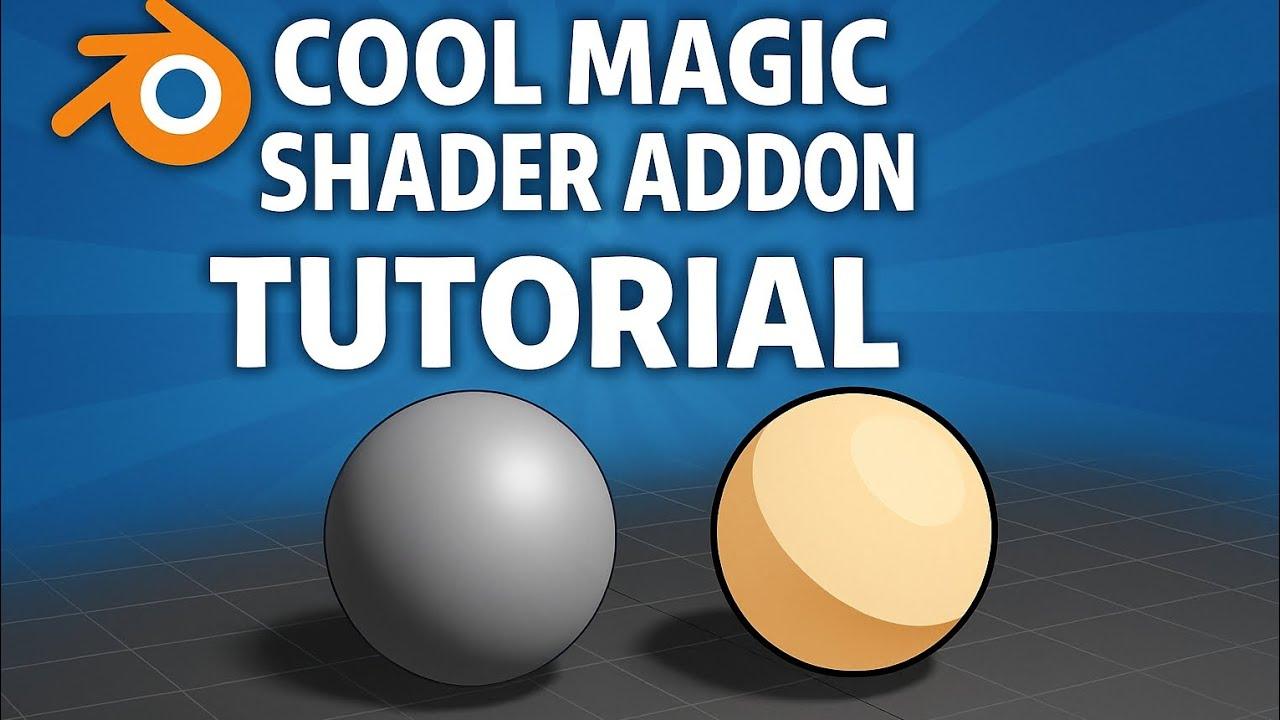
Cool Magic Shader is a Blender add-on from Kito Studio for scenes that need both realistic and toon rendering. It initializes a toon light setup and shader node, then uses a mode toggle to change the scene between those looks. The publisher says it was tested with Blender 4.2 through 5.2 LTS, and version 1.1 includes a fix for Blender 5. See the product documentation and publisher FAQ for setup and version details.
Set up materials and switch render modes
Initialize the project to import the toon lights and shader node. In the Shader Editor, add a Cool Magic Shader node to a material and connect it to Material Output. The node includes an Object base color, toon controls for shadow intensity, highlight color and intensity, and global light color, plus realistic controls for metallic and roughness intensity. You can adjust material properties in the Shader Editor or the object's material properties.
The add-on's Toggle render mode button changes the scene between realistic mode, which uses Cycles, and toon mode, which uses EEVEE NEXT. In toon mode, it disables scene lights except those in the dedicated toon-light collection and activates the outline object. Realistic mode reactivates the scene lights and disables the toon-light and outline collections. Since the toggle changes scene lighting, try it on a copy if you need to preserve a complex lighting setup.
Adjust toon outlines
In toon mode, the add-on tab lets you set the global light color and choose an outline collection. Put the objects you want outlined in that collection. You can change outline color, thickness and opacity; the noise factor and seed add variation for a hand-drawn look. The documentation notes that outlines display well only through the camera view.
Install and maintain the scene setup
The download package includes the add-on ZIP, a PDF guide and a sample Blender project. The publisher's installation instructions say to keep the ZIP compressed and install it through Blender's Edit, Preferences, Add-ons, Install from disk controls. After installation, find the add-on in the Cool Addons tab of the N-Panel. Add the shader node separately from the Shader Editor's Add menu.
Initialize a project once. If the dedicated toon lights or outline collection are accidentally deleted or altered, initialization can recreate the setup. It does not overwrite scene objects or materials, but it resets properties on the toon lights and outline object. Do not delete or rename the dedicated collections or their objects, and use the PDF guide for more detailed material configuration.