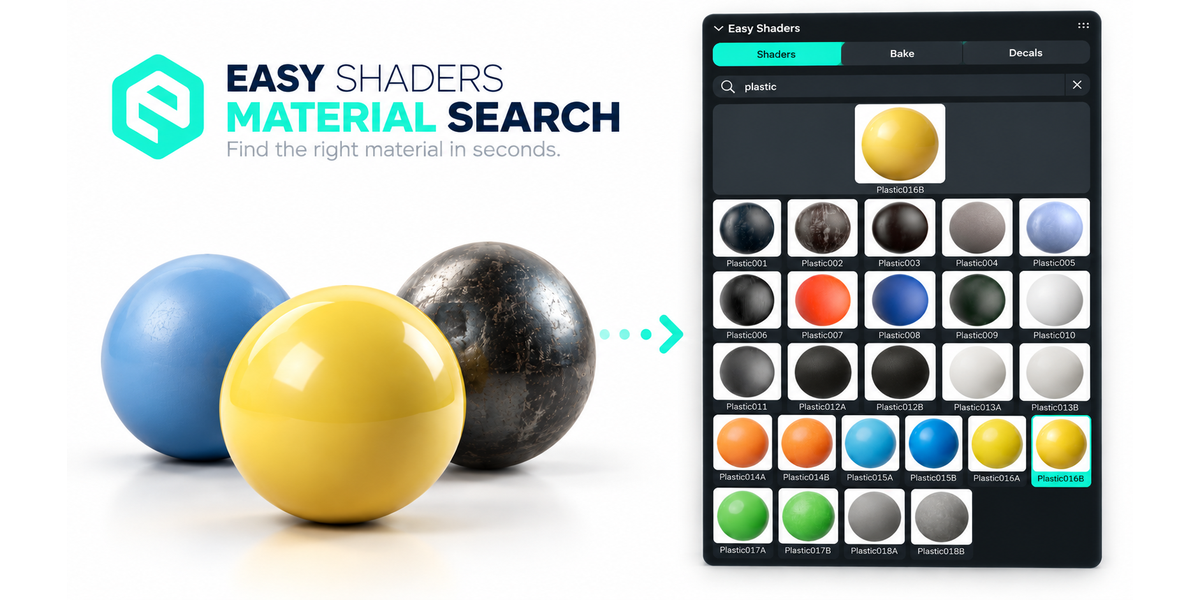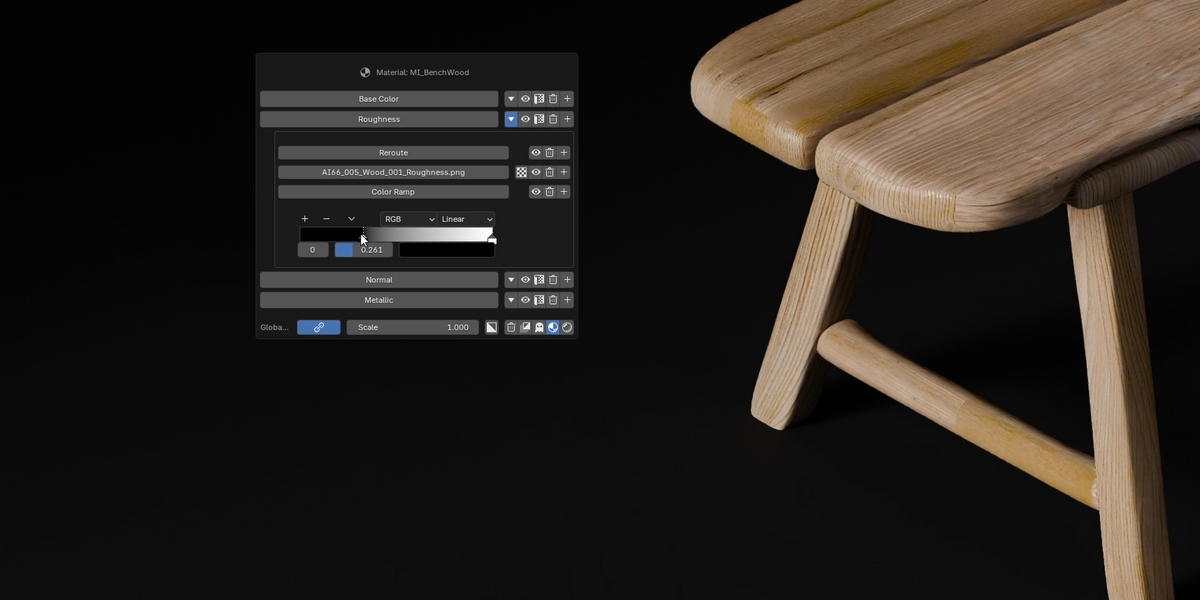
Easy Shaders is a Blender add-on by weybec for previewing, saving, and baking materials. The product FAQ says it first loads small preview thumbnails; a material reaches your computer only when you press Download, and it is saved in the folder set in the add-on preferences. Its baking options produce separate material textures or one combined atlas.
Preview and download selected materials
The destination comes from the add-on preferences, so check that folder if you need to find the saved file later. This workflow is useful when you only need a few materials from the available set.
Set up UVs for baking
A UV map is required for an object that you bake. If it has no UV map, Easy Shaders creates one with smart unwrap. To use an existing custom layout, choose Manual UV during the bake and select the UV map you want.
Choose separate bakes or a single atlas
Bake Single Object processes one material at a time. If you want independent texture outputs, bake each material separately. Bake All in One combines every material into a single atlas and produces one texture set.
Use baked textures outside Blender
After baking, the textures are ordinary image files. According to the product FAQ, you can use them in any game engine.
Compatibility and license
The Superhive product listing identifies Easy Shaders as a Blender add-on, marks Blender Extension Compatible as Yes, lists Blender 5.0 to 5.2, names Cycles and Eevee as render engines used, and gives the license as GPL. The listed Blender range describes compatibility, not an Easy Shaders release number. Check the listing before installing for current details. The product FAQ covers material downloads, UV setup, baking modes, and using baked textures in other engines.