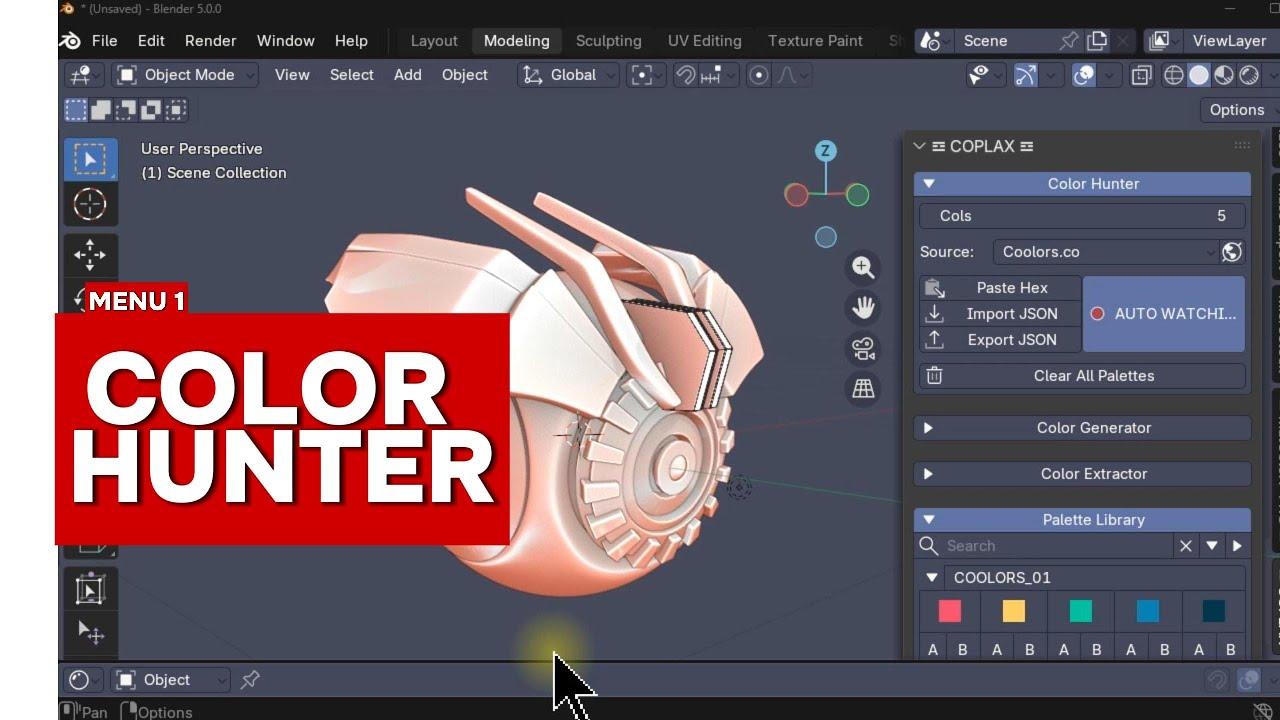
Coplax is a color palette toolkit for Blender by Semangat Pagi Studio. It brings palette importing, color extraction and harmony generation into the 3D workspace, where you can turn color references into materials for objects. Superhive lists it as a Blender Extension compatible with Blender 4.2 through 5.0 and names Blender-Internal, Cycles and Eevee under render engines. See the Coplax product listing for current product details.
Import palettes from websites or the clipboard
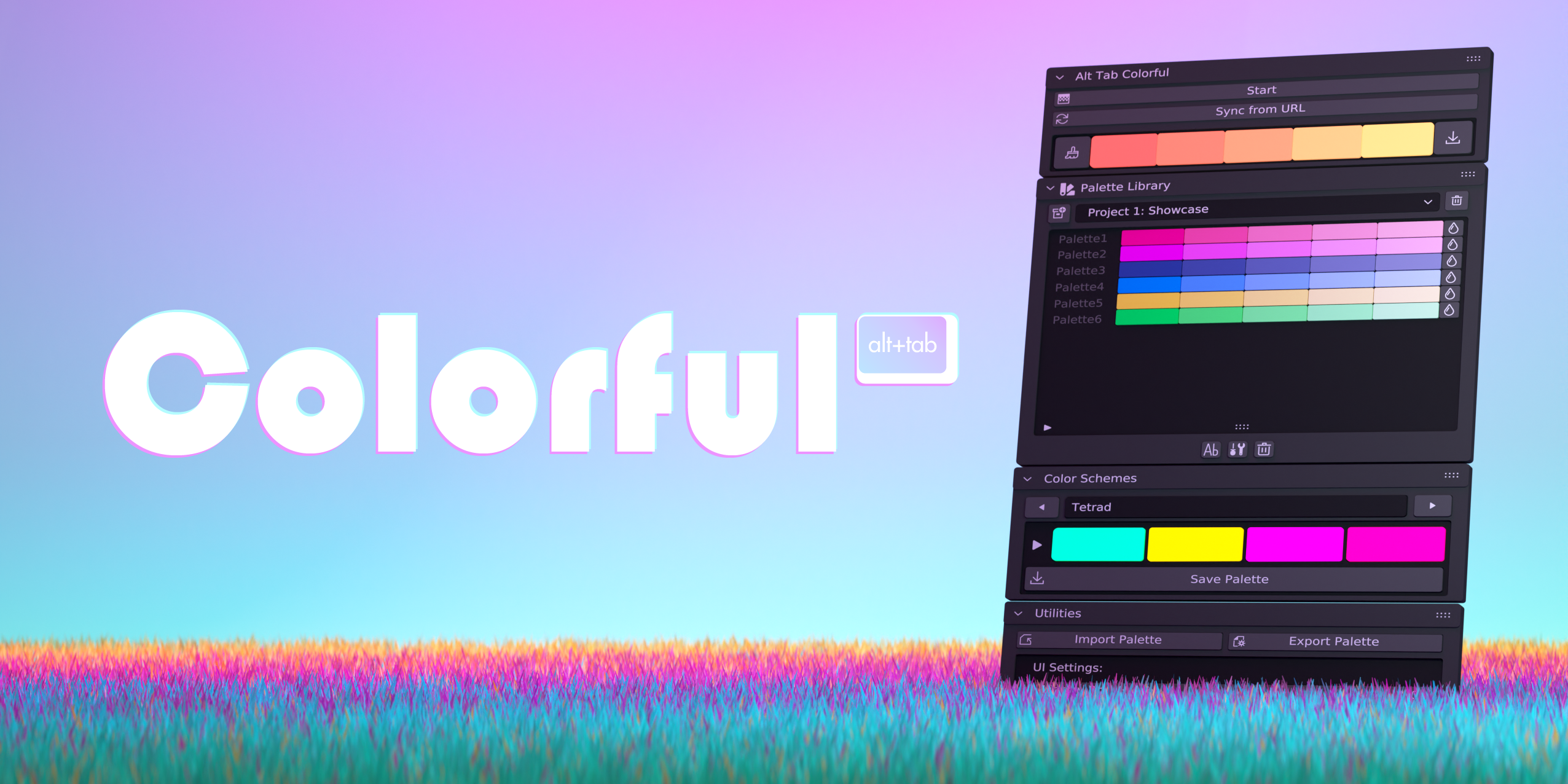
Coplax's Color Hunter can import palettes from Coolors, ColorHunt and Huemint. It also accepts clipboard text containing six-digit HEX colors. Auto-Watch can monitor the clipboard and import a palette when you copy a supported link or color list. You can save and load palettes as JSON. Imported colors appear as cubes in the 3D Viewport, each linked to its own material, so you can inspect a palette in the scene as you work.
Extract colors and generate harmonies
To build a palette from a visual reference, use the image extractor. Coplax applies K-Means clustering to find prominent colors and lets you choose between 2 and 16 colors. Its modes include Balanced, Vibrant, Muted and Full Spectrum. For a palette built from a starting color, choose a base color or sample one with the eyedropper, select a harmony type such as complementary, triad or analogous, then generate the set.
Apply palette colors to scene objects
The palette library lets you preview a swatch and apply its material to the active object. You can also assign swatches as Color A or Color B for gradient work, or use Randomize on Selected to distribute palette colors across selected objects. Consult the Coplax documentation for descriptions of these controls and instructions for finding the COPLAX panel in the 3D Viewport Sidebar with the N key.
Studio Pro gradient tools
The Gradient Generator is marked as a Studio Pro feature. It supports single-color, two-color and pattern modes, with presets such as Linear Gradient, Anodized and Noise. Coplax creates procedural shader node setups that you can continue editing in Blender's Shader Editor. The documentation also describes a Set Displacement & Bump control that enables Cycles displacement settings on selected objects.
Compatibility and license
Superhive lists Blender versions 4.2 through 5.0 and a GPL license. Check the current listing and license terms before installing or relying on a particular Blender version, feature tier or use right, since those details can change.