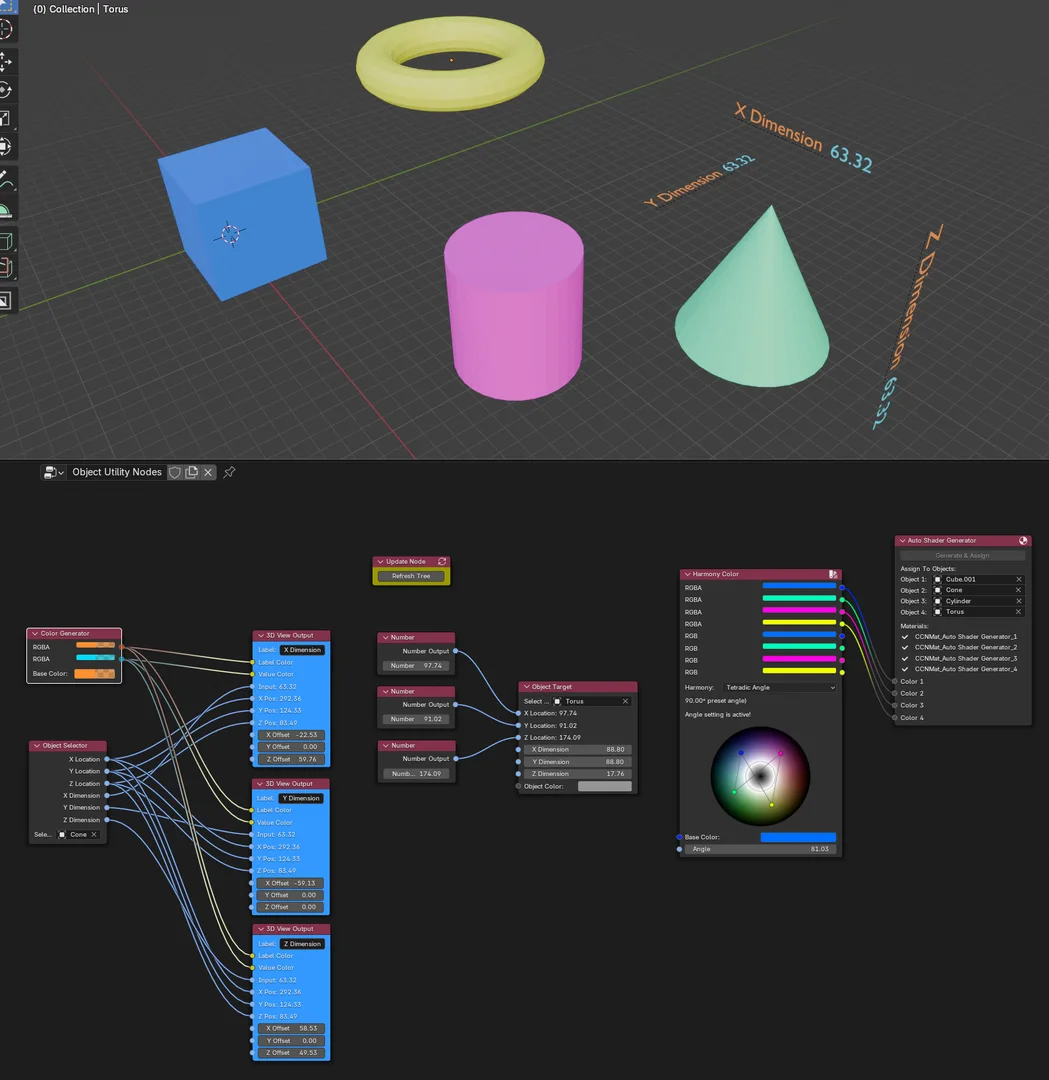
Color Creator is a Blender add-on for making color schemes from a single starting color. It generates Monochromatic, Complementary, and Triad harmonies, and includes a Random Colour Generator for exploring random colors and harmonies.
Available color harmonies
The Color Creator product listing identifies these as the three current harmony styles and says more are planned for future releases.
Work from an RGB node
With an RGB node selected, press W or right-click to open the context menu, then add a harmonious ColorRamp. The context-menu command works without opening the add-on panel. Color Creator also has a panel in the Shader Editor's N-panel.
Install and check compatibility
The installation guide says to download Color-Creator.zip, then use Edit > Preferences > Add-ons > Install in Blender and select the ZIP file and click the "Install Add-on File" button. After installation, open the Shader Editor and find Color Creator in the N-panel.
Superhive lists Blender 2.8, 2.81, 2.82, 2.83, 2.9, 2.91, 2.92, 2.93, and 3.0 through 3.4 in the product details. Its compatibility FAQ says versions newer than 2.8 should work, while noting that not every version has been tested. Check with the developer about compatibility with newer releases. The listing identifies the license as GPL and says unlimited updates are included.