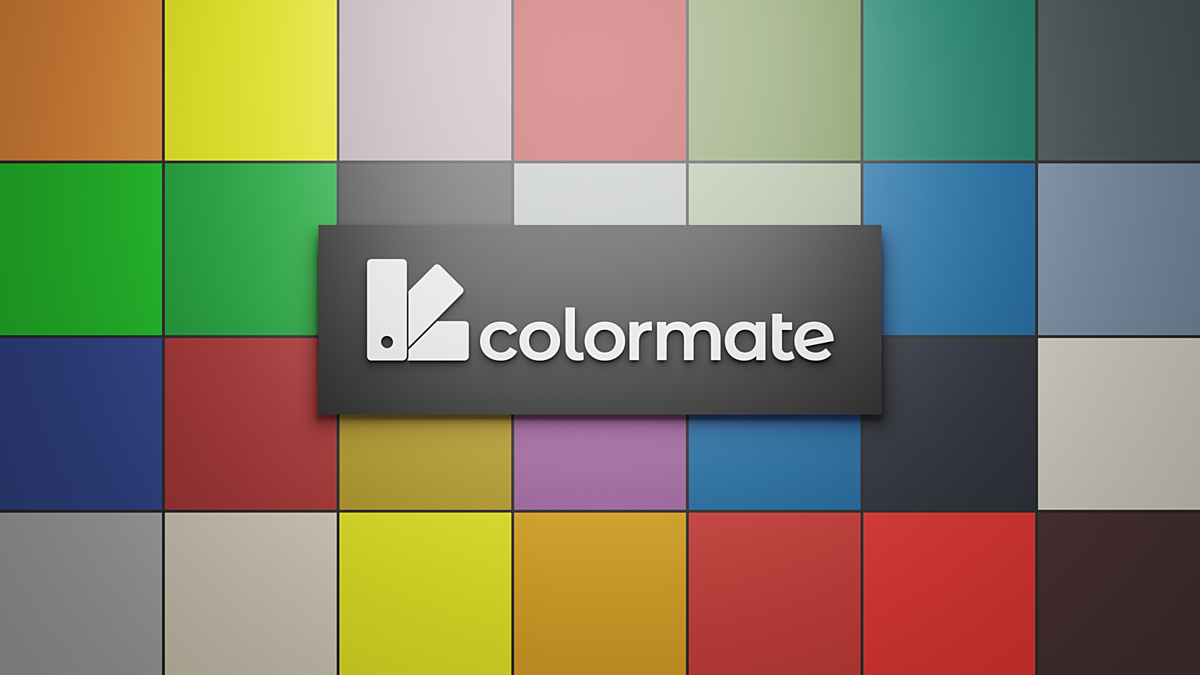
Colormate is a Blender add-on for managing color palettes and calculating color harmonies in the shader graph. It supports mathematical and perceptive harmony calculations in real time, so you can work with colors in Blender instead of copying hex codes or RGB values between applications.
Import and organize color palettes
Colormate reads and writes six palette formats: Adobe Color (.aco), Adobe Color Book (.acb), Adobe Swatch Exchange (.ase), GIMP Color Palette (.gpl), Krita Color Palette (.kpl) and Colormate’s CSV format (.csv). This lets you bring palettes from Photoshop, Illustrator, GIMP or Krita into Blender and manage them in the add-on.
You can drag and drop color swatches, browse the library in list or grid view, and sort colors by value from darkest to lightest. Colormate can also create ColorRamp nodes from colors in the library with a few clicks.
Keep colors with a scene or across files
The Scene Library stores imported or created colors in the scene and saves them with its .blend file. Use it when a palette belongs with one project. The Persistent Library retains colors across scenes and files, including when you open a different blend file. This gives you a reusable collection alongside project-specific palettes.
Quick access in the Blender workspace
Colormate’s panel can dock in the Node Editor and/or 3D View. The version 1.3 update added a Scratchpad tab with 12 swatches for frequently used colors.
Compatibility and documentation
The listing's general statement says Colormate works with Blender versions later than 2.80, but its detailed compatibility list includes 2.80 and runs through 4.0. The listing does not confirm compatibility beyond 4.0, so check the Colormate documentation or the current product listing for your Blender version. The marketplace lists the add-on under the GPL license.
Colormate may suit Blender artists who build materials in the shader graph and want to calculate harmonies, reuse palettes, or move swatches between Blender and supported graphics applications. The documentation covers the add-on’s features and import workflow.