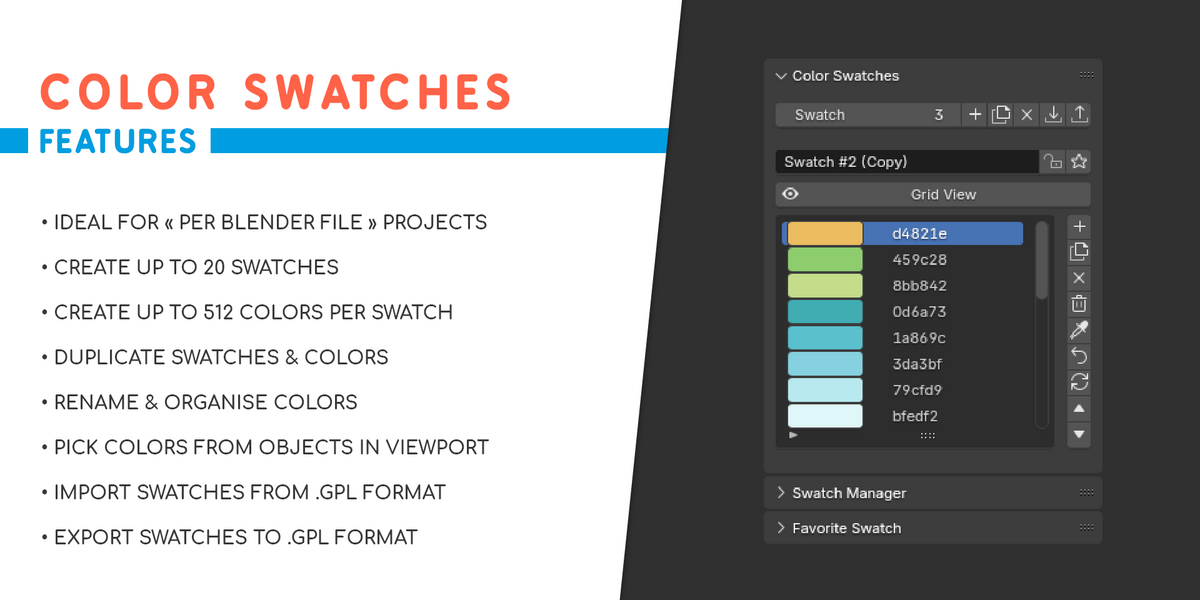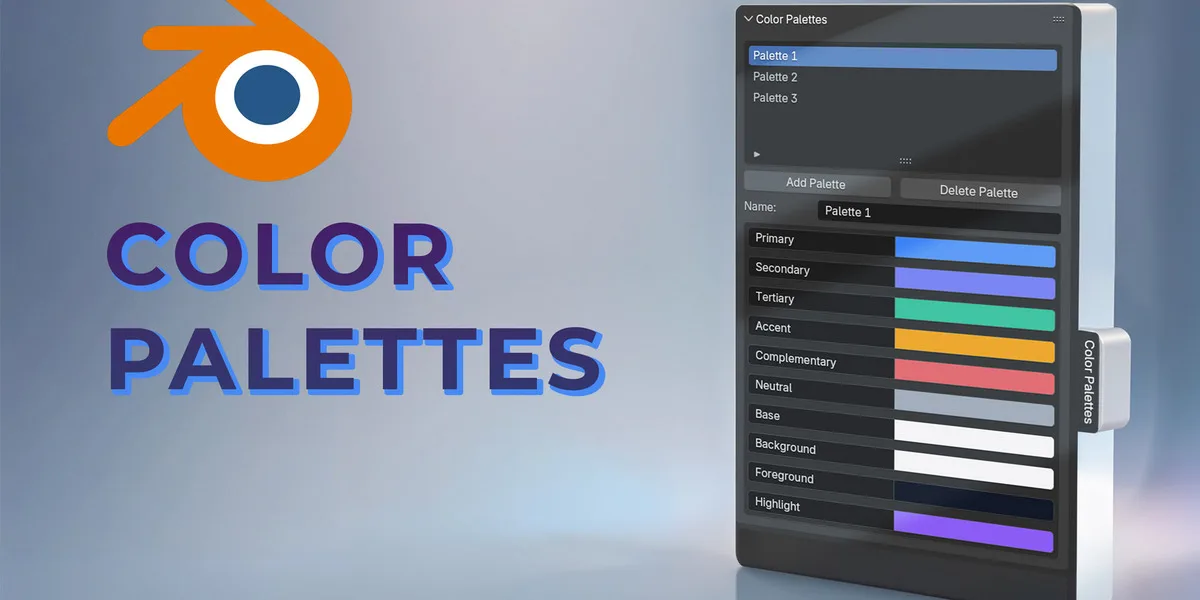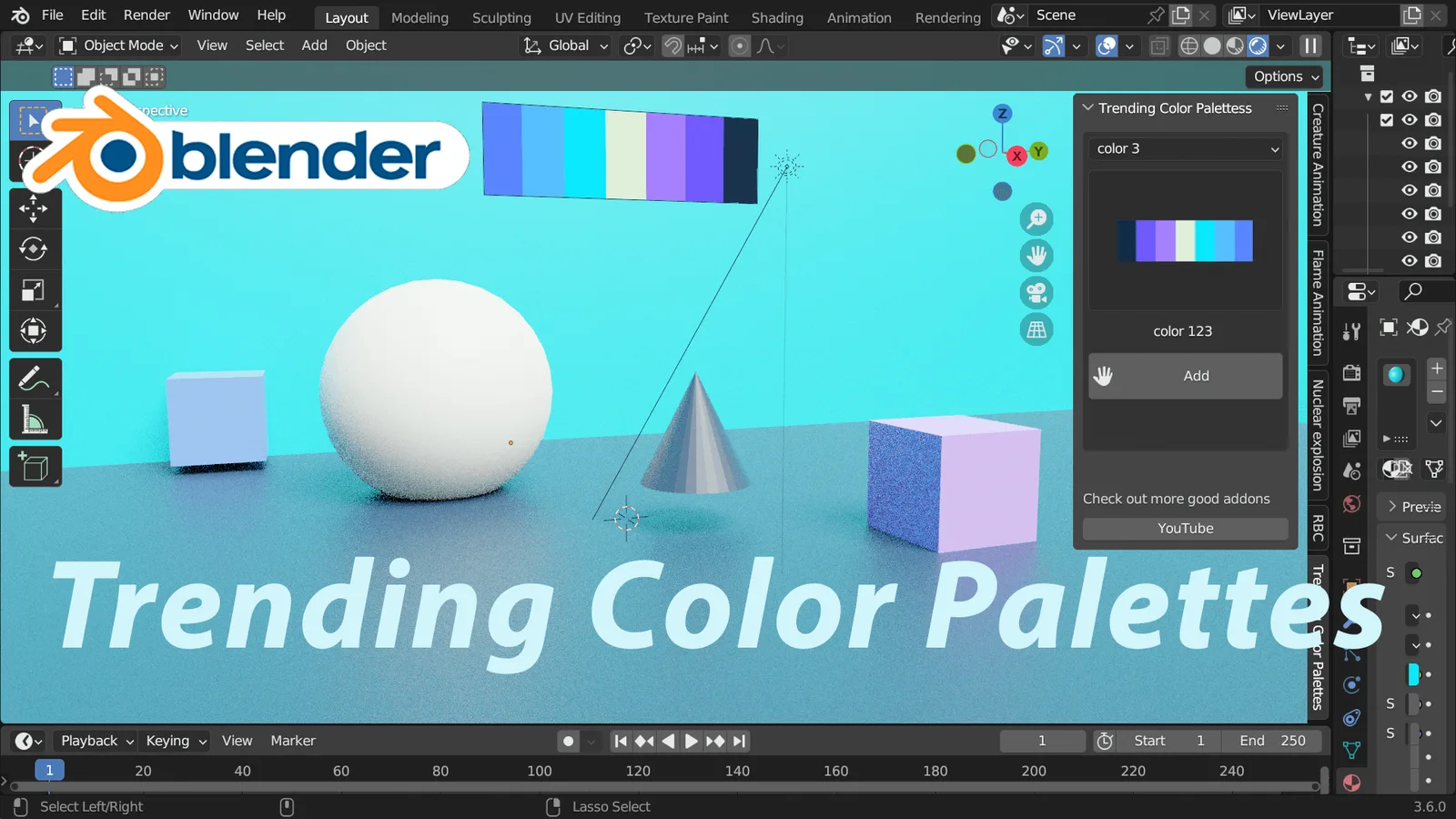
Smart Swatch .Pro is a Blender add-on for creating and managing color swatches, also called color palettes. It adds a thumbnail to the Shader Editor and Blender node menus, with controls for organizing palettes and their color slots.
Organize project palettes
The add-on supports up to 20 swatches, with up to 512 colors in each. Switch swatches between grid and list views, then use the selector to move between them and the text field to name them.
The Color Swatch quick menu can add, remove, duplicate, reset, rename, and organize color slots. A lock prevents a swatch from being deleted while leaving it editable. The Swatch Manager handles creating, removing, renaming, and organizing swatches. A star icon adds a Favorite Swatch to the panel for quick access.
Import and export palettes
Smart Swatch .Pro can import and export palettes in the .gpl file format. Its per-project scope is relevant if you keep palettes for different Blender projects: the developer says permanent swatches are not available for now. The product listing names Blender 4.3 and 4.4 as compatible releases.
Install the add-on
- Unzip the downloaded archive on your computer.
- In Blender, open
Edit > Preferences > Add-onsand uninstall any previous version of the add-on. - Select Install from disk and locate
smart_swatch_pro_4_3_2.py. - Activate the add-on, then close Preferences. Its thumbnail should be available in the Shader Editor and node menus.
The product listing identifies Bertrand PELISSIER as the developer and describes the license as Royalty Free. Review the listing and its license details for current terms. The listing's stated compatibility covers Blender 4.3 and 4.4; check with the developer before relying on another release.